54
Taking Pictures
4
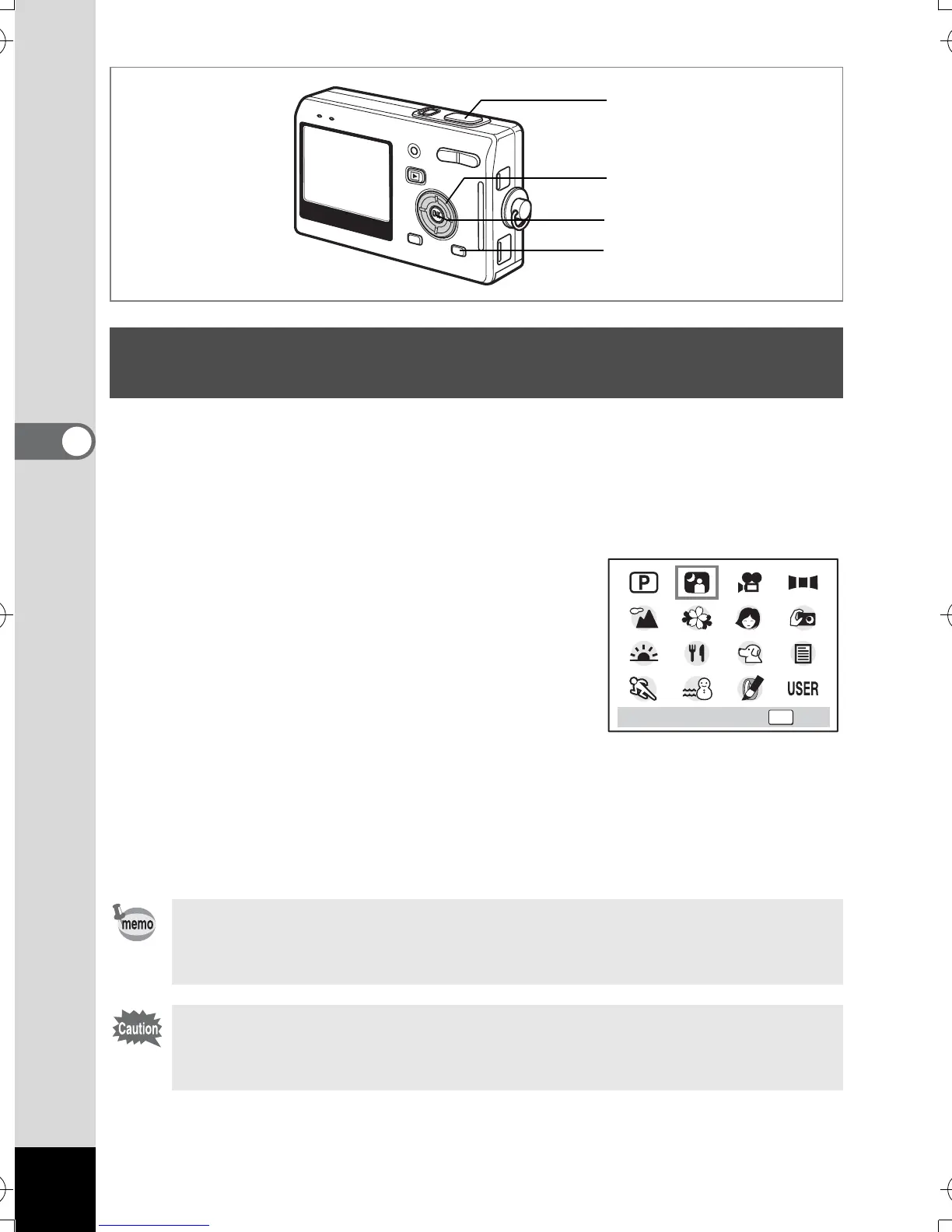
You can take pictures of dark scenes, such as nightscapes, with the
appropriate settings.
1 Press the MODE button in Capture mode.
The Mode Palette appears.
2 Use the four-way controller
(2345) to select
B (Night-Scene
mode).
3 Press the OK button.
4 Press the shutter release button
halfway.
The focus frame on the LCD monitor will light green when the camera
is in focus.
5 Press the shutter release button fully.
The picture is taken.
Taking Pictures of Dark Scenes
(Night Scene Mode)
Total recording time will be longer when the picture is taken at
slower shutter speed (approximately 1/4 second or slower),
because the noise reduction activates to reduce noise.
The shutter speed is slower when taking pictures of dark scenes.
To prevent camera shake, secure the camera on a tripod or other
surface.
4, 5
3
2
1
OK
OKNight Scene
e_kb386.book Page 54 Monday, February 28, 2005 2:39 PM



 To Next Page