147
7
Settings
You can adjust the brightness of the LCD monitor by five levels.
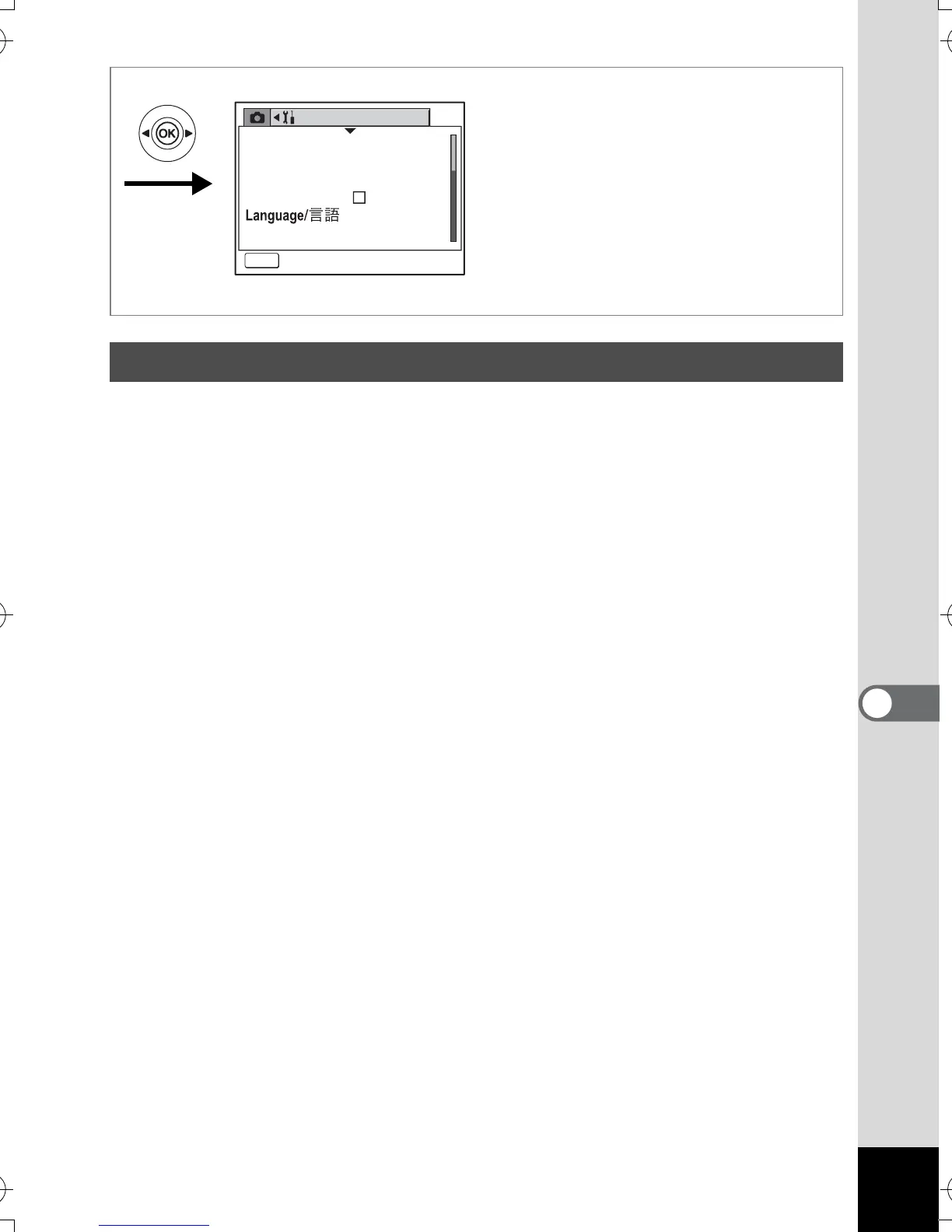
1 Select [Brightness Level] on the [B Set-up] menu.
2 Use the four-way controller (45) to adjust the
brightness.
Moving the slider leftwards makes the LCD monitor darker and moving
rightwards makes it brighter.
3 Press the Q Playback button.
The camera is ready to play back images.
Adjusting the Brightness of the LCD Monitor
Set-up
MENU
Exit
Format
Sound
Date Adjust
English
World Time
USB Connection
PC
e_kb386.book Page 147 Monday, February 28, 2005 2:39 PM



 To Next Page