22
support@ionodes.com | www.ionodes.com | 450-696-1060
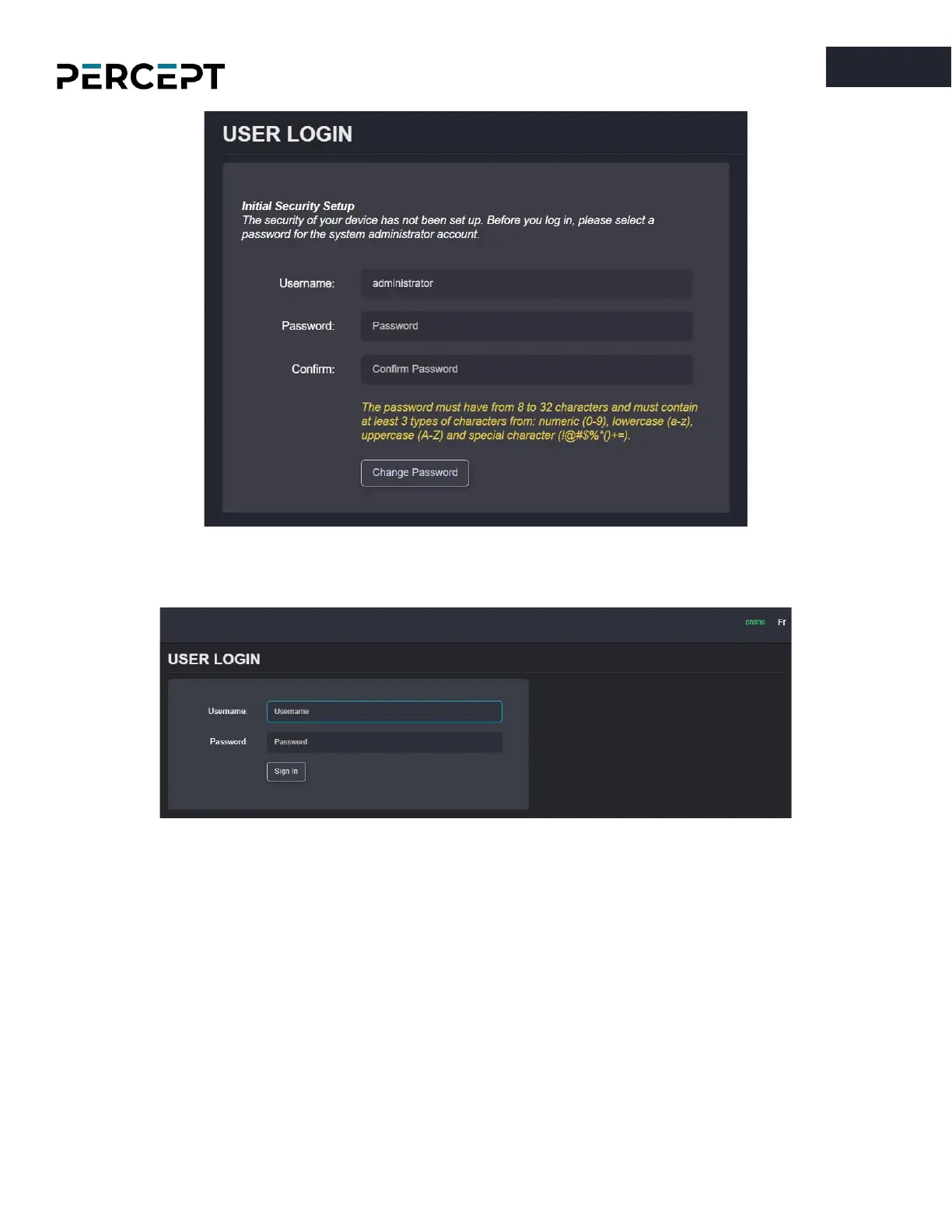
On subsequent access, the following window will be displayed:
The “
online
” indicator in the top-right corner shows that the web interface can communicate with the
body camera. During a firmware update or manual reboot, the indicator will turn to “
offline
”, until the
body camera completes the bootup sequence, making this indicator very useful for troubleshooting
purposes.
Right next to the “
online
” indicator there is a small toggle for changing the language of the web interface
from English (En) to French (Fr) and vice-versa.



 To Next Page