45
support@ionodes.com | www.ionodes.com | 450-696-1060
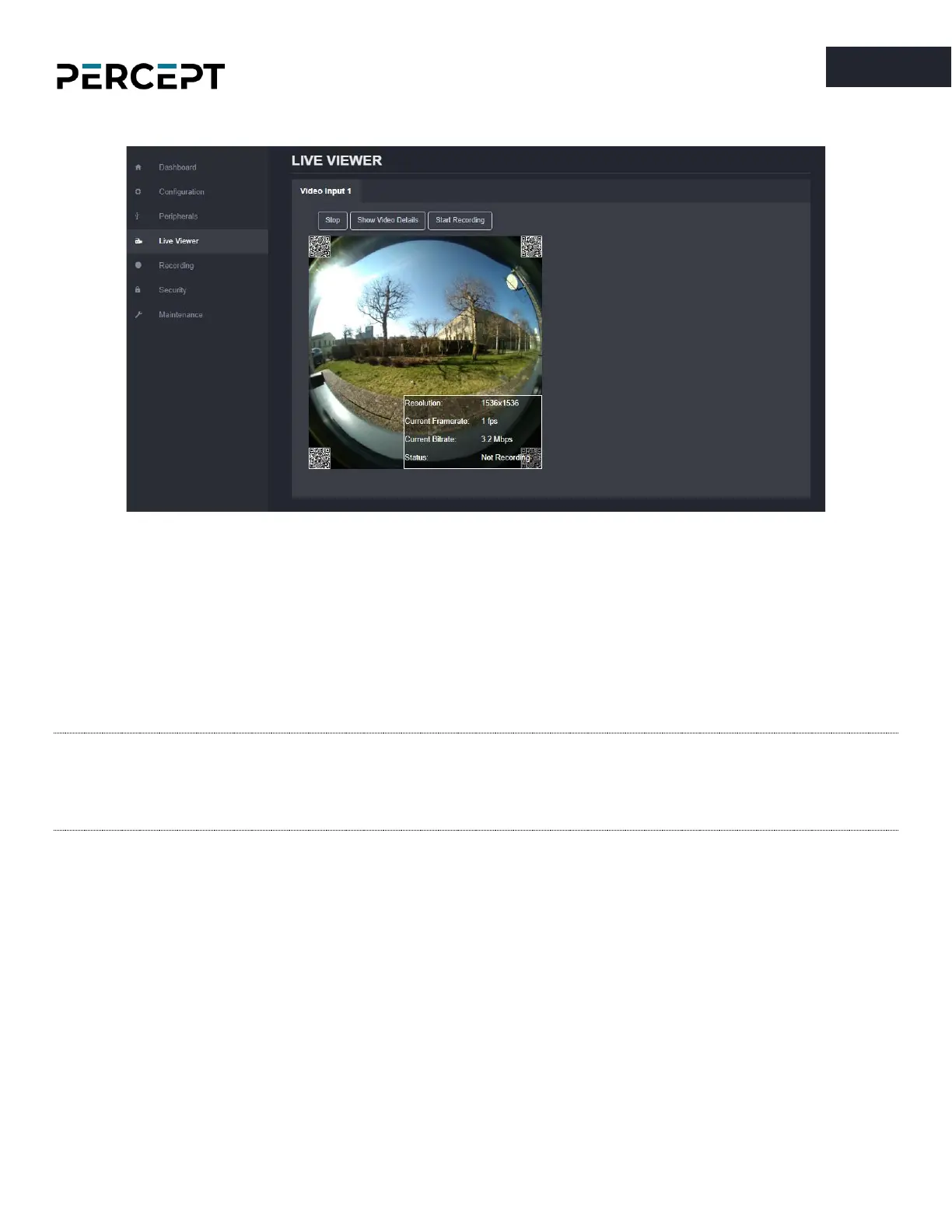
7.3.10 Live Viewer
The
Live Viewer
page allows you to display an MJPEG video stream preview of the captured scene (MJPEG
profile needs to be enabled), as well as starting/stopping an on-demand recording session.
By pushing on the “Show Video Details” button, the user can see the parameters (resolution, frame rate,
bitrate) of the MJPEG stream that is currently playing. It also shows if the body camera is currently
recording video or not.
Note: The recording session triggered from the Live Viewer tab will always use the configuration set
under Configuration > Recorder > Media Recording section in the web interface. So, either the
Profile #1 or #2 (H.264 or H.265) stream will be recorded, not the live MJPEG stream that is
being displayed in the Live Viewer section.



 To Next Page