44
support@ionodes.com | www.ionodes.com | 450-696-1060
• GPS Recording parameters
o
Recording Mode:
Determines when the GPS data should be recorded
▪
Record Continuously:
GPS data is recorded all the time
▪
On Video Recording:
GPS data is only recorded while video is being recorded
▪
Do not record:
GPS data is not recorded at all (even if available)
o
Sampling:
Defines the frequency of GPS data recording
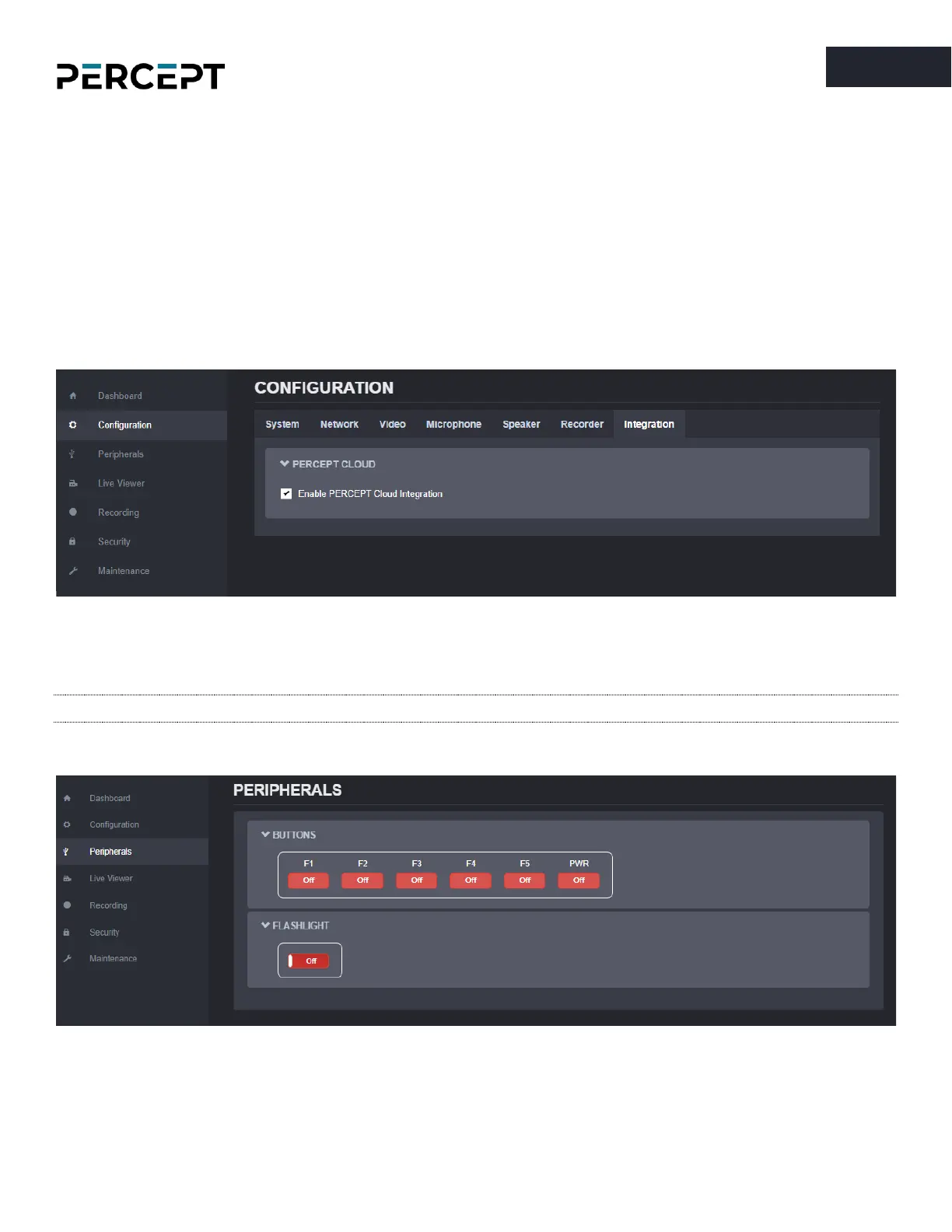
7.3.8 Configuration/Integration
Under the
Configuration
section, select the
Integration
tab to enable the integration of the body camera
to PERCEPT Cloud platform.
Note: Enabling the integration to PERCEPT Cloud will change the microphone from stereo to mono.
7.3.9 Peripherals
The
Peripherals
section offers the user an overview of the current status of the onboard function buttons
and flashlight.



 To Next Page