38
support@ionodes.com | www.ionodes.com | 450-696-1060
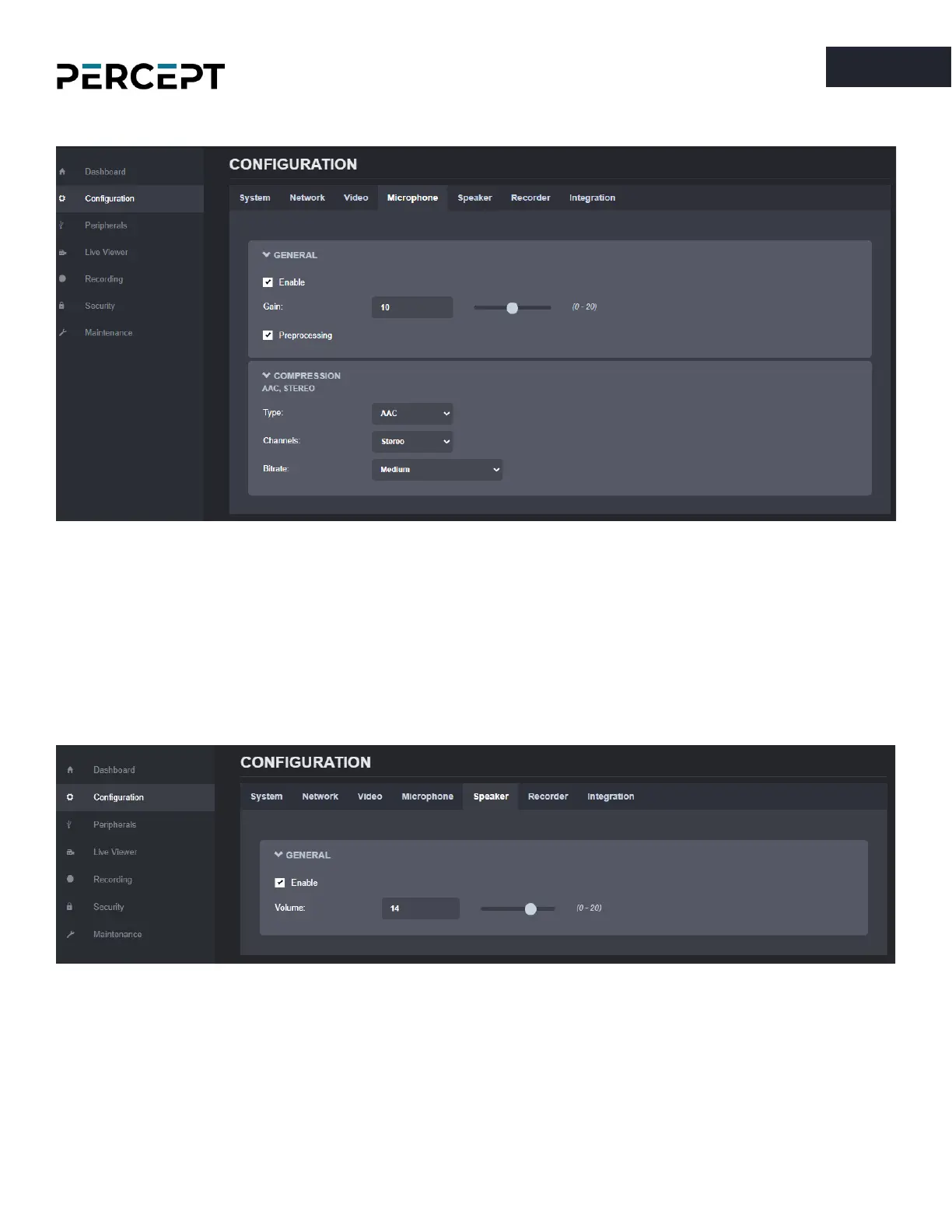
7.3.5 Configuration/Microphone
Under the
Configuration
section, select the
Microphone
tab to perform the following operations:
• Enable or disable the onboard dual microphone system.
• Control the audio gain.
• Enable or disable the audio pre-processing to reduce noise levels in your environment.
• Configure the compression for the audio (type/ channels/ bitrate)
7.3.6 Configuration/Speaker
Under the
Configuration
section, select the
Speaker
tab to perform the following operations:
• Enable or disable the onboard speaker
• Configure the output volume



 To Next Page