47
support@ionodes.com | www.ionodes.com | 450-696-1060
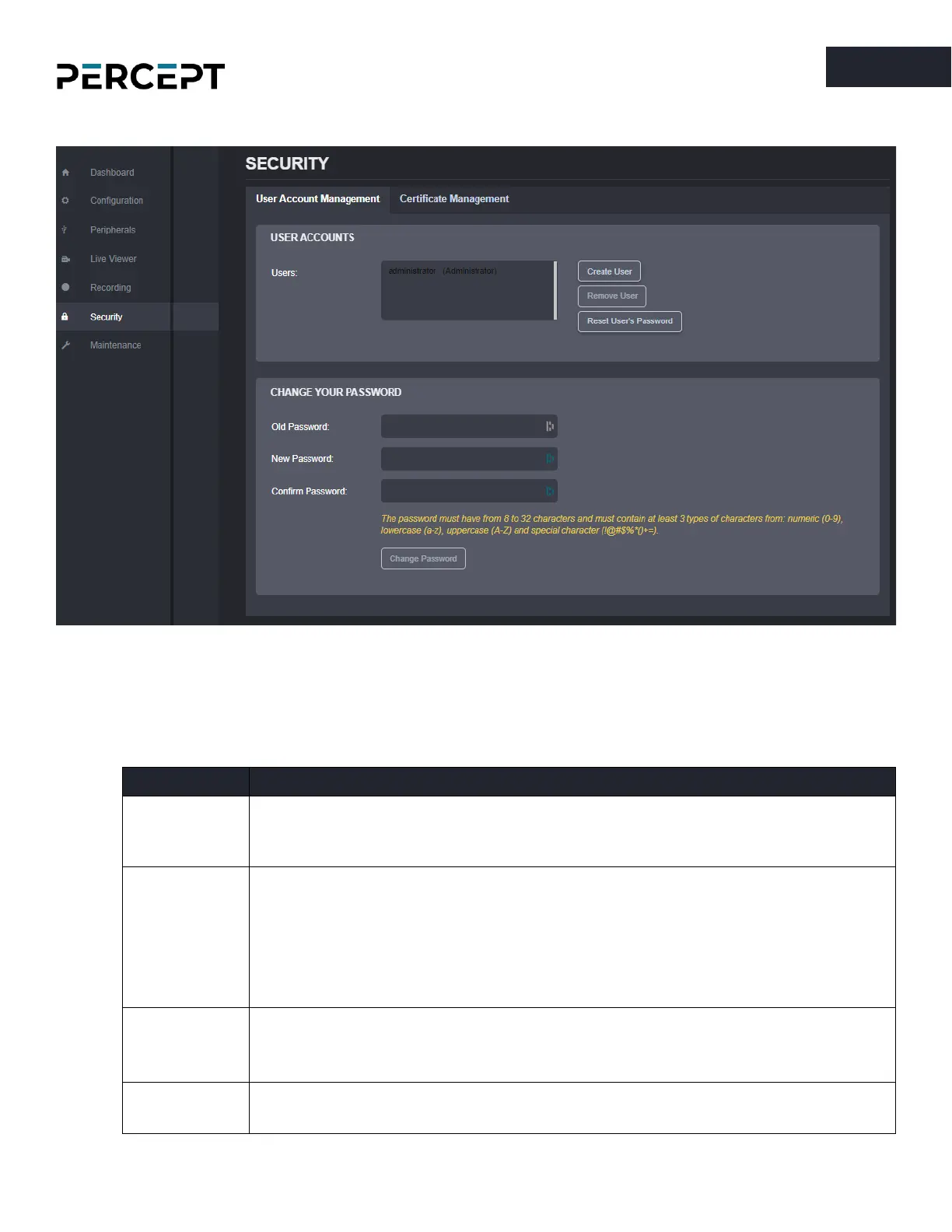
7.3.12 Security
This section allows you to manage user accounts which have access to the device as well as manage
digital certificates.
User Account Management
- A description of permissions for the different roles is provided below.
• can access Dashboard (Product Info/System Status sections only)
• can access Live Viewer
• can change his own password
*in addition to the User role:
• can access Dashboard (Health Status section)
• can change all configuration settings
• can initiate On-demand Recording
• can access the Maintenance section, but cannot perform a firmware
update or reset to factory default settings
*in addition to the Poweruser role:
• can access the Maintenance section and can perform a firmware update
and reset to factory default settings
*in addition to the Superuser role:
• can create or modify all user accounts



 To Next Page