34
support@ionodes.com | www.ionodes.com | 450-696-1060
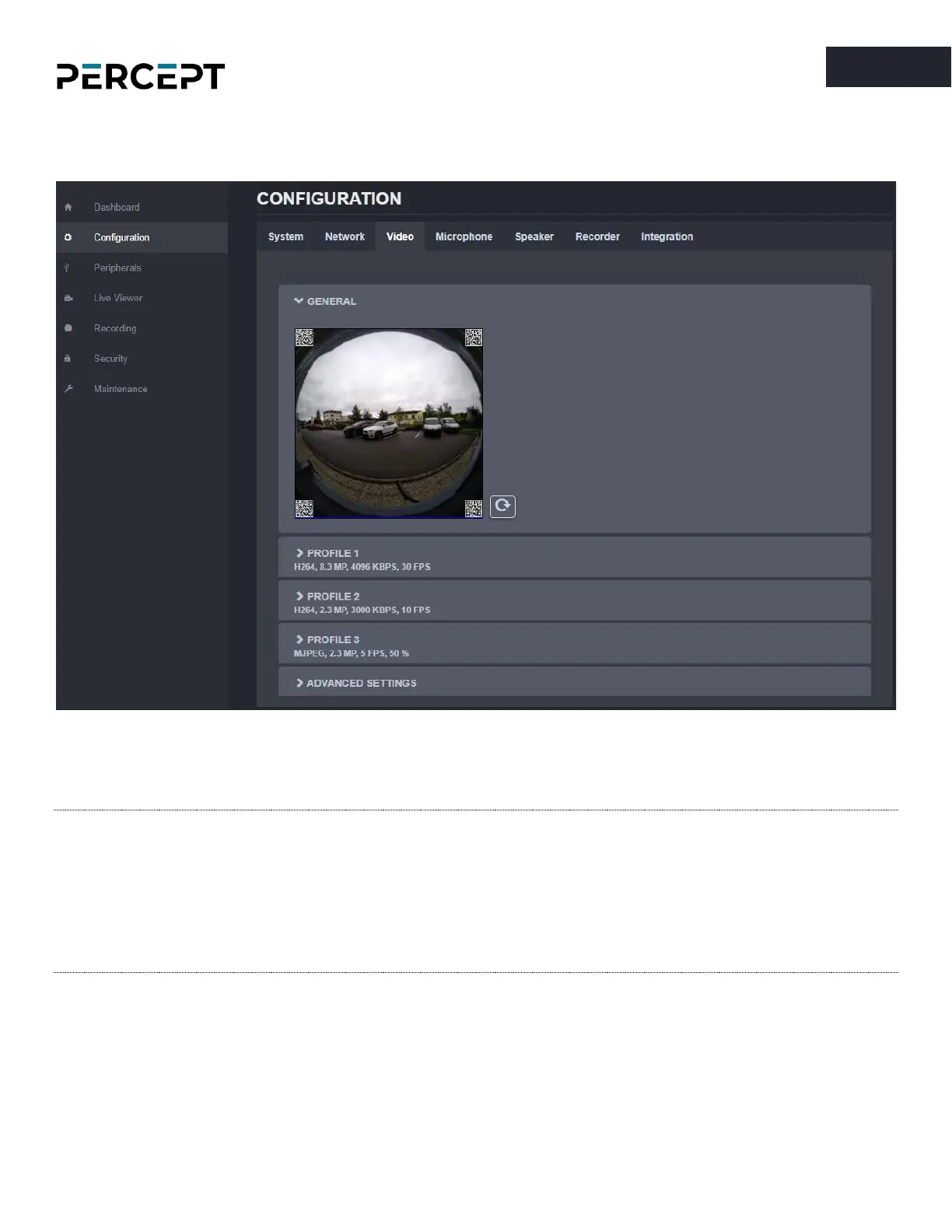
7.3.4 Configuration/Video
Under the
Configuration
section, select the
Video
tab to perform the following operations.
Preview snapshot (still image) in the GENERAL section using the refresh button. Configure the primary,
secondary, and tertiary profiles in the corresponding section.
Note: The primary and secondary profiles can be configured to H.264 or H.265, while the tertiary
profile can only be configured to MJPEG. All three profiles can operate simultaneously.
Note: The capture resolution & frame rate from the sensor are automatically adjusted based on the
configuration of the three encoding profiles (the new capture parameters need to be sufficient
for all profiles). This is done on-the-fly by the body camera and may lead to an increase in the
sensor’s temperature.



 To Next Page