35
support@ionodes.com | www.ionodes.com | 450-696-1060
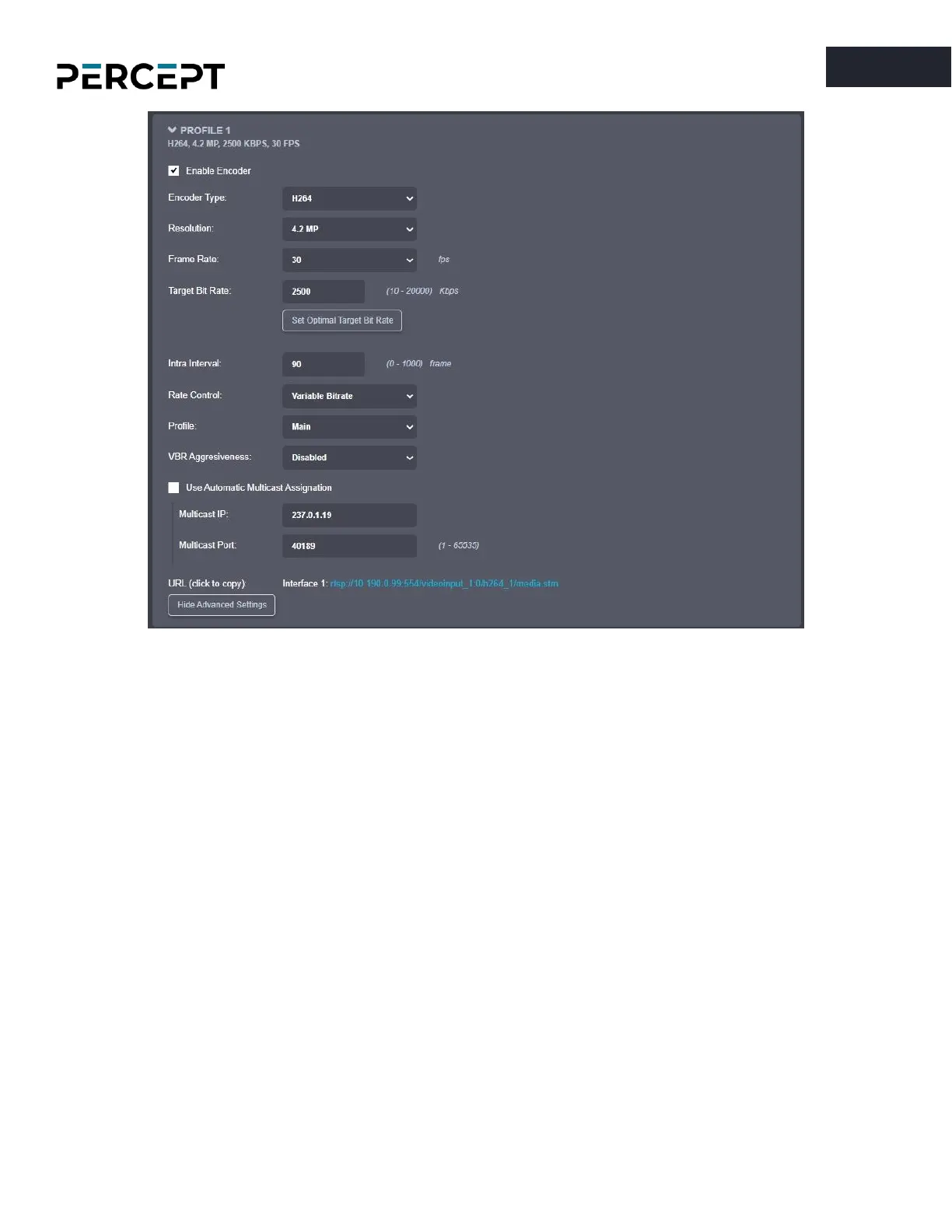
For the primary and secondary profiles, the following settings are available:
o
Enable Encoder
– Allows you to enable/disable the specific profile.
o
Encoder type
- Allows you to choose your profile type (H.264 or H.265)
o
Resolution
– Select the video resolution (expressed in MP)
o
Frame rate
– Select the frame rate (expressed in fps)
o
Target bit rate
– Select the desired target bitrate (expressed in kbps)
o
Set Optimal Target Bit Rate
– Sets an optimal value (based on IONODES experience) for the
target bit rate, considering the current resolution and frame rate
o
Intra interval
– Defines the GOP (Group-Of-Pictures) size (expressed in number of frames)
o
Rate control
– Select between Constant Rate or Variable Rate
o
Profile
– Select the profile for H.264 or H.265
o
VBR aggressiveness
is unique to IONODES products and proposes various levels (disabled
to aggressive) of motion triggered rate control. The more aggressive the setting, the more
variation motion will have on the rate control. It is strongly suggested to disable VBR
aggressiveness for low bit rate scenarios (below 1Mbps) as this parameter may negatively
affect perceived video quality.
o
URL
– displays the URL that can be used for direct streaming from this specific profile.



 To Next Page