36
support@ionodes.com | www.ionodes.com | 450-696-1060
o
Multicast Assignation
– This section will only appear if the Global Multicast setting is
enabled. It allows you to manually configure the Multicast IP & Port for the specific
outgoing stream; when the automatic setting is enabled the encoder will automatically
assign the Multicast IP & Port based on the global range defined under
Configuration >
Network > Multicast
.
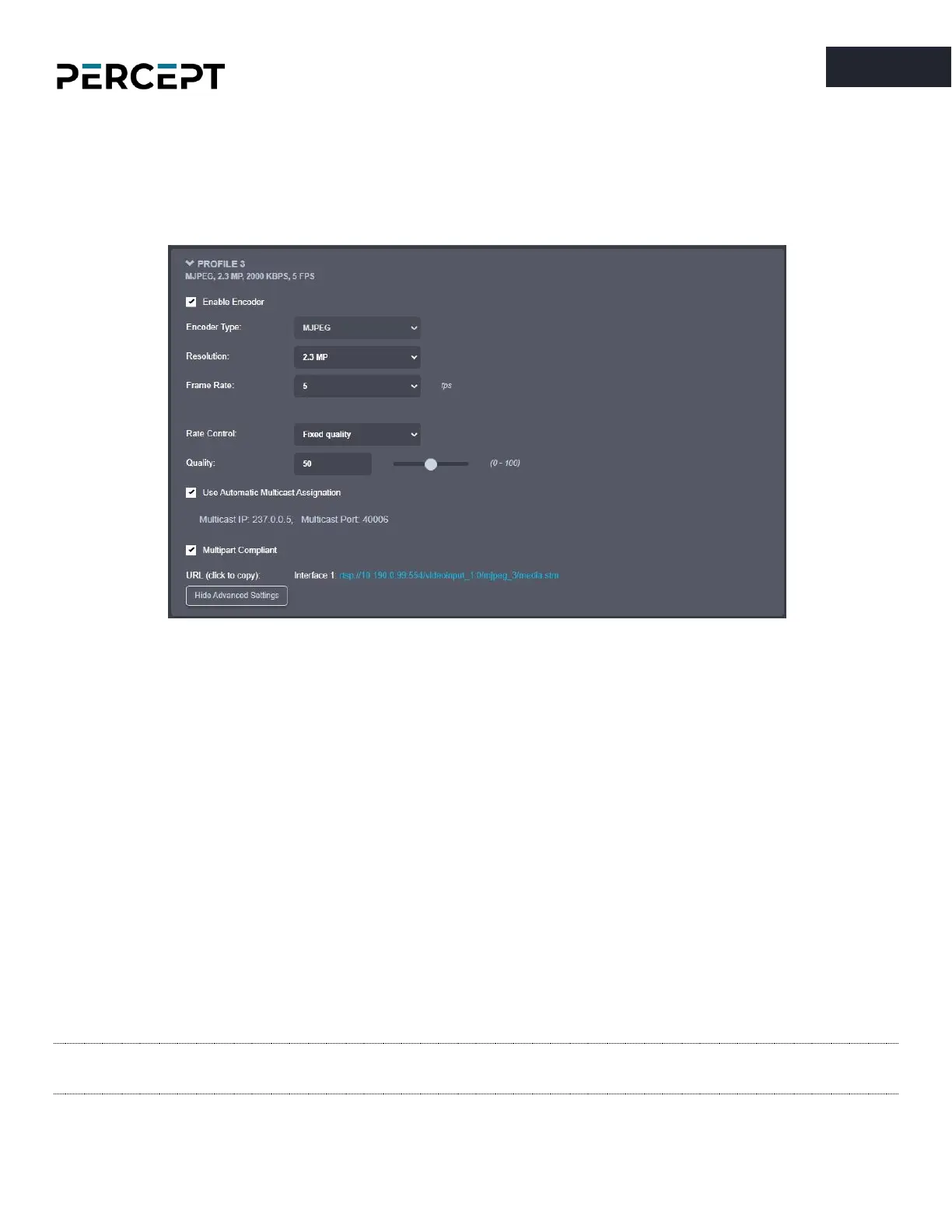
For the tertiary profile, the following settings are available:
o
Enable Encoder
– Allows you to enable/disable the specific profile.
o
Encoder type
– Only MJPEG is available here
o
Resolution
– Select the video resolution (expressed in MP)
o
Frame rate
– Select the frame rate (expressed in fps)
o
Rate control
– Select between Fixed Quality or Variable Rate
o
Quality
– Set the image quality (expressed as a percentage from the maximum)
o
Multipart Compliant
- informs the client to expect several parts (frames) in response to a
GET request for the MJPEG stream.
o
URL
– displays the URL that can be used for direct streaming from this specific profile.
o
Multicast Assignation
– This section will only appear if the Global Multicast setting is
enabled. It allows you to manually configure the Multicast IP & Port for the specific
outgoing stream; when the automatic setting is enabled the encoder will automatically
assign the Multicast IP & Port based on the global range defined under
Configuration >
Network > Multicast
.
Note: When in manual assignation mode, the multicast settings for a specific stream will override
the global settings.
The following ADVANCED SETTINGS are available:



 To Next Page