43
support@ionodes.com | www.ionodes.com | 450-696-1060
Note: This section only controls the GPS data recording to a separate file. The corresponding file
(*.gpx) can be trimmed (based on a specific time interval) and downloaded from the
“
Recording
” menu in the web interface.
Note: The bodycam automatically adds GPS information to the QR codes that are then embedded
into the corners of each full-frame warped image. This feature cannot be deactivated.
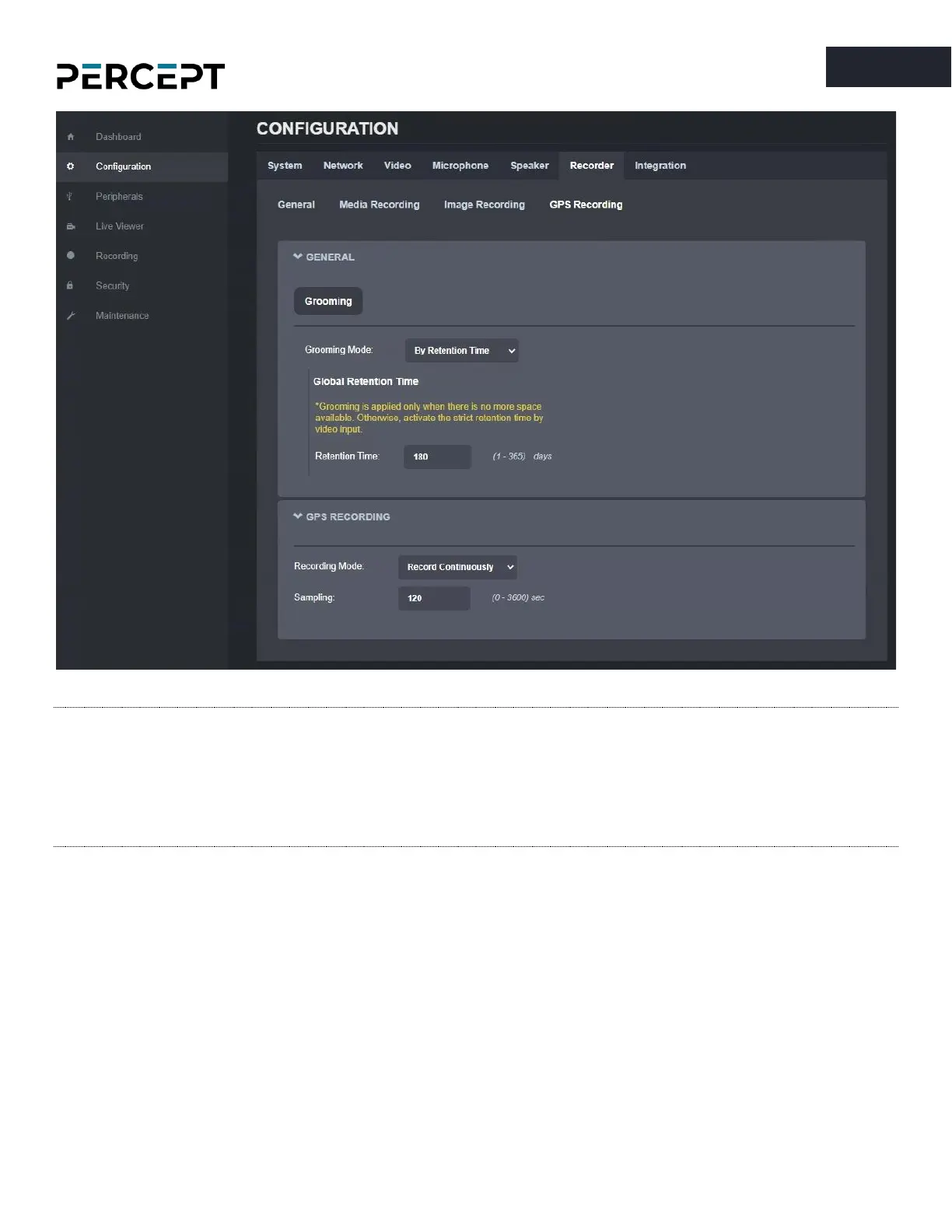
• Configure the GPS Recording parameters
o
Grooming Mode
: defines what files will be overwritten when there is no more available
space on the SD card
▪ Chronological: GPS data is deleted in chronological order from the oldest to the
newest
▪ Manual: a manual intervention is needed to delete the GPS data
▪ By retention time: GPS data is automatically deleted when the retention time is met
o
Retention Time:
defines the duration of time that recorded GPS data must be maintained
when grooming in retention mode



 To Next Page