29
support@ionodes.com | www.ionodes.com | 450-696-1060
mode depending on the presence of a connected USB cable. If required, the SSID can be
set to be hidden as well.
o Ethernet: Handles the network wired connection. This setting will be used when the body
camera is inserted in a docking station with a wired network interface.
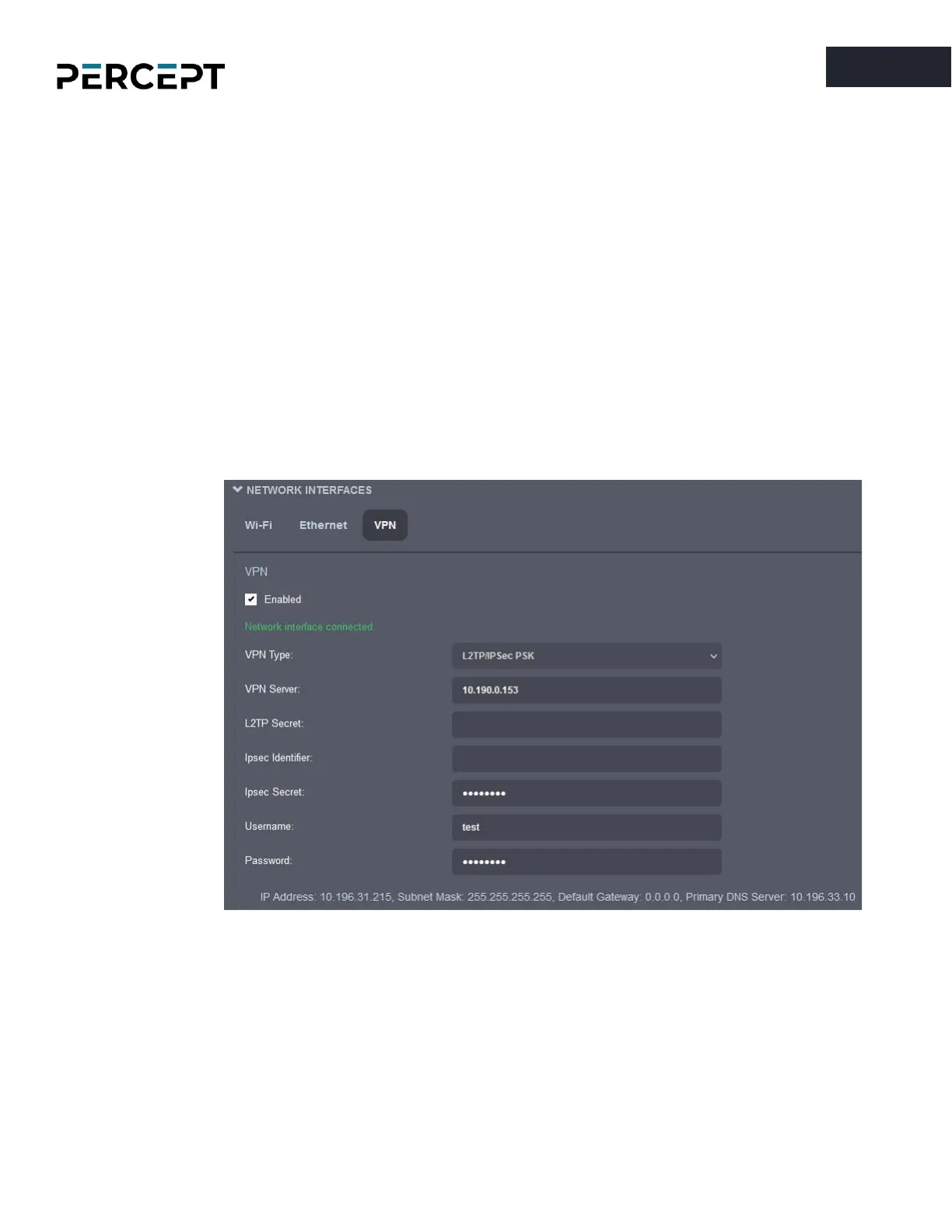
o VPN: In addition to Wi-Fi and Ethernet, the PERCEPT body camera also features a built-in
VPN client that allows you to create a secure connection to another network over the
Internet. The only supported VPN type for the moment is “
L2TP over IPSec with PSK
”, but
more will be added in future firmware releases. Each VPN protocol configuration is
different, so please consult with your IT administrator before setting up this feature on
your PERCEPT body camera.
•
Cellular
– Displays information related to the cellular connection. The connection can be disabled
if needed. The administrator can configure the type of data that is allowed over the cellular
network, such as live audio & video, recorded clips, system information files or firmware updates.
For metadata streaming (GPS or system resources usage) the frequency of the updates is also
user configurable.
o Network - The connection can be disabled if needed. Different health check points are
displayed to monitor the quality and status of the cellular link, including its associated IP
address.



 To Next Page