25
Chapter 6: Pre-Use Check
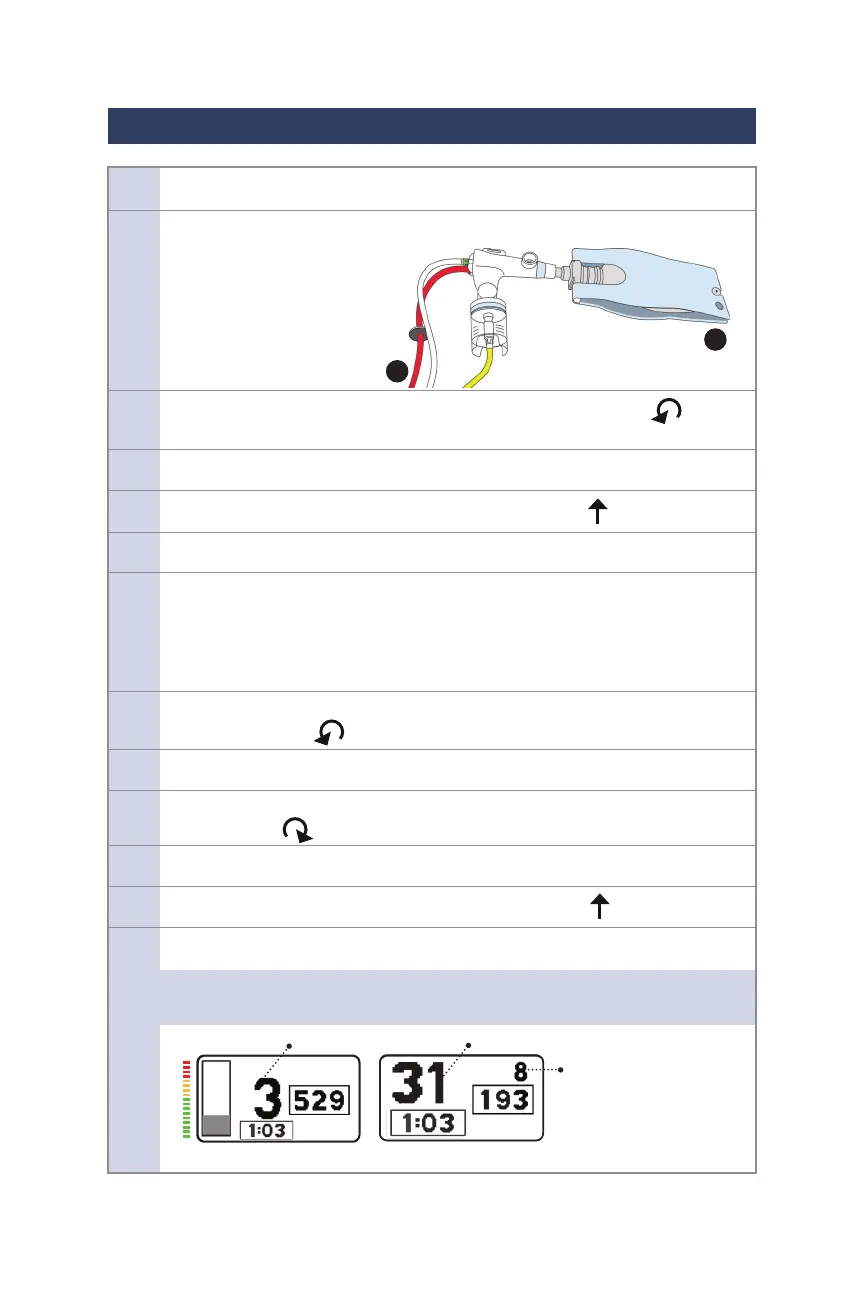
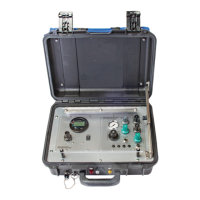
1. Connect a Siemens style 1-liter ventilator test lung to the Phasitron®5. (1)
2. Connect the Phasitron®5 tubing connectors to the IPV®-1C using the red, clear
and yellow connections. (2)
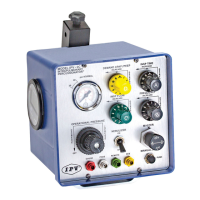
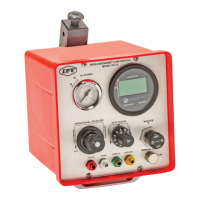
3. Rotate the OPERATIONAL PRESSURE knob full counterclockwise
to the stop (OFF) position.
4. Connect the IPV®-1C to gas source supply.
5. Rotate the “A” black PERCUSSION knob to the center, up position.
6 Rotate the MASTER switch to the “ON” position.
7. Rotate the OPERATIONAL PRESSURE knob to obtain a pressure between
40-42 psi/2.7-2.9 bar on the operational pressure gauge. Verify pressure by
occluding the REMOTE connection for 3 seconds, this will halt percussions
and hold the pressure gauge steady. Adjust Operational Pressure knob
accordingly.
8. Rotate the “A” black PERCUSSION knob to the left, full
counterclockwise position.
9. Conrm pulse frequency rate of 300 or above.
10. Rotate the “A” black PERCUSSION knob to the right,
full clockwise position.
11. Conrm pulse frequency rate of 100 or below.
12. Rotate the “A” black PERCUSSION knob to the center, up position.
13. Verify that the MAP pressure indicated on the multimeter is greater than 10 cmH
2
O.
NOTE: If using the “EUR” multimeter, MAP is in a dierent position on display.
50
0
30
Mean Airway Pressure Pulse Amplitude
Mean Airway Pressure
US IPV® Display
EUR IPV® Display
(Continued on p.26)
1
2


 To Next Page