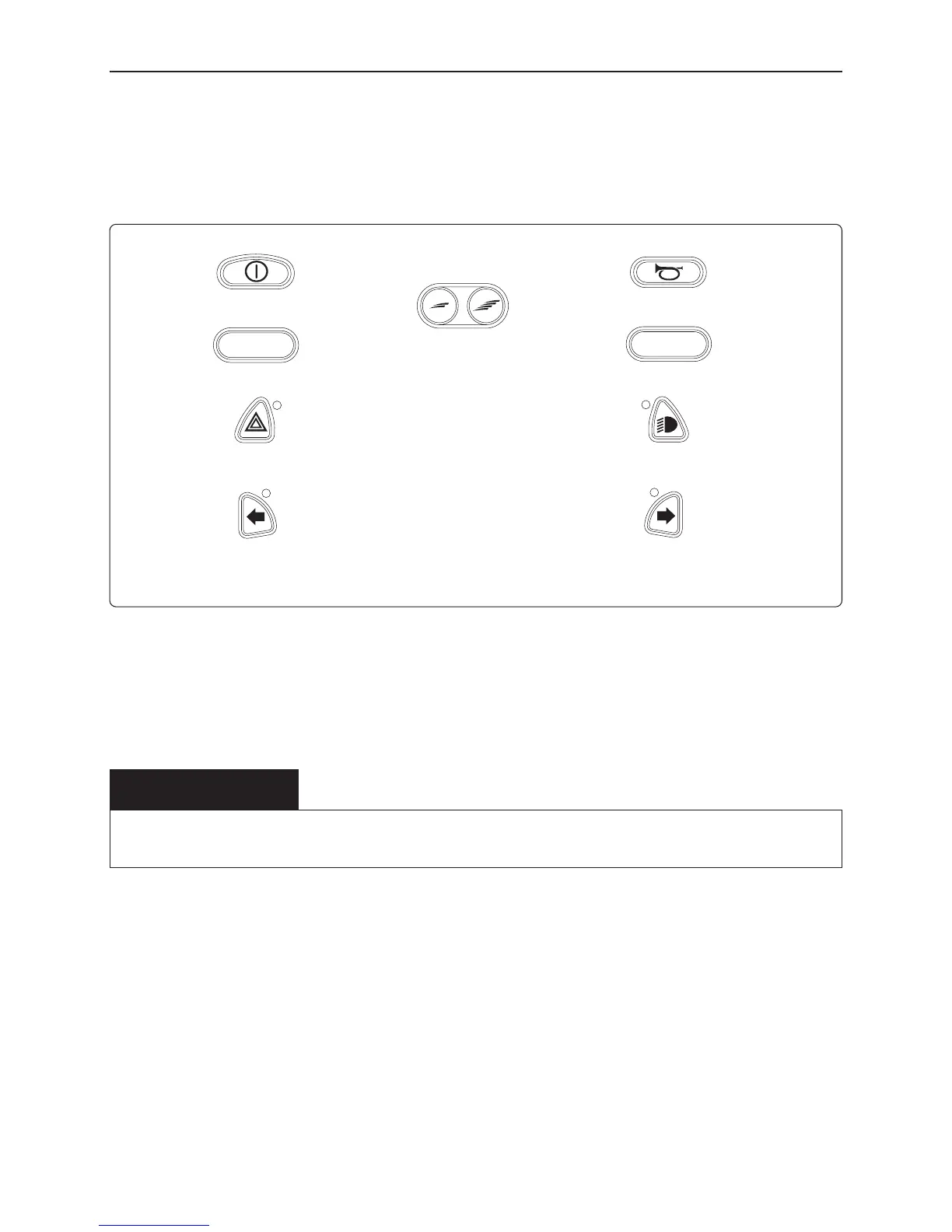
Function Buttons
On the control panel there are a total of 10 Function Buttons.
On/Off Button
The On/Off button applies power to the control system electronics, wich in turn
supply power to the wheelchair’s motors.
Horn Button
The horn will sound while this button is depressed.
Speed Decrease Button
This button decreases the maximum speed setting. Depending on the way the
control system has been programmed a momentary screen may be displayed
when the button is pressed.
WARNING
Do not use the On/Off Button to stop the wheelchair unless there is an emergency.
If you do, you may get thrown out of the chair or shorten the life of the wheelchair drive components.













 To Next Page