Owner´s Manual Permobil C500 R-net Diagnostics
81
2.2 System Log Screen
All trips are stored in the system log, whether they have been resolved or are
still active. The system Log stores the Trip Text and the number of occurrences.
The trips are stored in their respective Modules within the system.
The System Log is entered using On Board Programming, OBP.
For more information about OBP, contact Permobil or your service agent.
Enter OBP Mode
• Select System from the menu.
• Select Diagnostics from the menu.
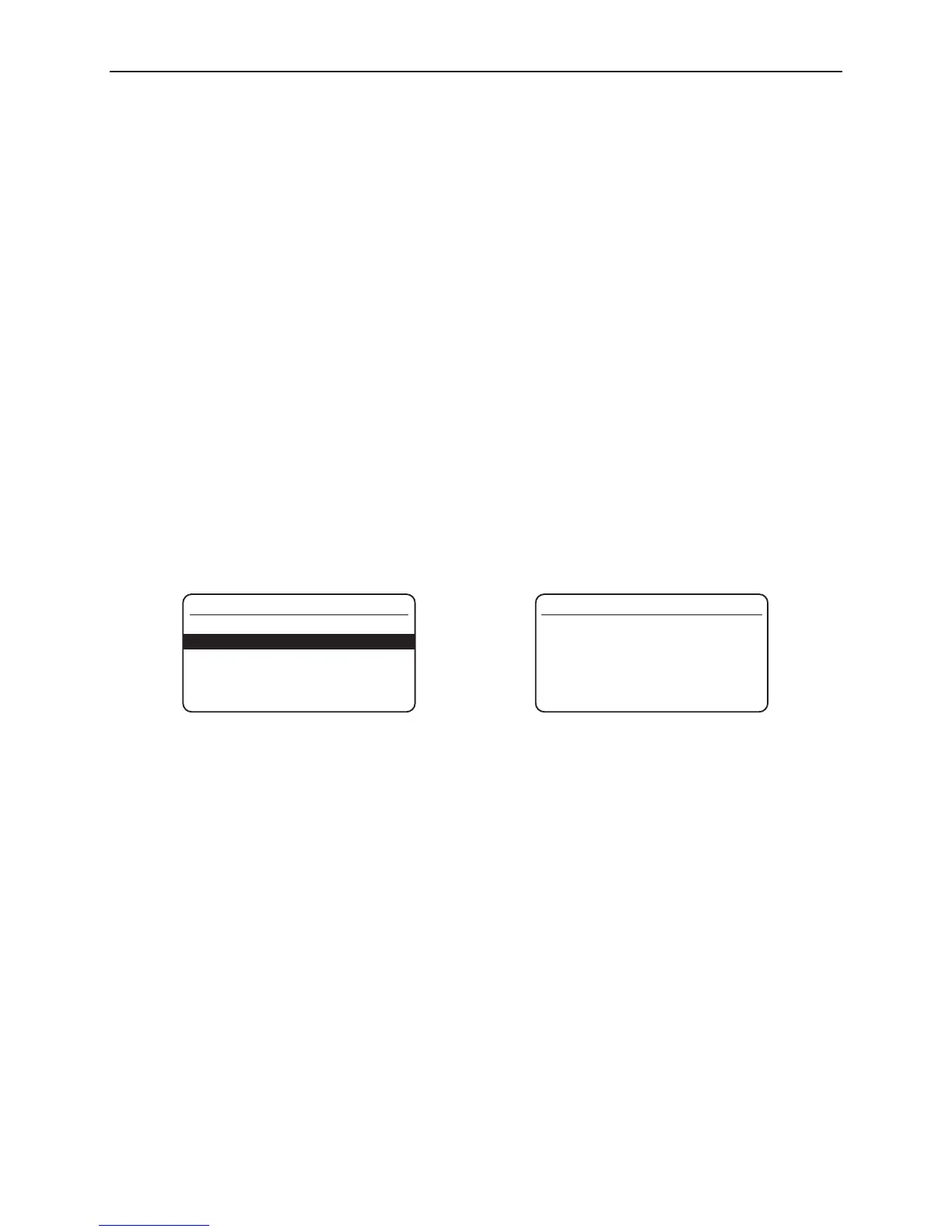
• This displays the Diagnostic screen which show the connected modules and
the version history. See diagram below.
• If a Module has had no trips then the message No Entries will be displayed,
otherwise something similar to the following screen will be displayed.










 To Next Page