Explorer Mini Getting to know your wheelchair
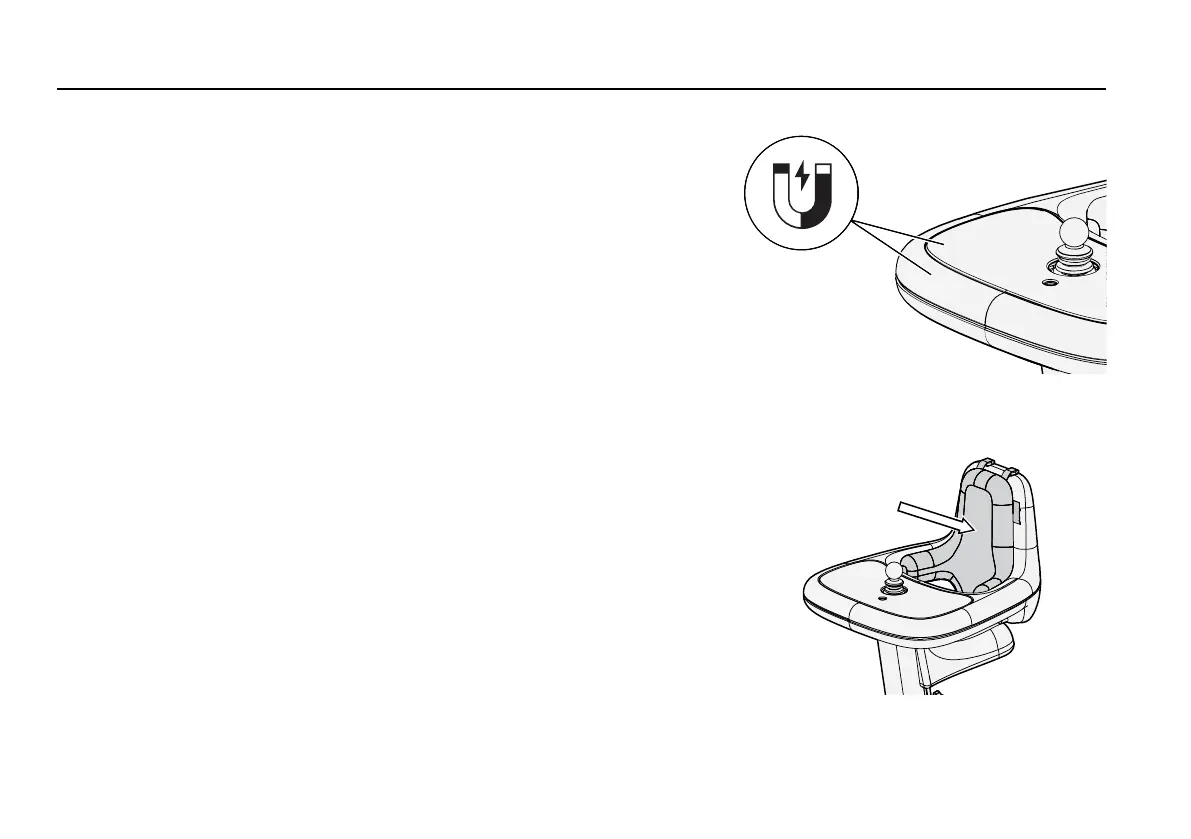
3.3.2.1 Tray top
Figure 4. The tray top is attached with magnets.
The tray top covers the table and is attached with magnets. You can
remove it to access the functions of the control panel, and to clean
areas which easily become dirty.
For instructions on removing the tray top, see 4
Adjustments
.
3.3.2.2 Cushion
Figure 5. The cushion is attached to the backrest from
the start.
The cushion is attached to the backrest from the start and is intended
to provide support to small children. It can be removed and attached
as needed.
For instructions on removing the cushion, see 4
Adjustments
.
42


 To Next Page