G
B
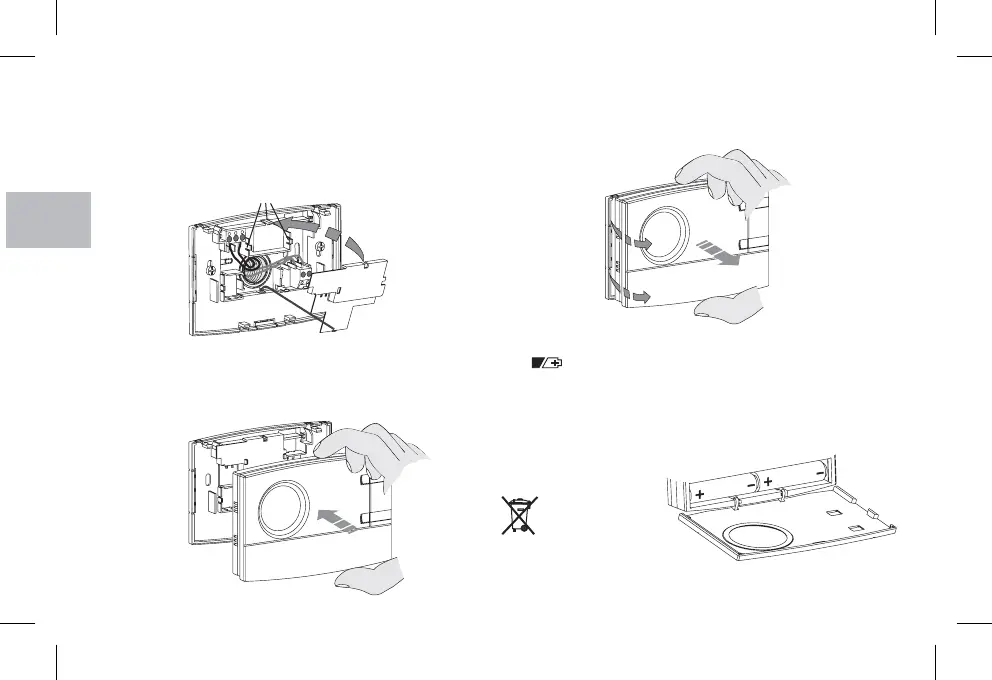
6 - ATTACHING OR REMOVING THE CHRONOTHERMOSTAT FROM THE BASE
Fit the cable cover on by inserting the tooth into the slot in
the base, then secure it by lightly pressing on the hooks
Use a small screwdriver to remove the cover by levering on each
hook in succession
D E
F.
F.
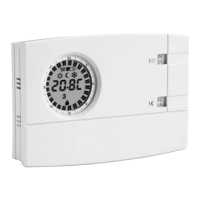
Hook the chronothermostat onto the base, taking care to insert
the contacts correctly, then exert light pressure until you hear the
click of the attachment teeth.
To remove the chronothermostat from the base on the wall, grip it
as shown in the figure, then extract it by turning it on the right-hand
side.
16
7- FITTING/REPLACING THE BATTERIES
The symbol appears on the display to indicate that the
batteries need to be changed.
Open the chronothermostat door.
Replace the dead batteries with two
batteries (LR6)
Close the door.
!
!
!
1.5 V AA alkaline
Penlight paying attention to their polarity.
Note: when changing batteries, the time available to perform
the operation without losing data is about 1 minute
Dispose of flat
batteries in the
proper containers.
E
D
F


 To Next Page