17 | P a g e
4.7 Read Timers
The timer function records the motor run time in hours, and the time the drive has been
energized. There are two timers for each function, one which can be reset, and one
permanent. To view and reset the timers:
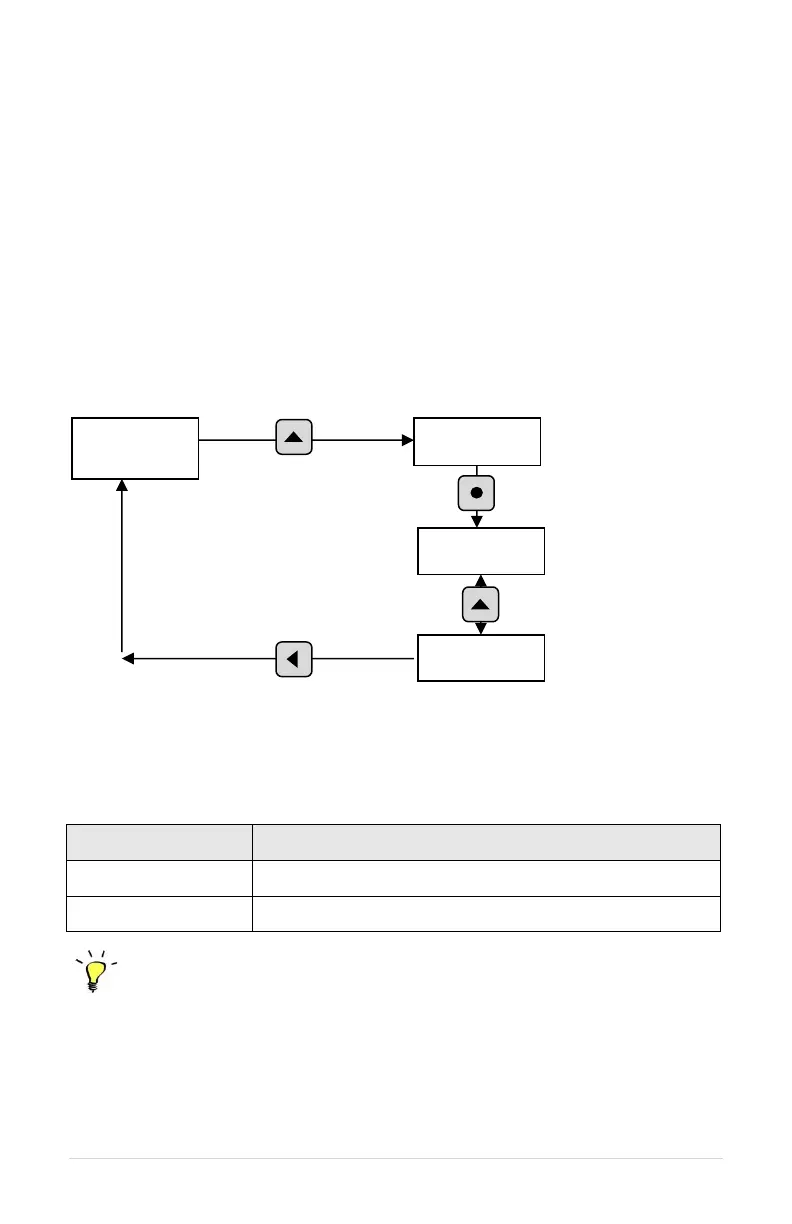
1. Press the MENU key to scroll through menu items until READ TIMERS appears
on the display.
2. Press ENTER to enter this menu item.
3. Use the up and down arrows to scroll through the clock functions.
4. To reset the clock timers, navigate to the Main Menu item, CLEAR MEMORY,
press ENTER, and then use arrow keys to select RESET TIMERS. Press
ENTER to reset the timers.
Figure 14 – Read Timers
Table 10 - Timers
Programming Tip
To reset the timers, navigate to the Main Menu item, CLEAR MEMORY, use arrow keys to
select RESET TIMERS, and then press ENTER.
To reset the clock timers,
navigate to the Main Menu
item,



 To Next Page