14 | P a g e
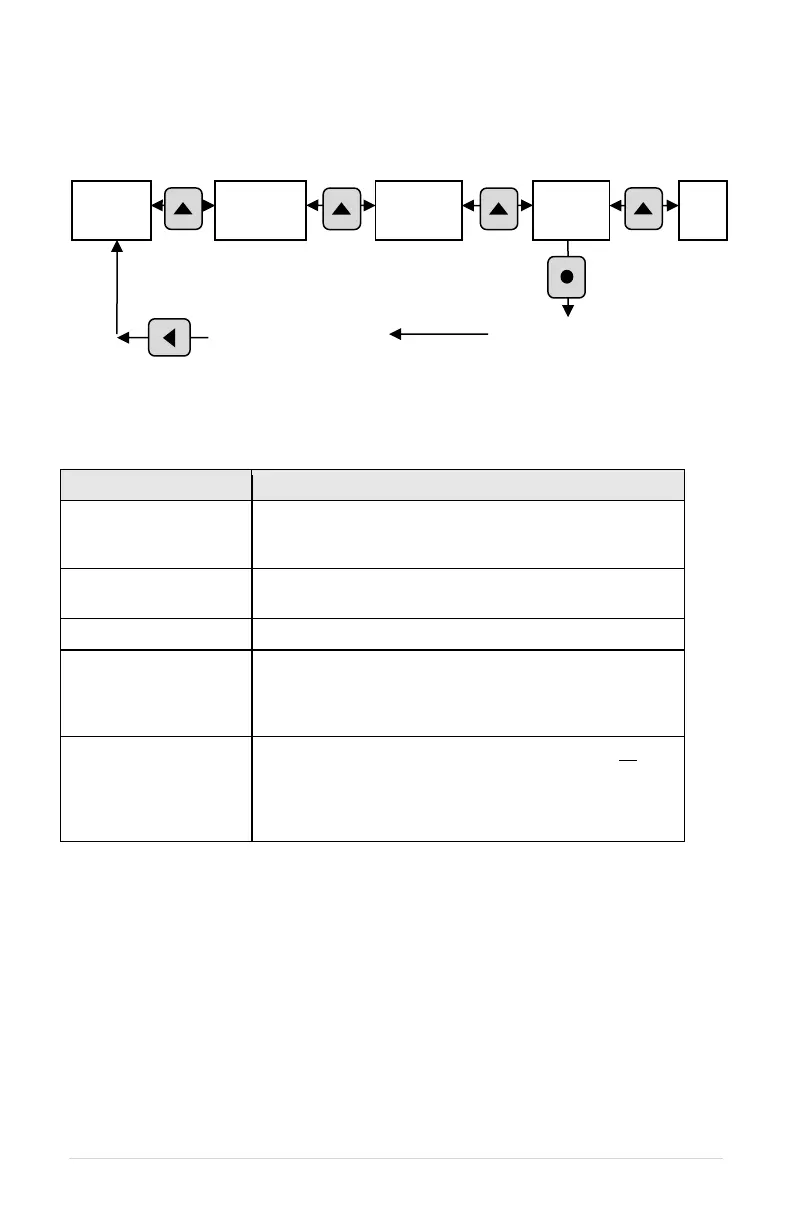
Figure 11 - Navigating Main Menu Items
Table 8 – Main Menu Items
Allows the user to set values for functions such as motor
overload settings, dry well condition, time to restart after
a fault, etc.
Displays measured values such as output current, input
voltage, load power factor, etc.
Records motor run time and drive on time.
A re-settable fault log that records the number of times a
particular fault has occurred. The number of faults
counted in this log can be cleared through the CLEAR
MEMORY menu.
This function clears the Restart Log and Timers. All fault
counters in the Restart Log will be reset to zero. If any
number of automatic restarts have been allowed through
parameters in the Auto Restart Parameters (Table 15),
the counter on these faults will be set to zero.
4.5 Change Parameter Values
The Main Menu item, CHANGE PARAMETER VALUES, leads to several sub-menus that
contain adjustable operating parameters. These parameters provide basic functions such
as motor overload protection and advanced features that allow you to customize operation
of the drive to fit your application.
The following Section 5, Adjustable Parameters, contains a complete list of the parameters
along with a description of their function and instructions on setting them.
Press HOME, then use UP and DOWN arrow
keys to scroll through Main Menu items
Press ENTER key to
view or edit a Main
Menu item
escape back to the
Main Menu items



 To Next Page