18 | P a g e
4.8 Clear Memory
The CLEAR MEMORY function in the Main Menu resets the motor run timer, drive on time
(powered up) timer and the Restart Log which counts faults by type.
1. Press the MENU key then use the ARROW keys to scroll through menu items to
CLEAR MEMORY.
2. Press ENTER to select CLEAR MEMORY.
3. Use the up and down arrows to find either RESET TIMERS or CLEAR
RESTART LOG.
4. Press ENTER to reset the selected function.
4.9 Restart Log
The Restart Log counts the times each fault type has occurred. The fault counters are
resettable, and are tied to automatic restart fault types. Automatic restarts are programmed
through the AUTO RESTART PARAMETERS, a sub-menu of CHANGE PARAMETER
VALUES.
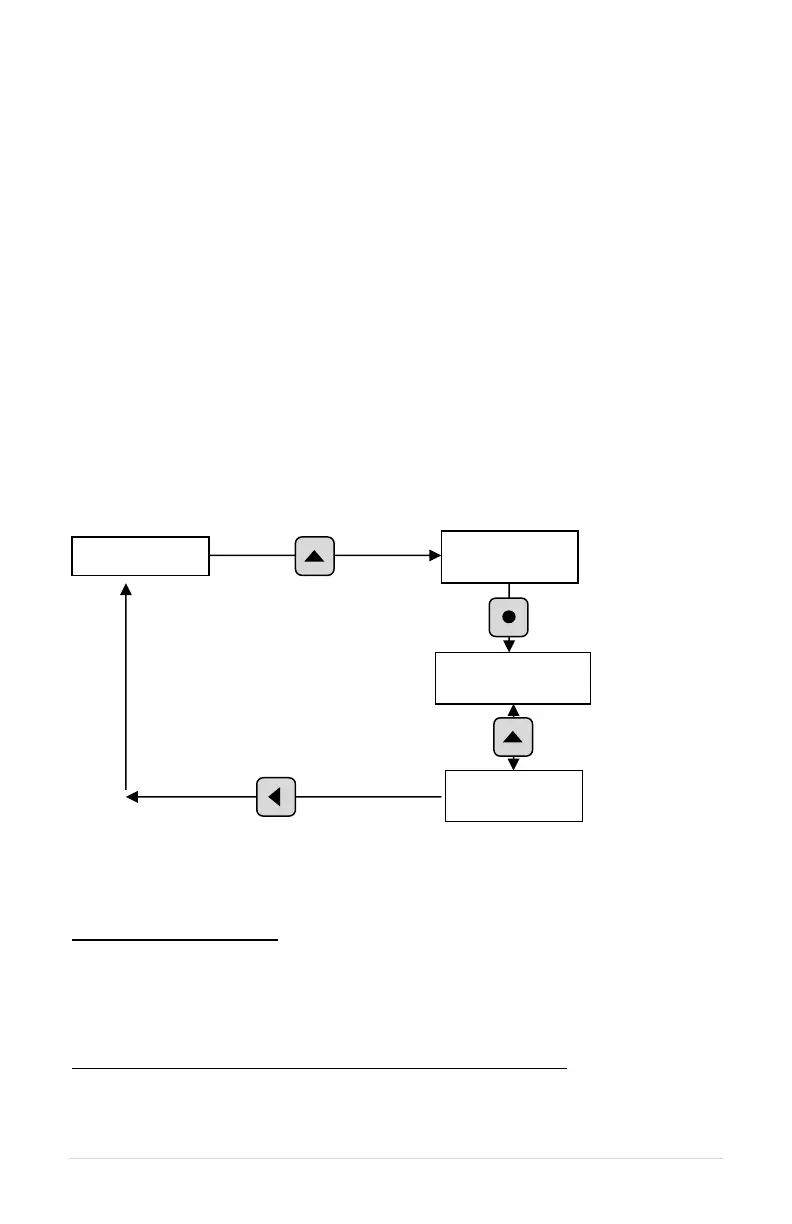
Figure 15 – Restart Log
To view the RESTART LOG:
1. Scroll through menu items until RESTART LOG appears on the display.
2. Press ENTER to access this menu item.
3. Use the up and down arrows to scroll through the faults.
4. The fault will appear on the first row of the display, followed by the number of
times that fault has occurred.
To clear the RESTART LOG and reset all Auto-Restart fault counters:
1. Scroll through menu items until CLEAR MEMORY appears on the display.
2. Press ENTER.
3. Use the up and down arrows to find CLEAR RESTART LOG.
4. Press ENTER to clear the Restart Log and reset all Auto Restart fault counters.



 To Next Page