12 | P a g e
USING THE KEYPAD AND DISPLAY
Essential Series drives are capable of many advanced, easy-to-use features that allow the
user to protect the motor load from damage, monitor load conditions, log motor run time,
troubleshoot the system, and more. The keypad is easy to use and understand, with 32
character text messages and an intuitive interface specifically tailored for pumping
applications.
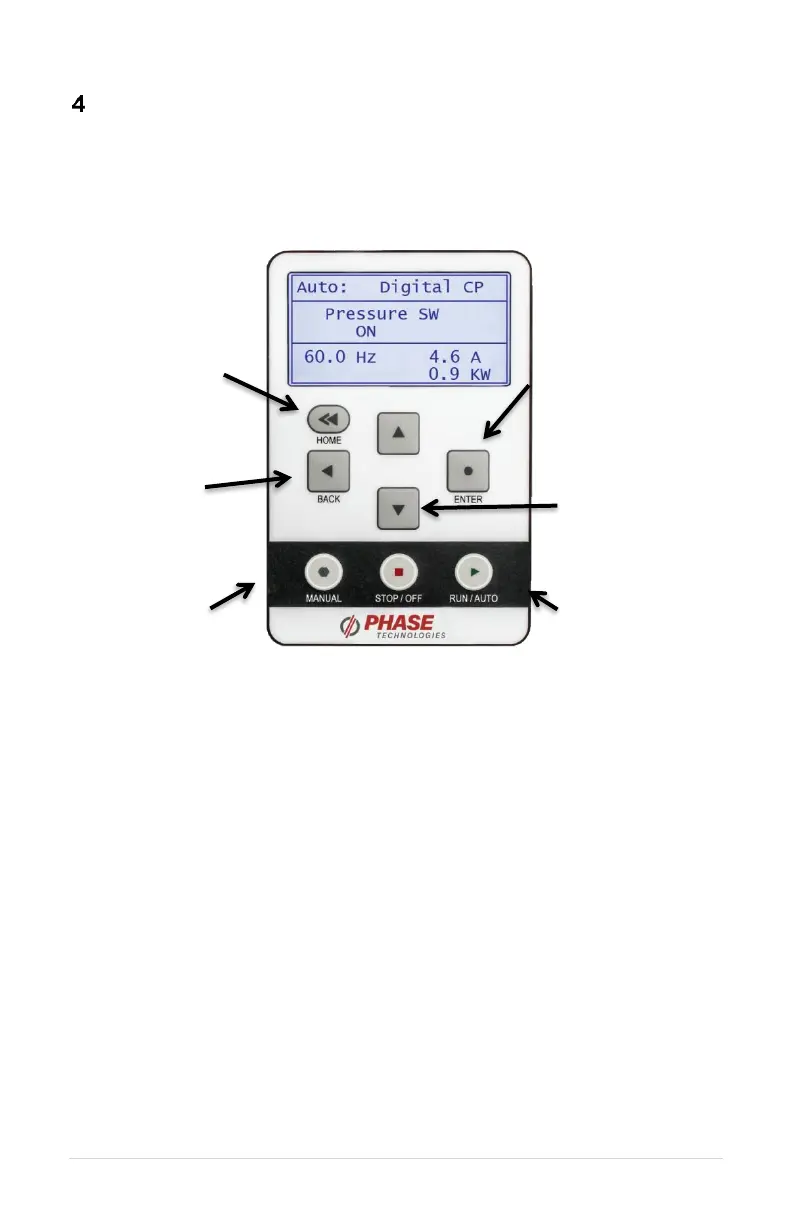
Figure 10 – Graphic Display and Keypad
4.1 Display Modes
After two minutes of keypad inactivity, the display will revert to the default display mode.
Information on the display will vary based on the operating mode of the drive. When
operating in AUTO mode with the factory default System Configuration 0, the display will
indicate output kilowatts (kW), output amps (A), output frequency (Hz) and the status of the
AUX1 and AUX2 inputs.
4.2 Password Protecting the Keypad
The keypad can be set up with a password to prevent unauthorized changes in adjustable
parameters. The parameter PASSWORD SETUP (Table 14, Interface Parameters) is used
to protect the keypad. When this parameter has a value of zero the keypad is not protected.
To password protect the keypad, enter a password consisting of a number between 1 and
99 as the parameter value. Contact customer service at 605-343-7934 if you lose or forget
the password.



 To Next Page