190CW9 LCD 61
General Product Specification
ʳ
ʳʳʳʳ
ʳʳʳʳʳʳʳʳ
ʳʳʳʳʳ
ʳʳ
ʳ
ʳ
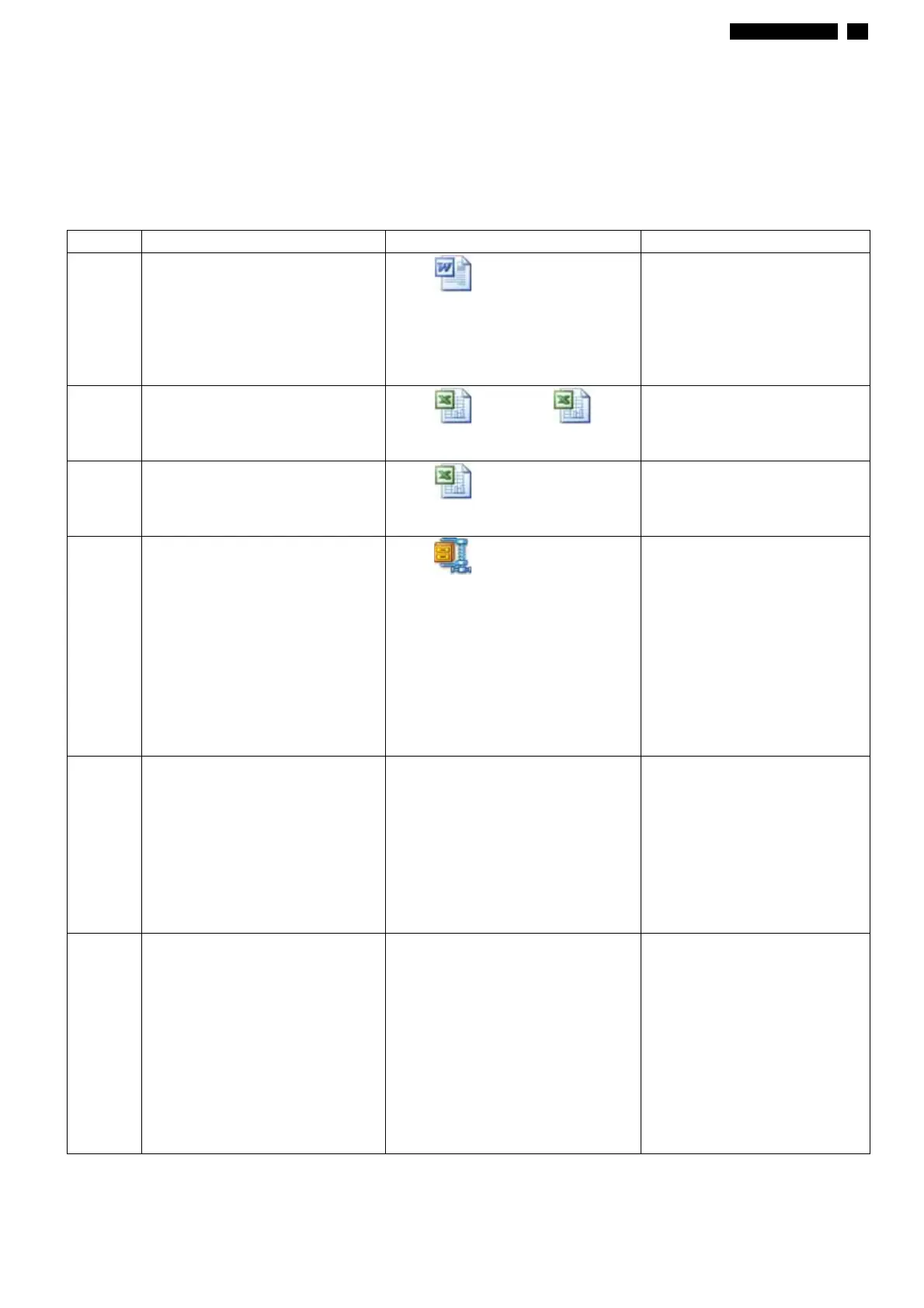
3.3.3 Software control functions via OSD / control adjustable functions:
Please refer to following Hudson9 OSD definitions, if any deviation, then refer to PVT Exit
sample.
ITEM
1 OSD DEFINITIONS
˛˷ʳˌʳˢ˦˗ʳ
˗˸˹˼˼˼ʳˀʳ˄ˇˁ˷˶
Reset -
No: Exit
Yes: Auto adjustment
for displaying timing
mode and recall factory
preset
2 OSD LANGUAGES
˛ˌʳˢ˦˗ʳ˴˿˴˼ʳˀʳ
˅˃˃ˋ˃ˇ˅ˈʳˀʳ˙˼˴˿ˁ˿
˛ˌʳ˸ʳ˼˸ʳ
˴˿˴˼ʳ
ʳ˅˃˃ˋ˃ˇ˄
8 LANGUAGES
3 OSD TREE
ˣ˻˼˿˼ʳ˜˹˴˼˯
˛ˌʳ˕ʳ˷˸˹˼˼˼ʳ
4 POWER ON LOGO
˄ˌ˪˲˄ˇˇ˃ˌ˃˃ˁ˼
Power On Logo: Power
On Show up Philips
logo 3 seconds
Change to input
signal.
This picture is reference
only. The official drawing
will send out by PM.
5 Audio Selection Stand-alone – On:
Isolate video and audio
control input
Stand-alone – Off:
Integrate video and audio
control input
Mute – On: Turn off audio
Mute – Off: Turn on audio
No audio support for this
model
6 Register information AC On/DC On register
information
-> Show register OSD 3
sec
-> Only to show first 5
times when AC or DC
power on/off
-> After reset in OSD,
then re-count 5 times
again.
http://www.wjel.net



 To Next Page