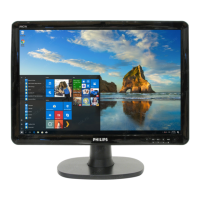
19B4LP LCD 33
Firmware Upgrade for CPU
1. Hardware Requirement:
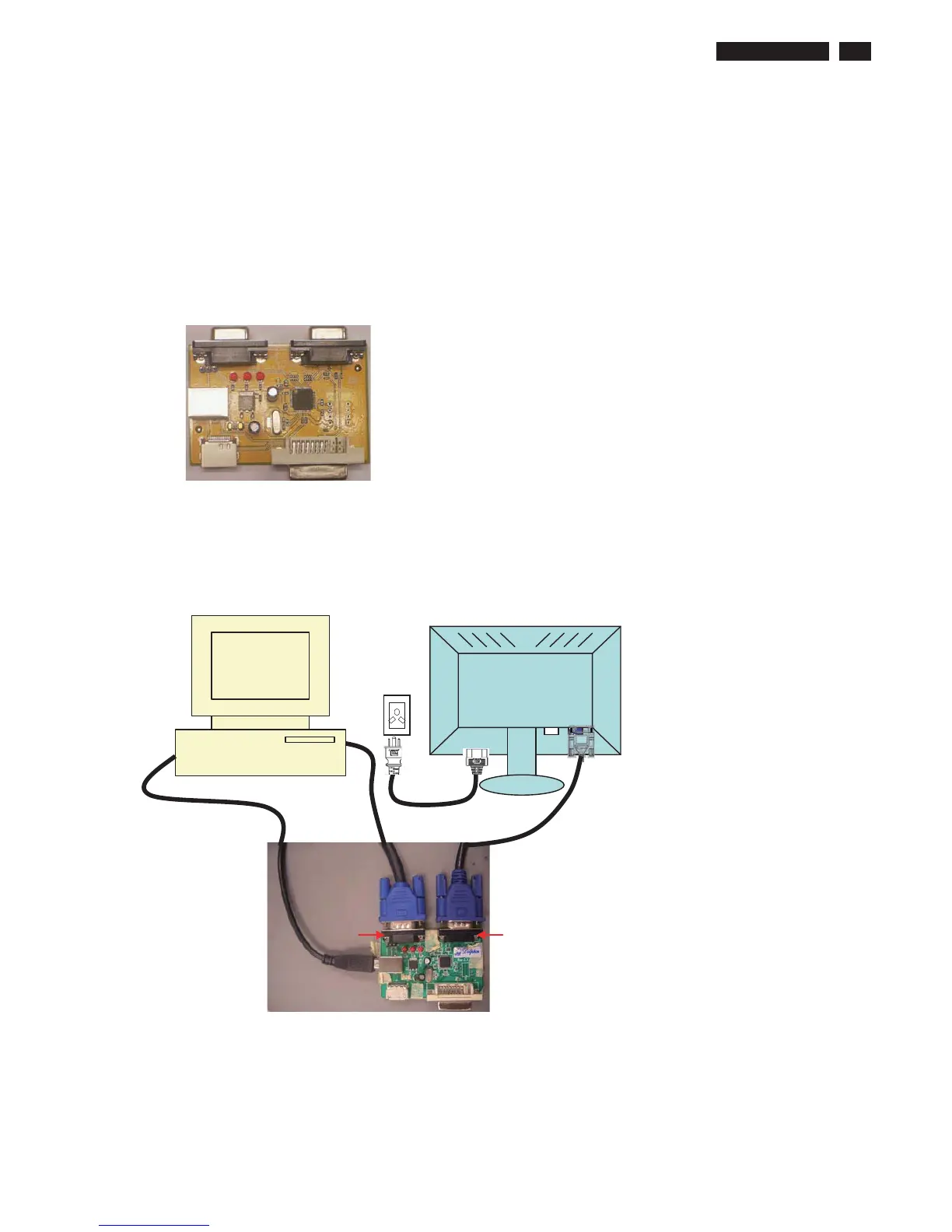
Step 1: Prepare following items
a. PC with 2K or XP system
b. USB cable x1
c. D-sub cable x2
d. Power cord x1
e. RTD USB ISP BD
Step 2: Connect the cables to PC, Monitor and RTD USB ISP BD
a. Connect USB cable between PC and RTD USB ISP BD
b. Connect one D-sub cable between PC and RTD USB ISP BD
c. Connect one D-sub cable between Monitor and RTD USB ISP BD
d. Connect the power cord firmly to the Monitor and the electrical outlet
VGA VGA



 To Next Page