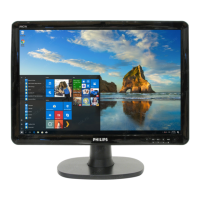
34 19B4LP LCD
Firmware Upgrade for CPU
2. Software prepare
Step 1:
Un-zip Port95nt and install into your computer.
Step 2:
Un-zip ISP application tool (
RTD_Customer_Tool_V2.1_Beta3_Install_20110701.rar) and install.
Step 3:
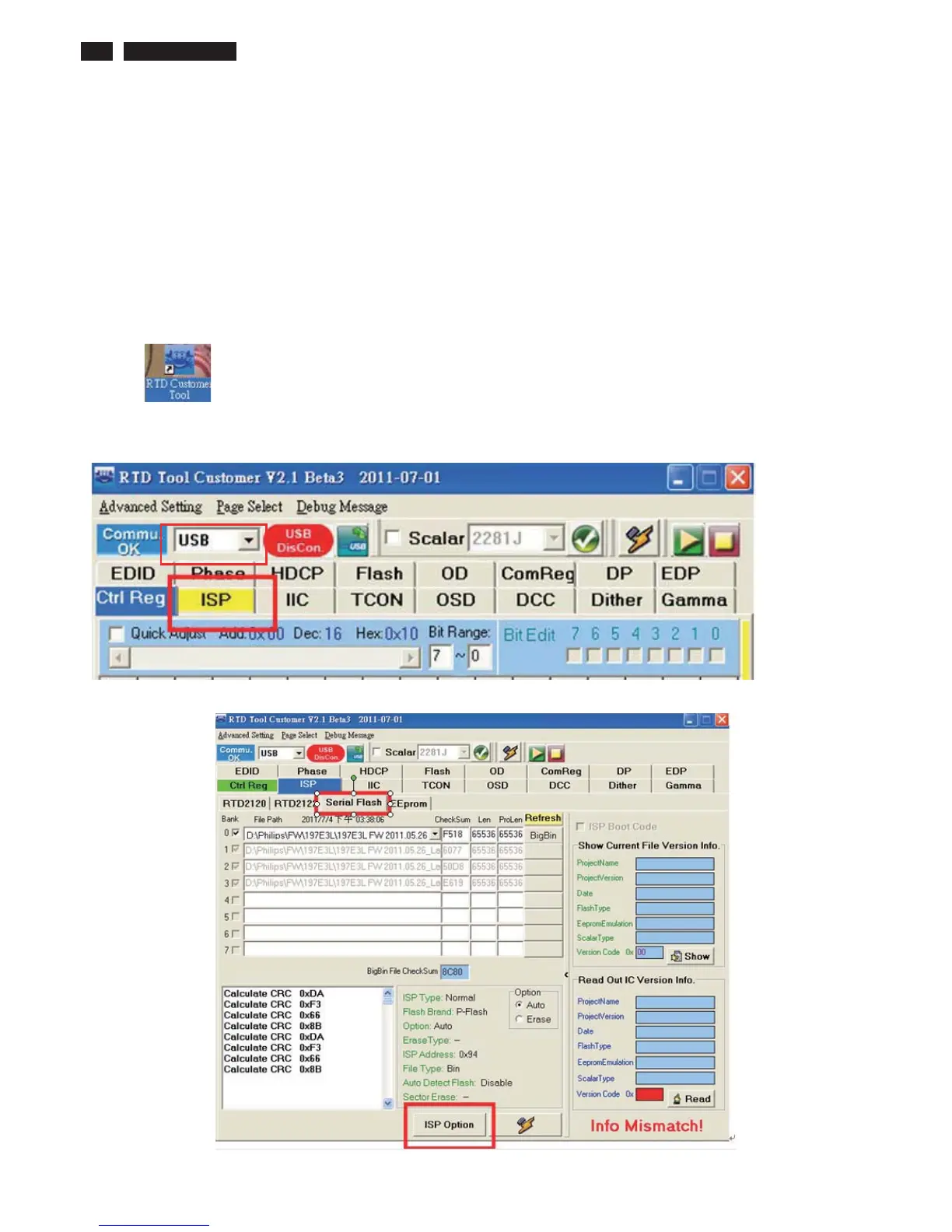
1. Click on “RTD Customer Tool” to run the program
2.
Select USB item, then press “ISP” button and RTD Serial Flash type to execute firmware program
application.
3. Select “Serial Flash” sub-sheet and press “ISP Option” to set appropriate setting for Monitor



 To Next Page