BDL4988XC/49BDL3005X
9
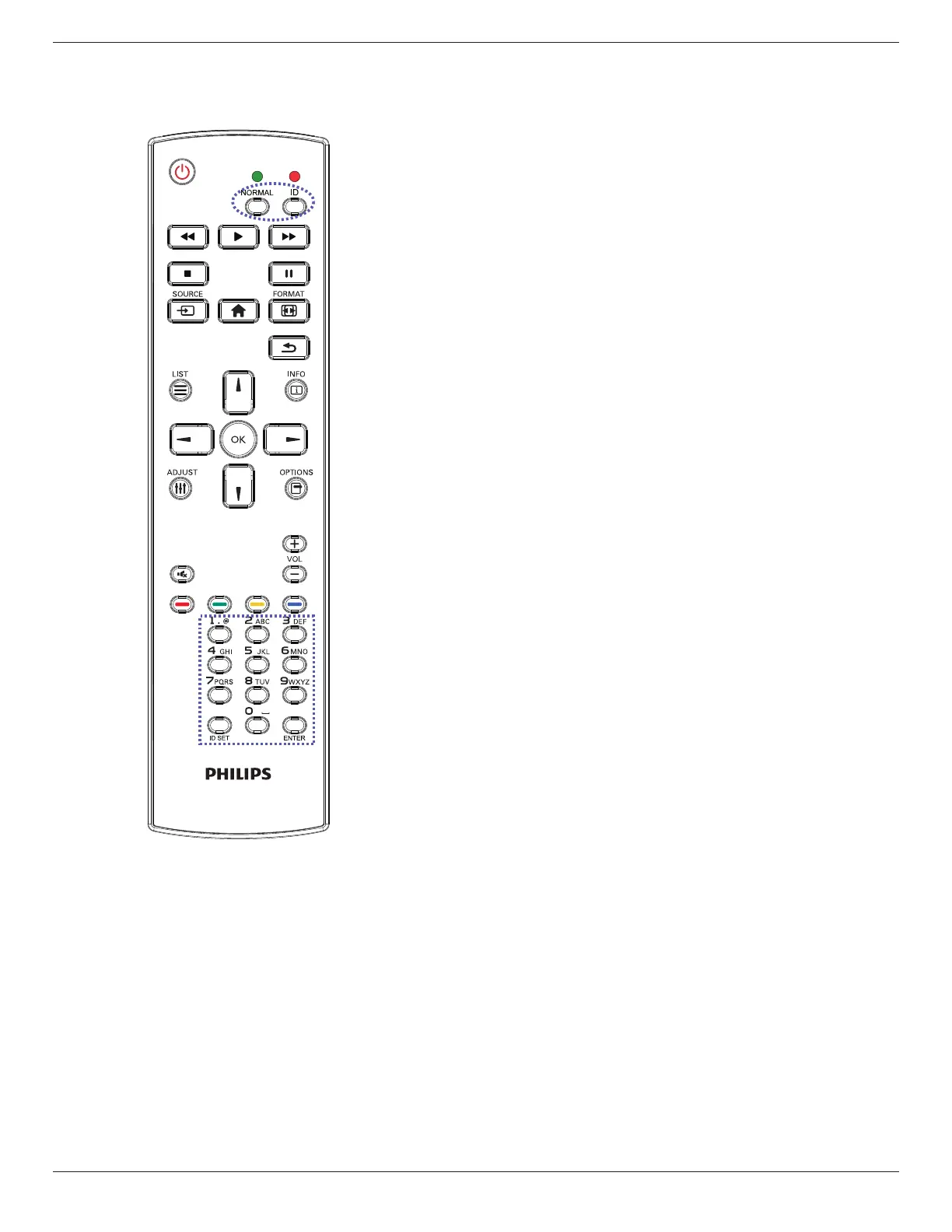
2.3.2. ID Remote Control
SettheremotecontrolIDifyouintendtousethisremotecontrolon
severaldifferentdisplays.
Pressthe[ID]buttonandtheredLEDblinkstwice.
1. Pressthe[IDSET]buttonformorethan1secondtoentertheID
mode.TheredLEDlightsup.
Pressingthe[IDSET]buttonagainwillexitfromtheIDmode.The
redLEDlightsoff.
Pressthedigitnumbers[0]~[9]toselectthedisplaytobecontrolled.
Forexample:press[0]and[1]fordisplayNo.1,press[1]and[1]for
displayNo.11.
Thenumbersavailablearefrom[01]~[255].
2. Ifnobuttonispressedwithin10seconds,itwillexitfromtheID
mode.
3. Ifawrongbuttonispressed,waitfor1seconduntiltheredLED
lightsoffandthenturnsonagain,thenpressthecorrectdigits.
4. Press[ENTER]buttontoconrmyourselection.TheredLEDblinks
twiceandthenlightsoff.
NOTE:
• Pressthe[NORMAL]button.ThegreenLEDblinkstwice,indicating
thatthedisplayisundernormaloperation.
• ItisnecessarytosetuptheIDnumberforeachdisplaybefore
selectingitsIDnumber.















 To Next Page