BDL4988XC/49BDL3005X
28
DisplayPort Ver.
SettheDisplayPortversionto1.1aor1.2,thissettingisonlyvalidon
DisplayPortinputandoutput,
1.1a:SwitchDisplayPortVer.to1.1a(default),theDisplayPortoutputis
thecloneofDisplayPortinput.
1.2:SwitchDisplayPortVer.to1.2tosupportMST(Multi-Stream
Transport)
NOTES:
• Ifthedisplayshowsablackscreenorworksabnormallyunder
DisplayPortsource,pleaseswitchto1.1aandturnACoffand
on.
• ForDPdaisychainapplication,pleaseselectthesameDP
versionforallPD.
Cooling Fan
Select{On}toturnonthecoolingfanpermanently.Select{Auto}and
thecoolingfanturnsonaccordingtodisplay’stemperature.
NOTES:
• Selectthedefault{Auto}option,andthecoolingfanwillstart
runningifthetemperaturereaches45°C (113°F).Thecooling
fanwillstoprunningifthetemperaturereaches43°C (109°F).
• Atemperaturewarningmessagewillappearonthescreenif
thetemperaturereaches58°C (136°F).Allkeyfunctionsexcept
[ ]
keywillthenbedisabled.
• Oncethetemperaturereaches60°C (140°F),thedisplay’s
powerwillbeshutdownautomatically.
Factory settings
Resetthesettingstothefactorydefaults.
5.1.6. Advanced
Picture
Sound
Tiling
Network
General settings
Advanced
Help
Jitter clean
EQ boost
USB copying
Jitter clean
Turnon/offJittercleaningfunctionforHDMIandDVIsignalquality
enhancement.ThedefaultsettingisOn.
EQ boost
AdjustdigitalsignalEQboost.
USB copying
Copyuserlogo“Welcomelogo.png”toyourinternalmemory.
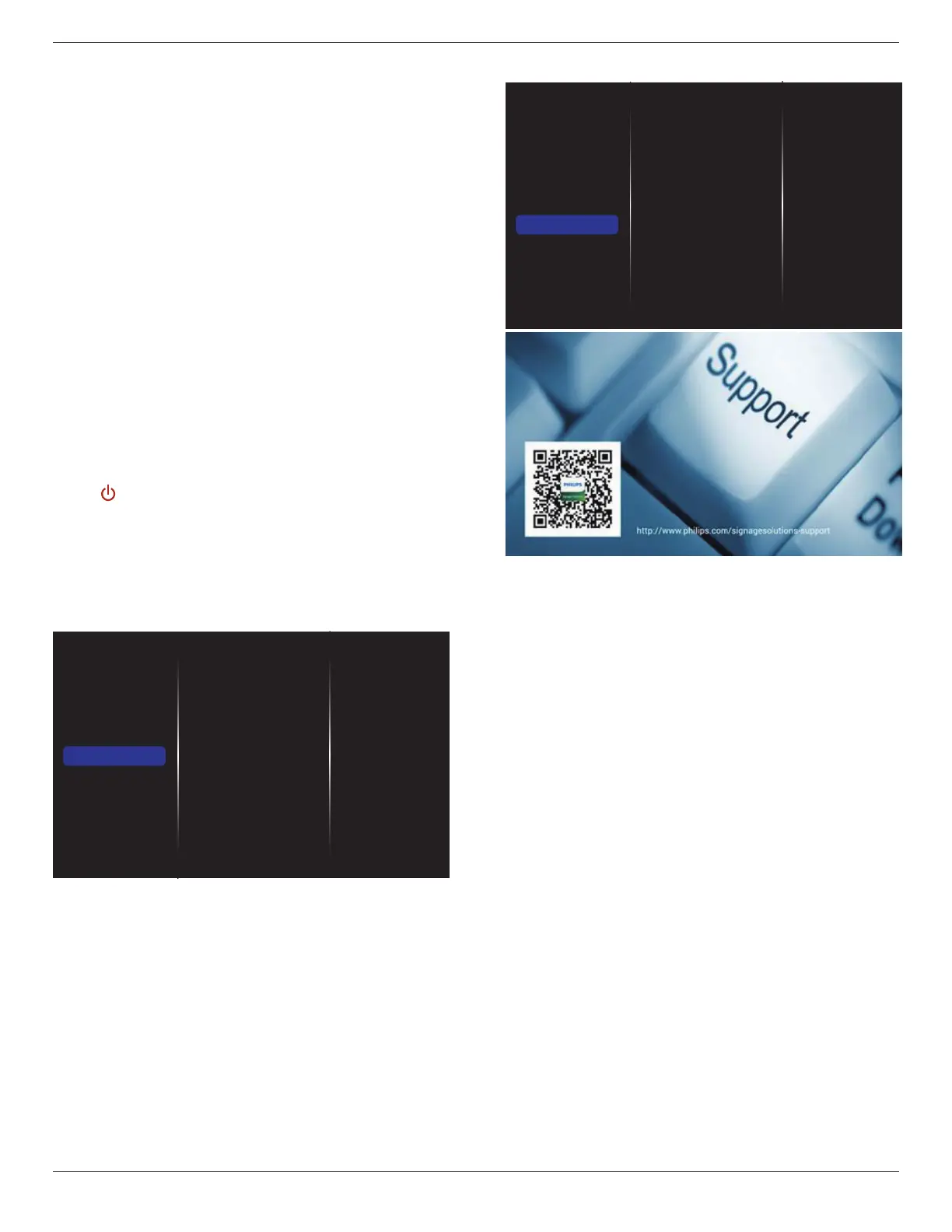
5.1.7. Help
Picture
Sound
Tiling
Network
General settings
Advanced
Help















 To Next Page