BDL4988XC/49BDL3005X
24
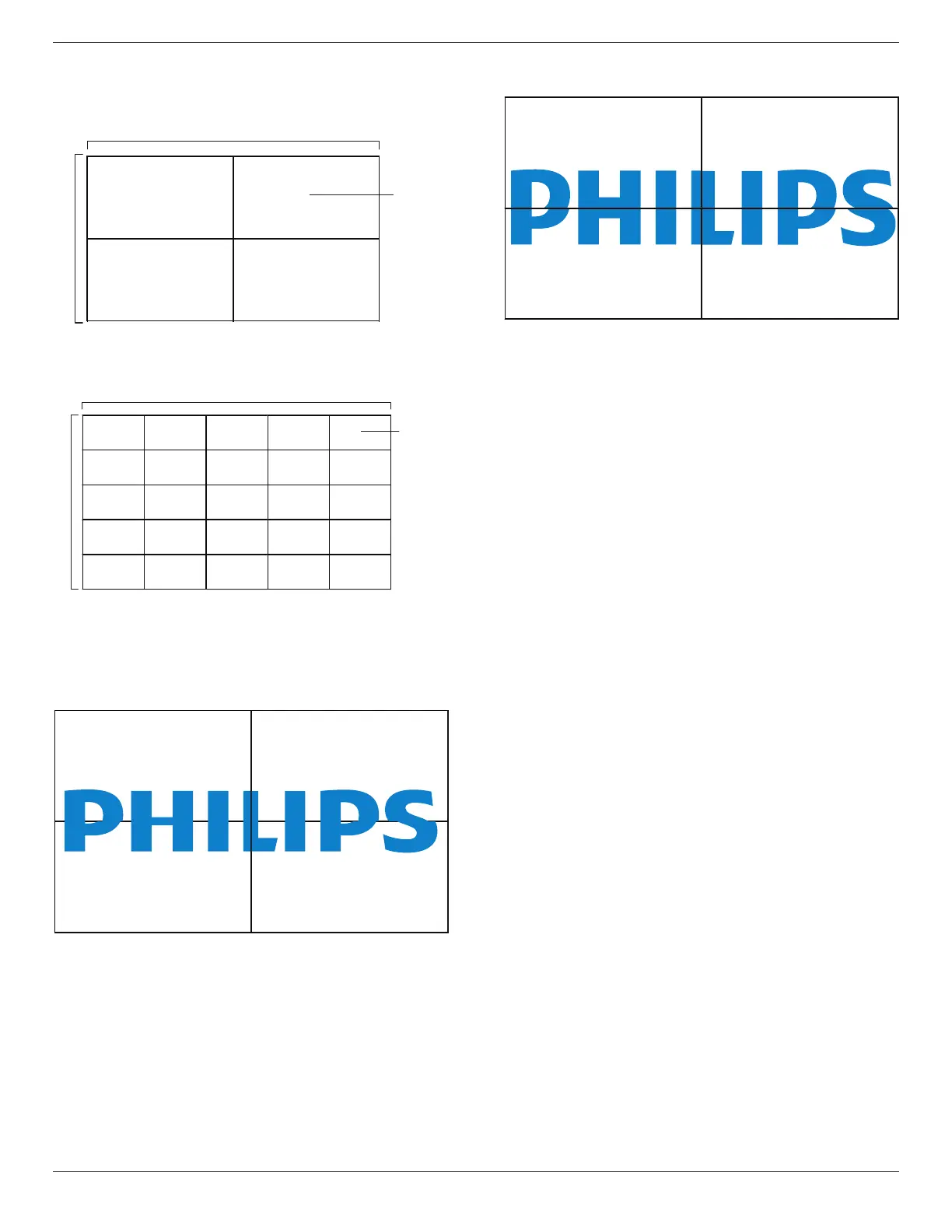
Example: 2 x 2 screen matrix (4 displays)
Hmonitors=2displays
Vmonitors=2displays
1 2
H monitors
V monitors
Position
Example: 5 x 5 screen matrix (25 displays)
Hmonitors=5displays
Vmonitors=5displays
1 2
6 7
3 4
8 9
5
10
11 12 13 14 15
16 17 18 19 20
21 22 23 24 25
H monitors
V monitors
Position
Frame comp.
TurntheframecompensationfunctionOnorOff.Ifyouselect{On},the
displaywilladjusttheimagetocompensateforthewidthofthedisplay
bezelsinordertoaccuratelydisplaytheimage.
{On}
{Off}
Frame comp.H
Adjustthehorizontalframecompensation.
Frame comp.V
Adjusttheverticalframecompensation.
Switch on delay
Whenmultipledisplaysareconnected,adjustthepower-ondelaytime(in
seconds)foreachdisplaytoreducethepowerload.
RS232-Routing
Selectthecontrolport.
• {RS232}:SelectRS232Control.
• {LAN(RJ-45)}:SelectLANcontrol.
• {IR}:Selecttheoperationmodeoftheremotecontrolwhen
multipledisplaysareconnectedviaanRS232Cconnection.
• {IR Control}:IRcontrolofthedisplay.
• {Normal}:Alldisplayscanbeoperatednormallybytheremote
controlunit.
• {Primary}:Designatethisdisplayastheprimarydisplayforremote
controloperation.Onlythisdisplaycanbeoperatedbytheremote
control
• {Secondary}:Designatethisdisplayastheprimarydisplayfor
remotecontroloperation.Onlythisdisplaycanbeoperatedbythe
remotecontrol.
• {Control Monitor-ID}:SelecttheIDnumberfortheIRcontrolof
thedisplayviatheRS232Cconnection.
• {Card OPS RS232}:SelectRS232Control.(Onlyavailablewhen
OPSisstarted.)
Auto ID
Setup{MonitorID}oftheconnecteddeviceaccordingto{Hmonitors}
settings.
Example:setHmonitorsas4















 To Next Page