- 9 -
Preparing for use
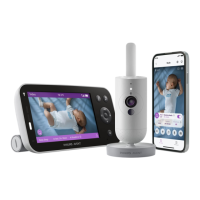
Download the Baby Monitor+ app
To fully experience and activate the SenseIQ and Cry Translation features,
we recommend downloading the Baby Monitor+ app before using your
baby monitor�
With the Philips Avent Baby Monitor+ app, you can see and hear your
baby and check on their wellness from anywhere in the world by using
Wi-Fi or mobile internet.
Philips Avent
Baby Monitor+
Before you start the set-up procedure, make sure:
- You have wireless Internet access (2.4 GHz Wi-Fi).
- You have a good Wi-Fi signal.
Note: If you use a Wi-Fi extender, make sure that your router and your
Wi-Fi extender have the same SSID (the network name) and that you
use the same password for the router and the extender. Also make
sure the Wi-Fi extender supports 2.4 GHz Wi-Fi.
- You have the password of your Wi-Fi network at hand.
Always connect the baby monitor to a secure network (see the
''Security and privacy'' chapter).
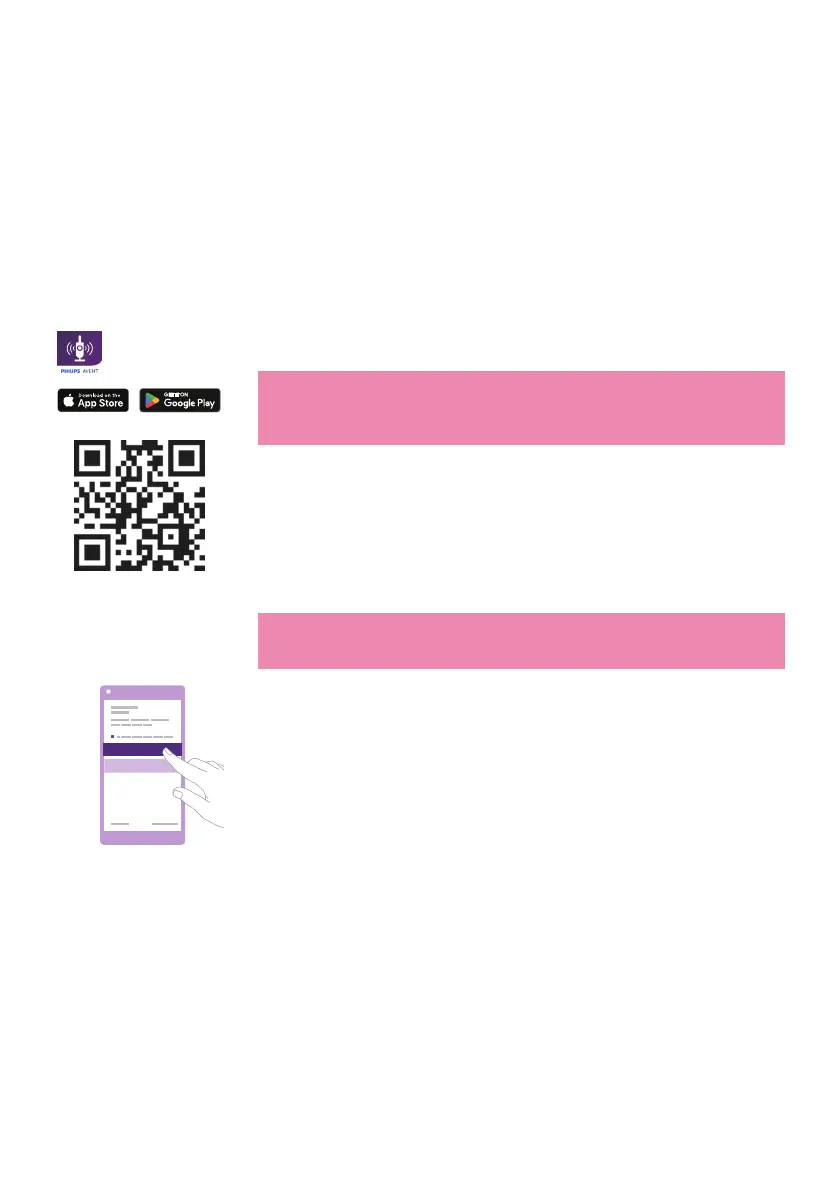
1 Download the app�
Scan the QR code or search the keywords ''Philips Avent Baby
Monitor+'' in the App Store or Google Play Store.
2 Launch the app�
Tip: Connect your phone to the Internet via Wi-Fi. Use of data
connection may involve extra charges from your provider, depending
on your subscription�
Create new account
Log in
3 Create your account by following the on-screen instructions�
a Make sure that you use a working email address on which you can
always be reached�
b Use a strong password (see the ''Strong passwords'' section).
c When you receive the verication email, follow the instructions in
the email to continue creating your account�
4 Set up your baby monitor by following the instructions in the app�











 To Next Page