TIME 02 :15 PM
MONTH – – / – – / – –
TO CORRECT PUSH CLEAR
TO END PUSH EXIT
Clock (VCR) 27
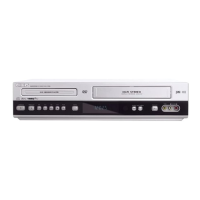
Follow the steps below to set the clock for the VCR. Make sure:
● The DVD/VCR is on and the VCR/TV light appears on the
front of the DVD/VCR. (If it does not, press VCR/TV once.)
● You make each entry within 60 seconds of the previous entry.
● Before you begin, place the DVD/VCR in VCR mode. Press
OUTPUT SELECT so the green VIDEO light appears on the
front of the DVD/VCR.
1
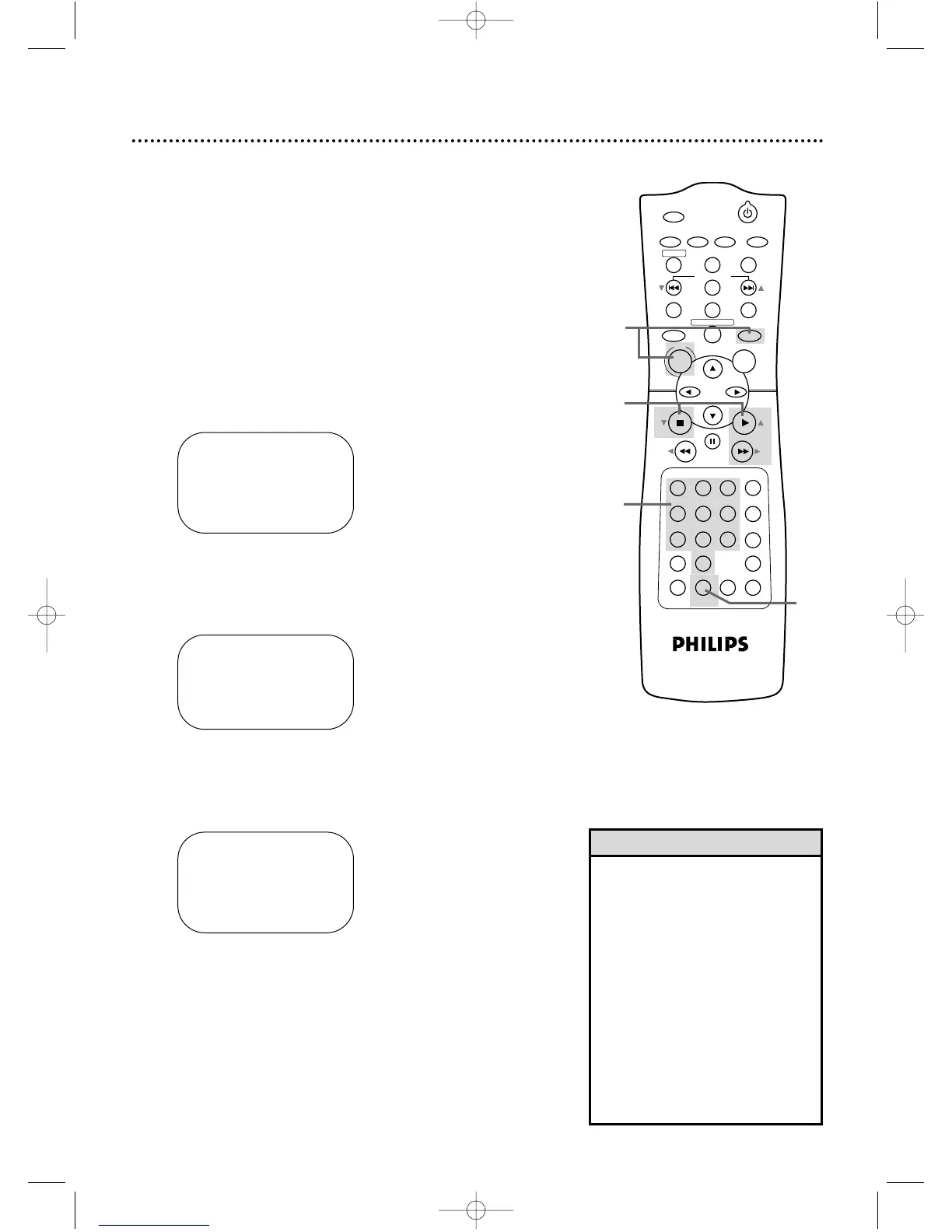
Press VCR, then press DISC/MENU.
2
Press PLAY B (o) or STOP C (p) to select SET
CLOCK, then press FF g (B).
3
Press PLAY B (o) or STOP C (p) to select SET
CLOCK, then press FF g (B).
4
Press two Number buttons for the hour(s) and two
Number buttons for the minute(s). Then press 1
for AM or 2 for PM. For example, for 2:15 PM, press 02,
15, 2.
5
Press two Number buttons for the month, two
Number buttons for the day, and two Number but-
tons for the year. For example, for July 1, 2002, press
07, 01, 02. The day of the week will appear automatically.
TIME 02 :15 PM
DATE 07 / 01 / 02
MON.
TO CORRECT PUSH CLEAR
TO END PUSH EXIT
6
Press DISPLAY/STATUS/EXIT.
• Enter a 0 before a single-digit
number.
• Entries that do not match the
DVD/VCR’s clock or calendar will
cause a question mark to appear
on the screen.
• To make corrections, press CLEAR
until the space for the number you
want to correct is flashing. Then
enter the correct number.
• To see the current time on the TV
screen, press DISPLAY/STATUS/
EXIT. Details are on page 30.
• Power failures can erase the clock
setting.
Helpful Hints
4,5
TIME – – :– –
DATE – – / – – / – –
TO END PUSH EXIT
2,3
6
1













 To Next Page