64 Random MP3 Playback, Programmed MP3 Playback
• Press CLEAR to delete the last
item in the Program.
• Turning off the DVD/VCR or open-
ing the Disc tray will erase the
Program.
Helpful Hints
Programmed MP3 Playback
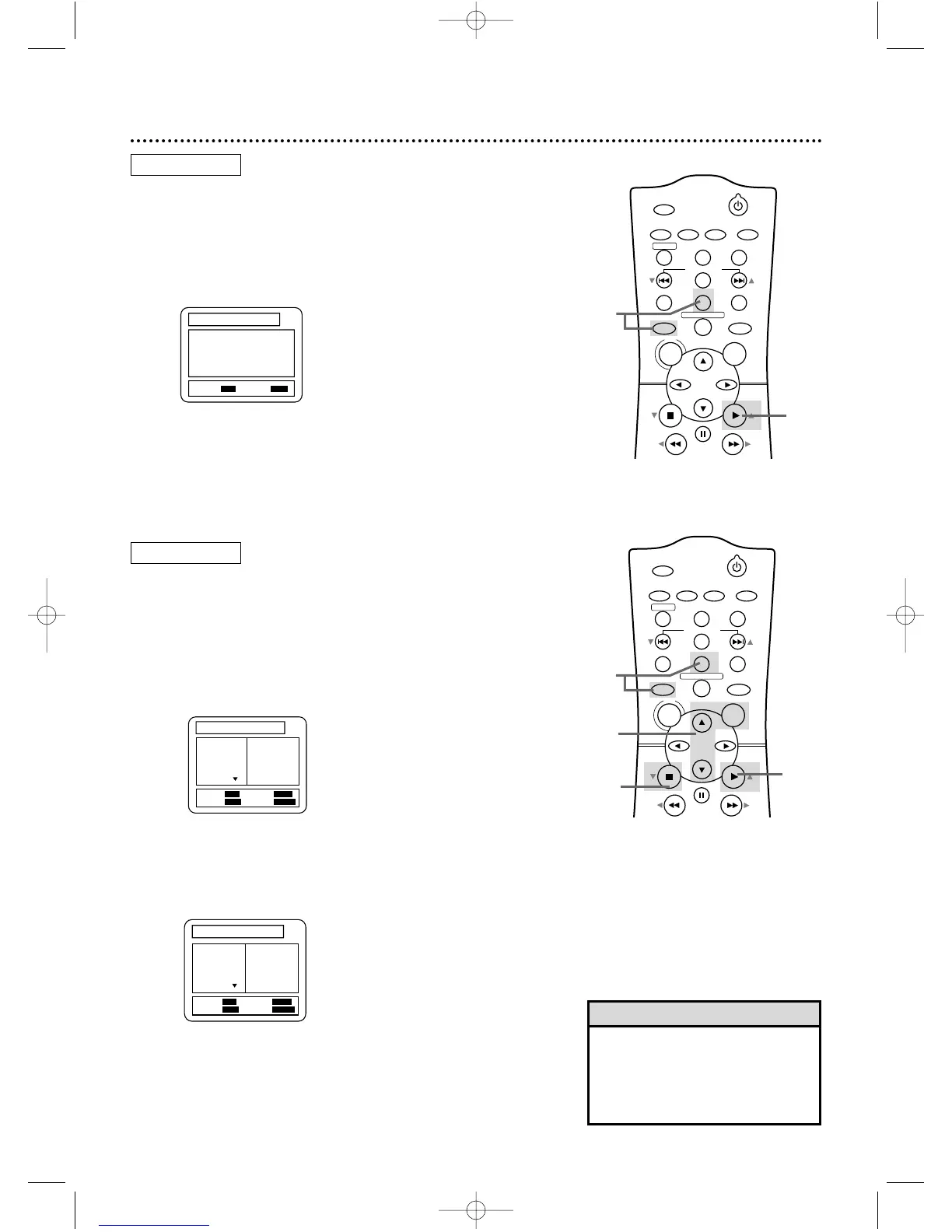
● Before you begin, place the DVD/VCR in DVD mode. Press
OUTPUT SELECT so the red DVD light appears on the front of
the DVD/VCR.
1
While playback is stopped, press DVD, then press
MODE.
The PROGRAM FOLDER NAME screen will
appear.
2
Press o or p to select a Track, then press OK to
save it in the Program. The programmed Track will
appear on the right side of the screen. Press o or p to
see additional Tracks.
Repeat step 2 to enter all the Tracks you want.
Random MP3 Playback
● Before you begin, place the DVD/VCR in DVD mode. Press
OUTPUT SELECT so the red DVD light appears on the front of
the DVD/VCR.
1
While playback is stopped, press DVD, then press
MODE twice. The RANDOM screen will appear.
2
Press PLAY B (o) to play the tracks in random order.
3
Press PLAY B (o) to play the Program.
4
Press STOP C (p) to stop playing the Program.













 To Next Page