ONE TIME PROGRAM
PROGRAM 1
CHANNEL 10
TIME ON – – : – –
TO CORRECT PUSH CLEAR
TO END PUSH EXIT
ONE TIME PROGRAM
PROGRAM 1
CHANNEL 10
TIME ON 09:30 PM
TIME OFF – – : – –
TO CORRECT PUSH CLEAR
TO END PUSH EXIT
Timer Recording (cont’d) 35
4
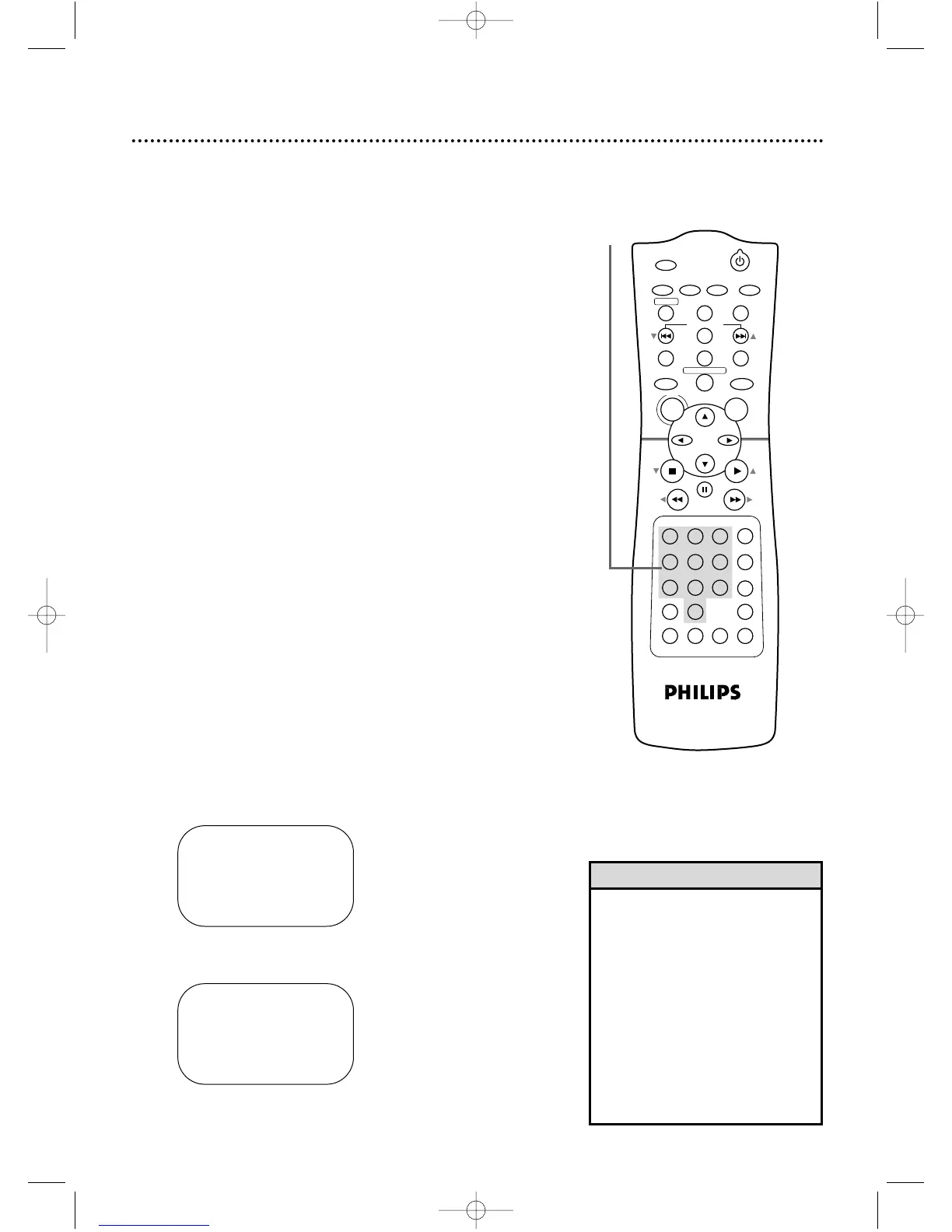
Use the Number buttons (1-8) to select a slot in
which to store the timer recording. There are eight
slots. Numbers for open slots will flash on the screen.
NOTE: If you enter a number for a slot that has already been
used to store a timer recording, PREVIOUSLYSETPROGRAM
will appear on the screen briefly. Information about the program
in that slot will appear on the screen. If this happens, press DIS-
PLAY/STATUS/EXIT, then select another number.
5
Use the Number buttons to enter the TV channel
you want to record.
● Cable TV Users, enter channel numbers as a two-digit
number for the quickest results. For example, to select
channel 6, press 0,6. If you only press the Number 6 but-
ton, channel 6 will be selected after a brief delay. There
also may be a brief delay when you select channels 10, 11,
and 12.
If you want to select channels 100 and above,
enter channel numbers as a three-digit number. For
example, to select channel 117, press 1, 1, 7.
● Antenna Users, enter channel numbers as a two-digit
number for the quickest results. For example, to select
channel 5, press 0,5. If you only press the Number 5 but-
ton, channel 5 will be selected after a brief delay. You
may only select channels 2-69.
● If you are recording from line input, press 0,0 to select
AV REAR. See Helpful Hints below.
● If you are using a Cable Box/DBS, select the Cable
Box/DBS output channel (03 or 04). Set the Cable
Box/DBS to the channel you want to record. Leave the
Cable Box/DBS on for the timer recording. Details
are on page nine.
6
Press two Number buttons for the hour you want
the recording to begin. Press two Number buttons
for the minute you want the recording to begin.
Press 1 for AM or 2 for PM. For example, for 9:30 PM,
press 09, 30, 2.
7
Follow the instructions in step 6 to enter the record-
ing’s stop time. (AM or PM will be set automatically.)
Instructions continue on page 36.
4-7
• Entries that do not match the
DVD/VCR’s clock or calendar will
cause a question mark to appear
on the screen.
• If you are recording from line input,
connect the audio and video cables
to the AUDIO IN and VIDEO IN
jacks on the back of the DVD/VCR.
(Please see illustration on page 38.)
• The +10 Number button has no
effect in VCR mode, so do not use it
to enter TV channel numbers at
step 5.
Helpful Hints














 To Next Page