Getting Started (continued)
Step 6: Setting the time &
date
If the DVD recorder has not set the time
and date correctly, set the clock manually
by following the steps below.
A Press SYSTEM-MENU.
The system menu appears.
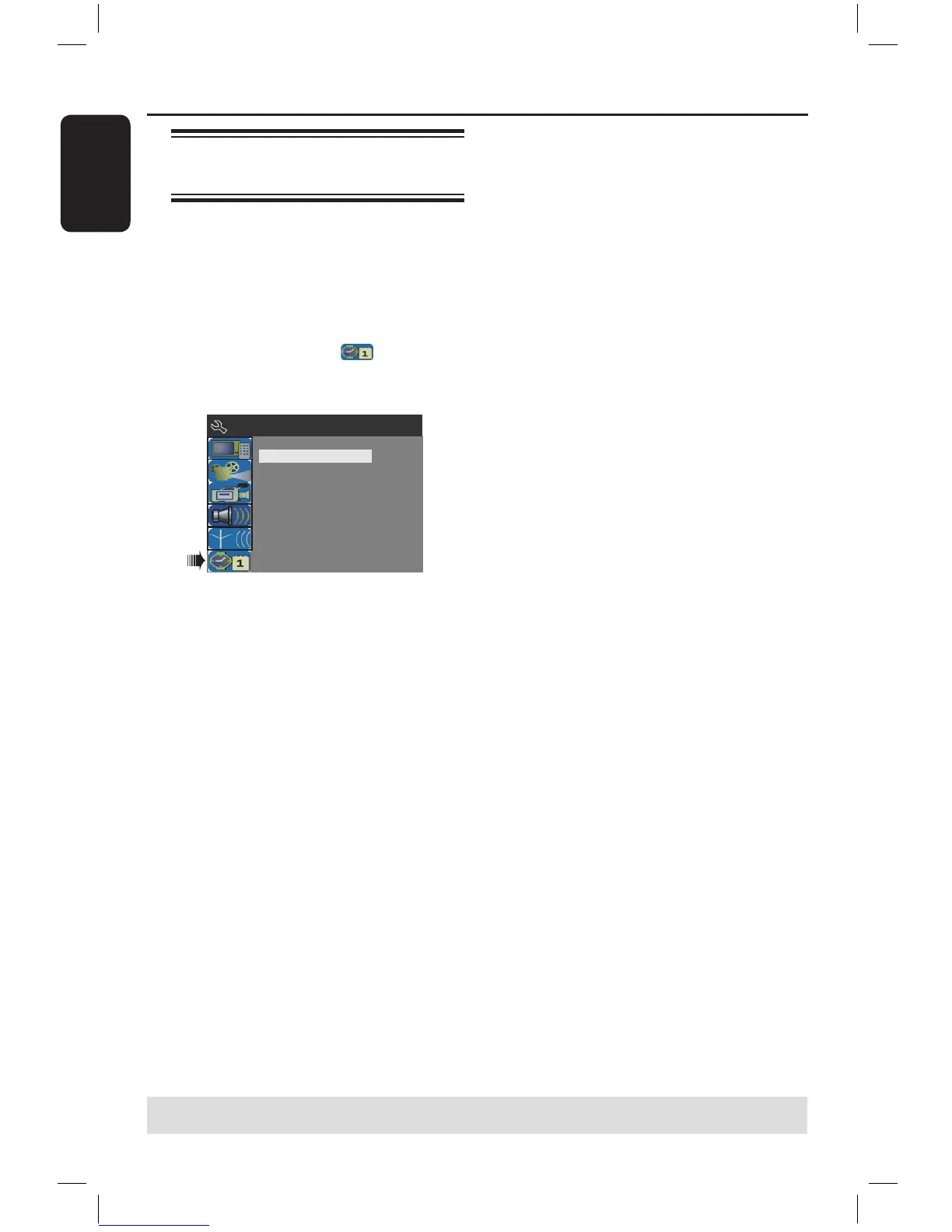
B Use keys to select
{ System Menu - Clock } and press
to confirm.
C Press OK to set { Date(dd/mm/yy) }.
D Use keys to change number and use
keys to select different entry fields,
then press OK to confirm.
Alternatively, you can key in the numbers
using the numeric keypad 0-9 on the
remote control.
E Press OK to confirm.
F Move to { Time (hh:mm:ss) } and
repeat step D~E.
TIPS: Press to go back to previous menu item.
Press SYSTEM-MENU to exit the menu.
16861_dvdr3305_05_eng5.indd 26 2005-06-29 4:09:41 PM



 To Next Page