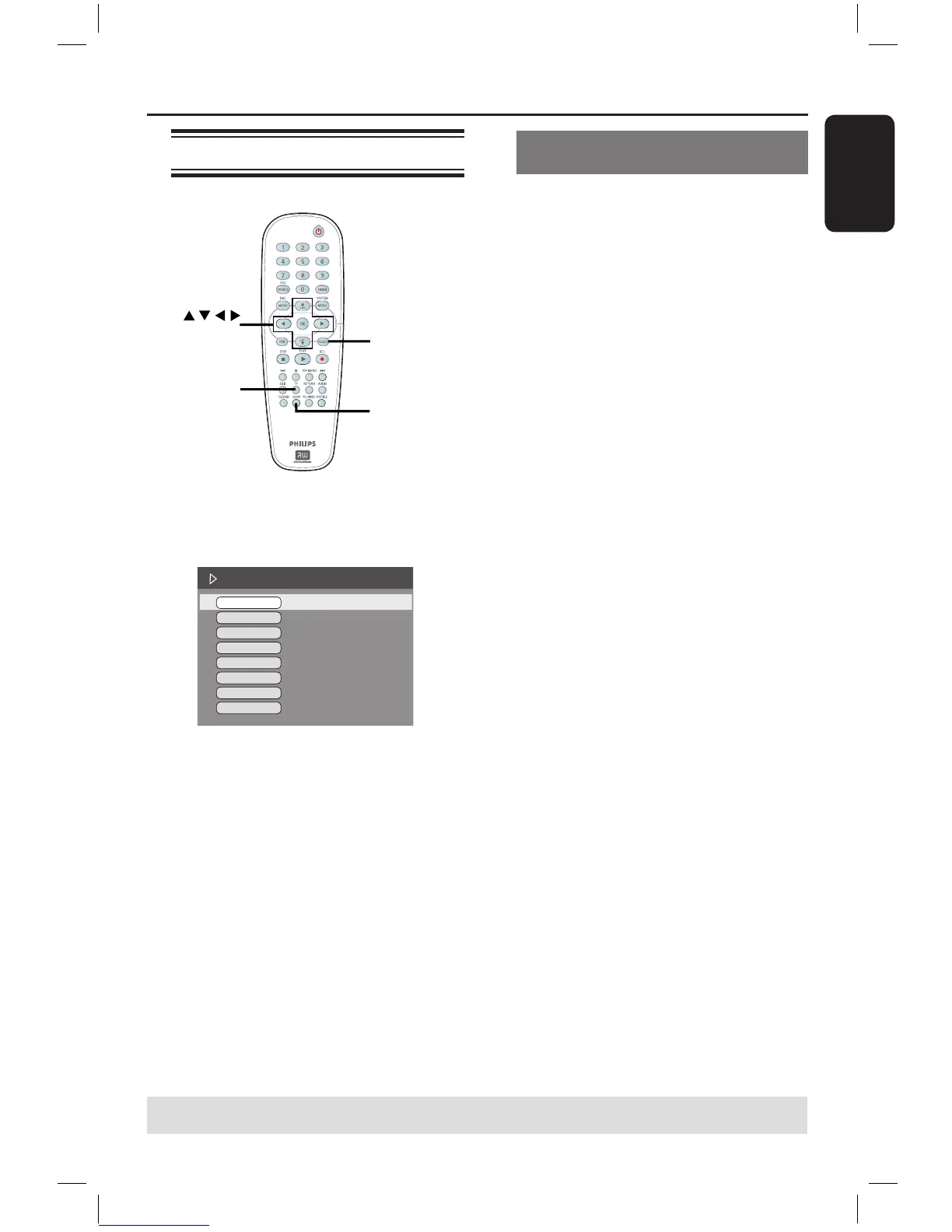
B Use keys to select the setting you
want to adjust.
Instructions and explanation of the
options are provided in the following
pages.
C To exit, press T/C.
Selecting various repeat/shuffle
functions
You can select various repeat play or
random play mode during playback.
A During disc playback, press T/C on the
remote control.
The T/C menu appears.
B Use keys to select { Mode } and
press OK.
C Use keys to select one of the repeat
options.
{ Repeat A-B }
Select this to repeat the playback of a
specific segment within a title/chapter/
track. Press OK to mark the start and
end of the segment you want to repeat.
{ Repeat Chapter }
Select this to repeat playback of the
current chapter (DVD, DVD+R/+RW
only).
{ Repeat Track/Title }
Select this to repeat playback of the
current track/title.
{ Repeat Directory }
Select this to repeat playback of the
current folder/directory (MP3, JPEG,
picture disc only).
{ Repeat Disc }
Select this to repeat playback of the
entire disc.
{ Shuffle }
Select this to randomly playback all the
tracks within the disc (MP3 and audio CD
only).
{ Normal }
Select this to cancel the repeat mode and
return to normal playback.
D To cancel repeat playback, press STOP
or select { Normal } and press OK
.
TIPS: The operating features described here might not be possible for certain discs.
Always refer to the instructions supplied with the discs.
16861_dvdr3305_05_eng5.indd 47 2005-06-29 4:10:39 PM



 To Next Page