About title editing
You can change the individual title
information or delete a title (recording)
on a recorded DVD+R/+RW. If a
DVD+R has been finalised, it cannot be
edited.
The displayed options in the title editing
menu differ depending on the situation
and disc type.
{ Play Title }
Start playing a recording.
{ Edit Title }
Access video editing menu.
{ Rename Title }
Change the name of the recording.
{ Erase Title } - DVD+RW only
Delete the title (recording).
{ Overwrite Title } - DVD+RW only
Start a new recording, the existing title
(recording) will be overwritten.
{ Overwrite Disc }
Overwrite from existing selected title
onwards to the end of the disc.
{ Append Title }
Insert a new recording to the last existing
recording.
Accessing title editing menu
A Insert a recorded DVD+R/+RW into the
DVD recorder.
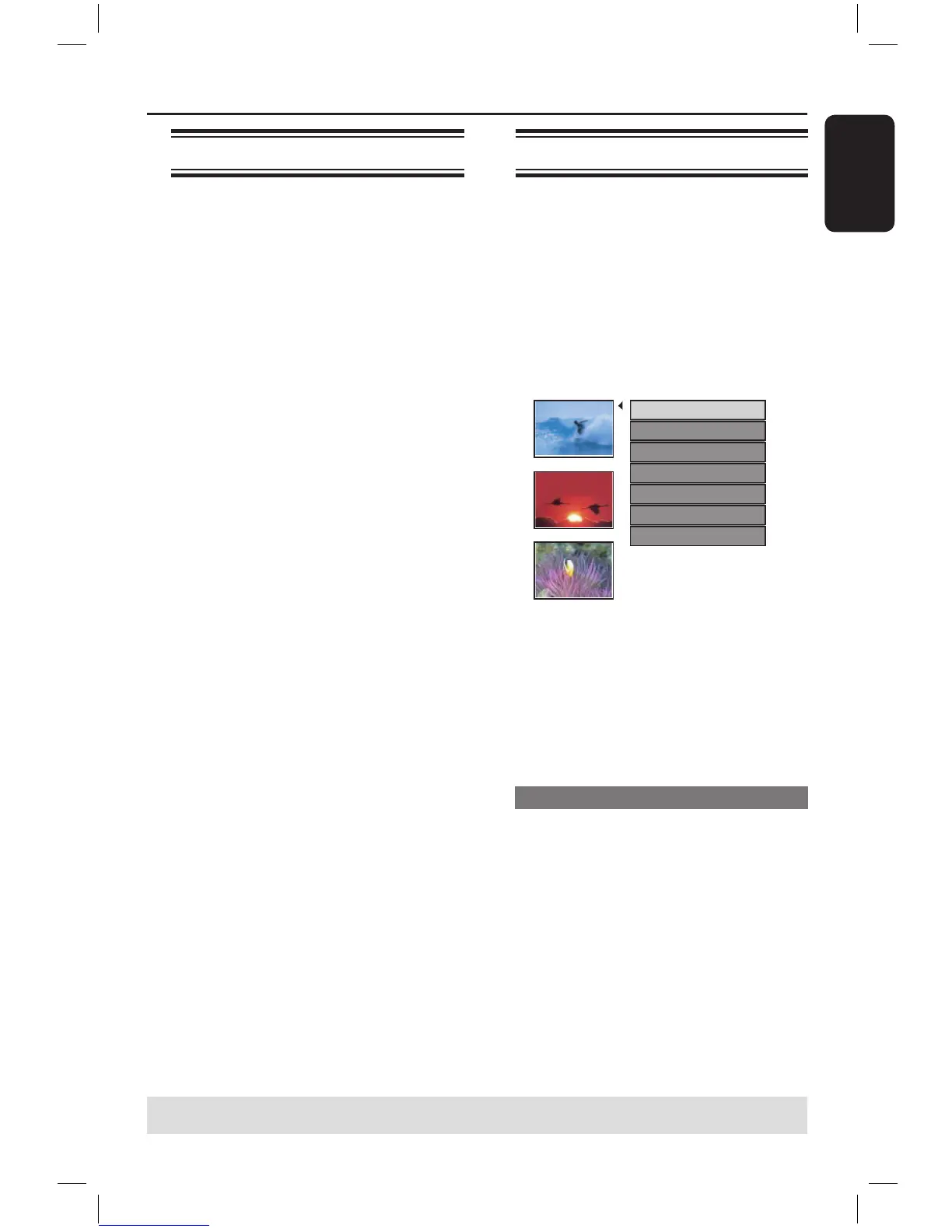
The Index Picture screen appears on
the TV.
During playback, press DISC MENU to
access the Index Picture screen.
B Use keys to highlight a title
(recording), and press .
The title editing menu appears.
C Use keys to access different options
and OK to select.
Instructions and explanation of the
options are provided in the following
pages.
D To exit, press .
Video editing
This feature allows access to the video
editing menu. See “About video editing”
on pages 39~41 for more information.
In title editing menu, use keys to
select { Edit Title } and press OK.
The video editing menu appears.
The DVD recorder will play the
selected title.
Editing/Finalising Recording (continued)
TIPS: No further recording and editing can be carried out on a finalised DVD+R.
Press to exit the menu.
16861_dvdr3305_05_eng5.indd 37 2005-06-29 4:10:16 PM



 To Next Page