Playback (continued)
Playing a DVD+R/+RW disc
A Insert a DVD+R/+RW disc.
The Index Picture screen appears.
B Use keys to select a title and press
PLAY to start playback.
C To stop playback, press STOP
.
Helpful Hint:
– If the message ‘BLANK’ appears on the
display panel, this means that there are no
recordings on this disc.
Playing a MP3 disc
A Insert a MP3 CD.
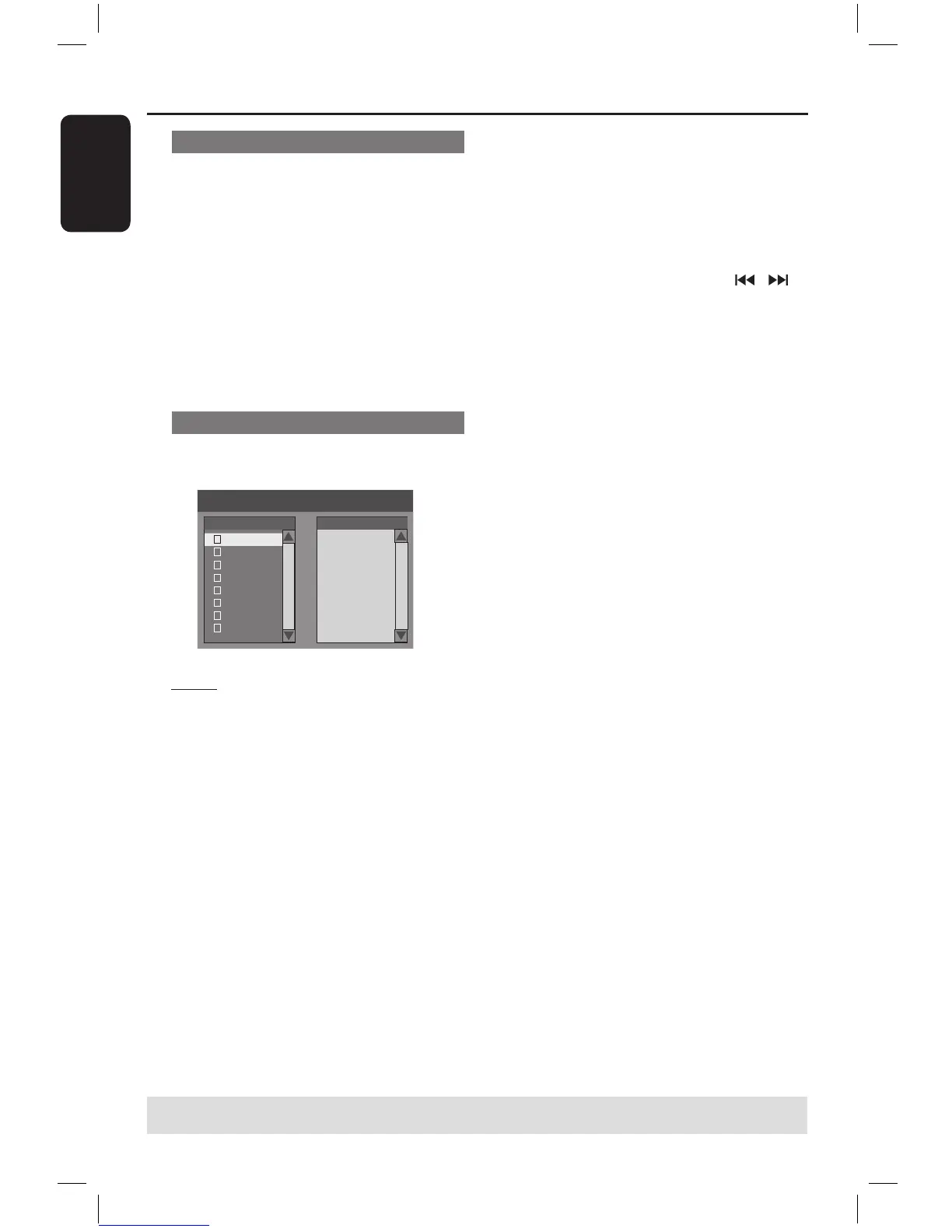
The disc content menu appears.
Note: It may require longer time for the
DVD recorder to display the disc content
menu on the TV due to the large number
of songs/pictures compiled into one disc.
B Use keys to navigate within the
menu and press OK to access the folder/
album.
C Use keys to select the track/file to
play.
To go to the previous menu, press
RETURN.
D To create a playlist, highlight the track/file
and press SELECT.
The selected tracks/files will appear
on the right screen.
To remove the track/file from the
playlist, press CLEAR.
E You can select to playback from the
original disc content or from the playlist,
just use keys to move to the
correct screen before selecting the track/
file for playback.
F Press PLAY to start playback.
G During playback, you can press / to
select the next/previous track.
H To stop playback, press STOP
.
Helpful Hint:
– Only the first session of a multi-session
CD will play back.
TIPS: Some discs cannot be played on this DVD recorder due to the configuration and characteristics
of the disc, or due to the condition of recording and authoring software.
16861_dvdr3305_05_eng5.indd 44 2005-06-29 4:10:28 PM



 To Next Page