To start recording, press REC/OTR • on the remote control
or REC • on the DVD recorder.
To start the recording after all other recordings on the disc,
press and hold the REC/OTR • button until '_'_FE REE' appears
in the display.
For DVD+Rs, each recording is always started after all previous
recordings since previous recordings cannot be overwritten.
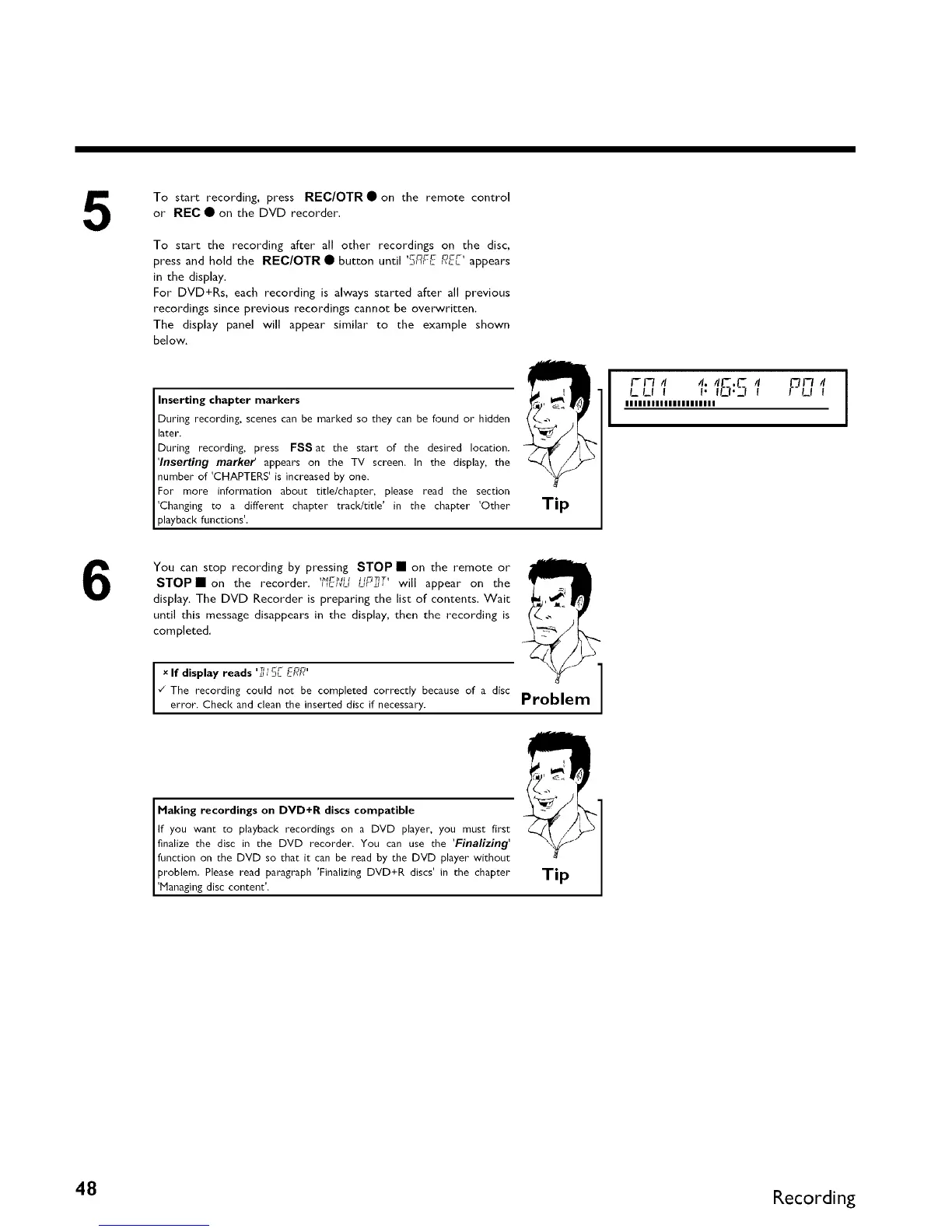
The display panel will appear similar to the example shown
below.
Inserting chapter markers
During recording, scenes can be marked so they can be found or" hidden
later.
During recording, press FSS at the start of the desired location.
'Inserting marker appears on the TV screen. In the display, the
number of 'CHAPTERS' is increased by one.
For more information about title/chapter, please read the section
'Changing to a different chapter track/title' in the chapter 'Other
playback functions'.
Tip
I-I-7 4 4. 41-,1"- 4
urn
LLI I I" If_I'll !
I LIt
IIIIIIIIIIIIIIIIIIIII
1
6
You can stop recording by pressing STOP • on the remote or
STOPII on the recorder. '_'J_-_'_c_uur_r_r'_, will appear on the
display. The DVD Recorder is preparing the list of contents. Wait
until this message disappears in the display, then the recording is
completed.
x If d splay reads _ _]L E-F_F_
¢" The recording could not be completed correctly because of a disc
error. Check and clean the inserted disc if necessary.
Problem 1
Making recordings on DVD+R discs compatible
If you want Lo playback recordings on a DVD player, you must first
finalize the disc in Lhe DVD recorder. You can use the 'Finalizing'
function on the DVD so that it can be read by the DVD player without
problem. Please read paragraph 'Finalizing DVD+R discs' in Lhe chapter
'Managing disc content'.
Tip
48 Recording



 To Next Page