25EN
2 Press the button repeatedly on
the unit or on the remote control to
select the USB mode.
» USB is displayed on the display
panel.
3 During playback:
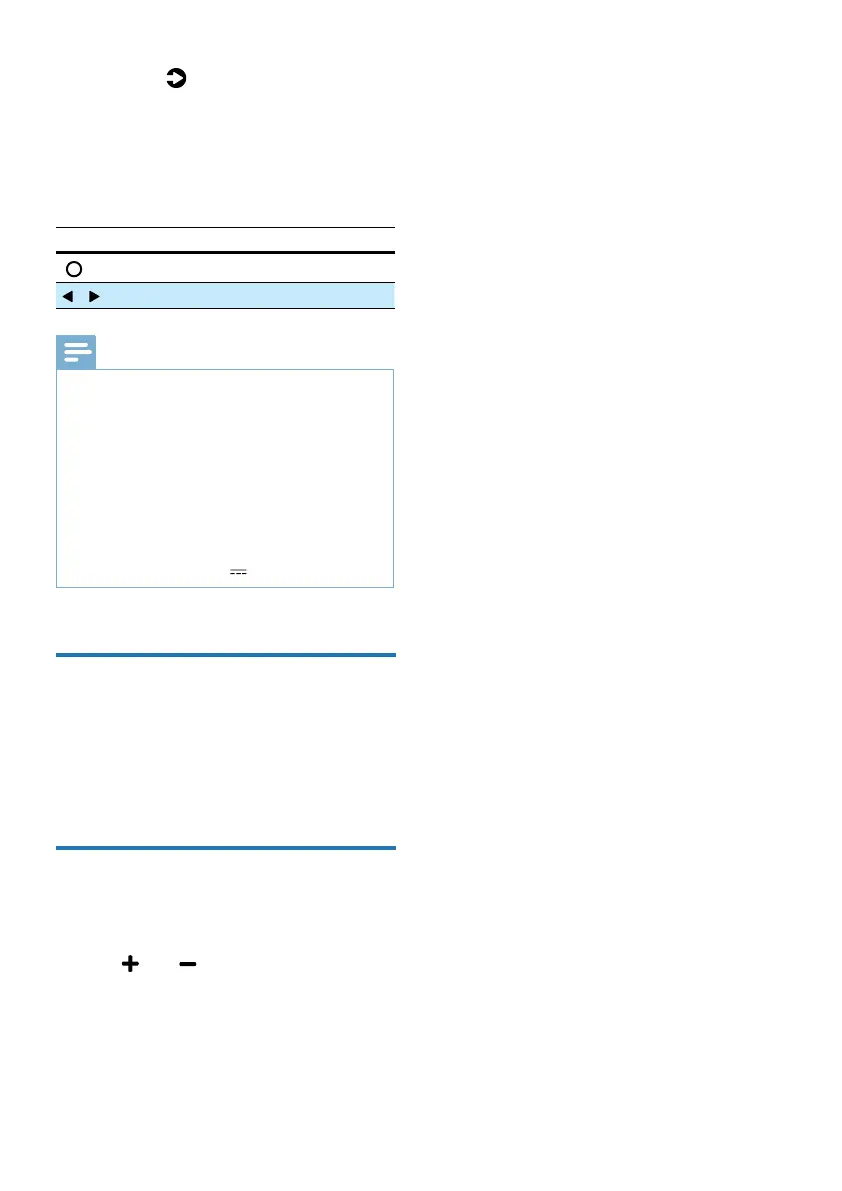
Button Action
Start, pause or resume play.
/ Skip to the previous or next track.
Tips
•
This product may not be compatible with
certain types of USB storage devices.
• If you use a USB extension cable, USB hub,
or USB Multifunctional card reader, the USB
storage device may not be recognized.
• Do not remove the USB storage device while
reading les.
• The unit can support USB devices with up to 32
GB of memory.
• This unit can play MP3 / WAV / FLAC.
• Support a USB port: 5V 500mA.
Listen to Spotify
Use your phone, tablet or computer as a
remote control for Spotify. Go to spotify.
com/connect to learn how.
Factory Reset
Reset device to default setting.
• Turn on the soundbar, press and hold
the
and buttons at the same
time for 8 seconds.
» Display shows “RESET” for 5
seconds.
» While system reboot, display
shows “REBOOT”



 To Next Page