19EN
• ATMOS 00: Minimal eect.
• ATMOS 01: Small height eect.
• ATMOS 02: Medium height eect.
• ATMOS 03: Big height eect.
Note
•
For non-HDMI connections (such as use of USB,
Bluetooth, OPTICAL or AUDIO IN), only limited
height surround eects are generated.
Choose your Sound
This section helps you choose the ideal
sound for your video or music.
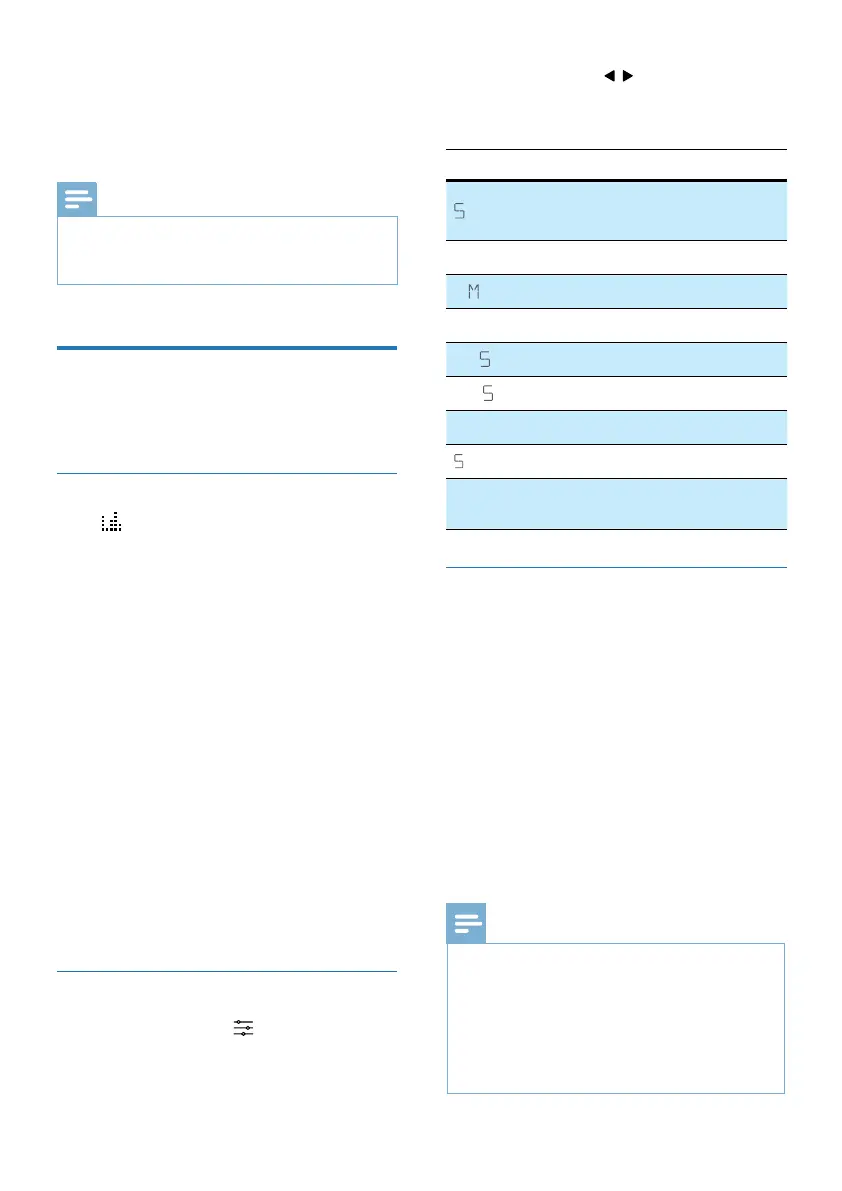
Select Equalizer (EQ) Eect
Press button on the remote control
to select predened sound modes to
suit your video or music: MOVIE, MUSIC,
VOICE, STADIUM, CUSTOM.
• MOVIE: Create a surround listening
experience. Ideal for watching
movies.
• MUSIC: Create two-channel or
multi-channel stereo sound. Ideal for
listening to music.
• VOICE: Create sound eect which
makes human voice more clear and
outstanding for listening.
• STADIUM: Create an atmosphere as if
watching a sports game in a stadium.
• CUSTOM: Customize the sound
based on your preferences.
» By default, the EQ is set to
MOVIE.
Sound enhancement settings
1 Repeatedly press to select:
SURR / DRC / IMAX / NEURALX /
DTS DLG / BASS / TREB / SYNC /
CALIBRATE.
2 Then press the / (Left / Right)
navigation buttons change the
settings.
Display
Description
URR
Select audio 7.1.2/Standard/
Ai Surround options
DRC XX
Dynamic Range Control
I AXX
IMAX mode Auto or O
NEURALX
Neural:X On or O
DT DLG X
Adjust Dialogue Level
BA XX
Adjust the Bass Level
TREXX
Adjust the Treble Level
YNCXX
Set the Audio Delay
CALIBRATE
Set the Auto Calibration
(Only displayed when microphone input)
Surround
Select surround audio options.
• 7.1.2: Make sure that all speakers
are utilized for contents less
than 5.1.2 or 7.1.2 speaker
conguration.
• STANDARD: Original sound.
• AI SURR: The media intelligence
function of Dolby Atmos for home
audio is utilized to drive the vocal
enhancement or surround eects.
» By default, the audio upmix is set
to 7.1.2.
Note
•
Display shall show the speaker channels
according with dierent speaker congurations,
such as:
7.1.2: soundbar
7.1.4: soundbar + surround speakers
7.1.4: soundbar + surround speakers + subwoofer
7.2.2: soundbar + 2x subwoofer
7.2.4: soundbar + surround speakers + 2x subwoofer



 To Next Page