14 EN
5 Videos
Transfer videos to the player
Transfer videos from your PC media library to
the player (see 'Transfer music to the player' on
page 11).
Find videos on the player
In , the video library is sorted by video title.
From the Home screen, go to
.
»
alphabetical order.
Play videos
1
2 Tap a video.
» Play starts from current video.
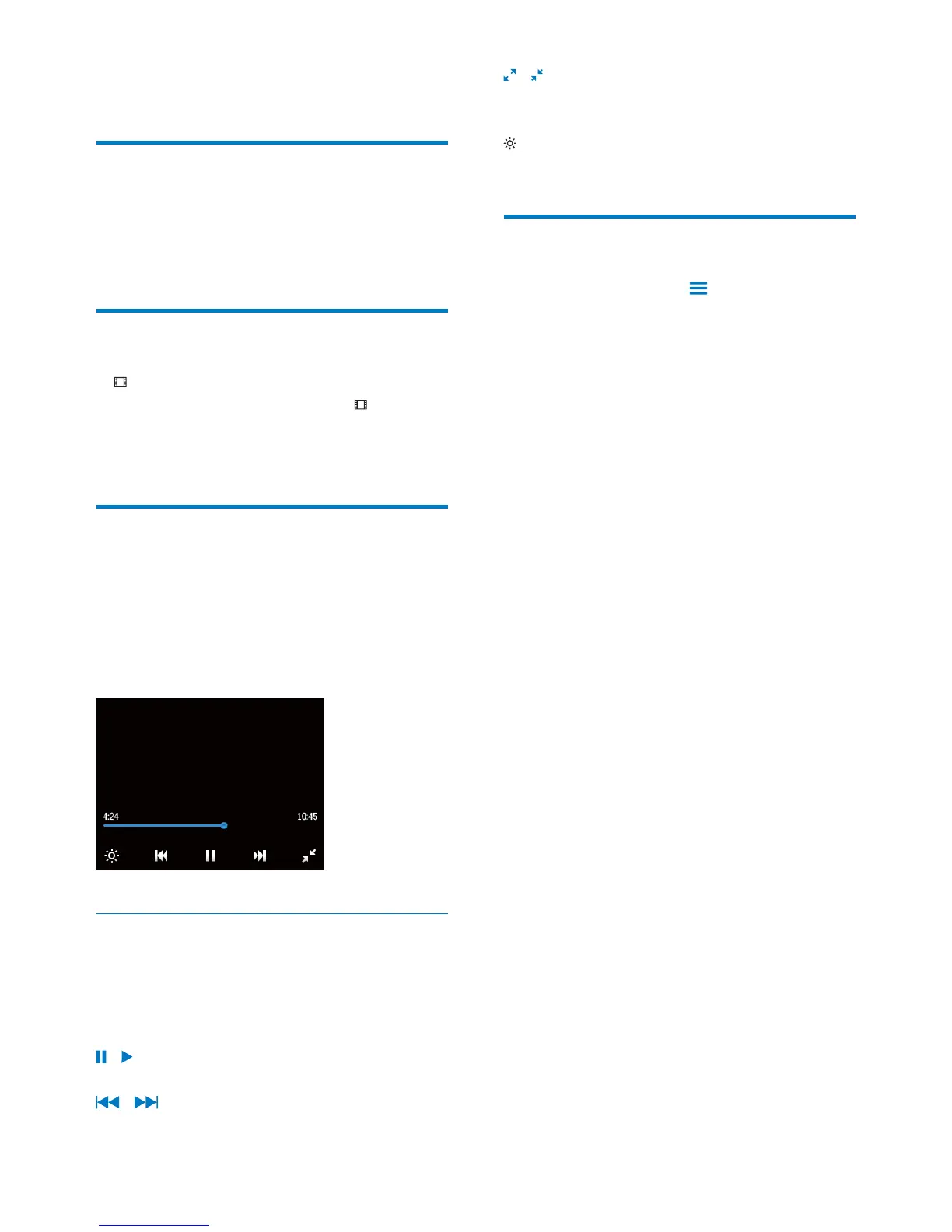
» The play screen is displayed.
Select play options
On the play screen, tap icons to select play
options:
If necessary, tap the screen to show
the icons.
/
Tap to pause/resume play.
/
Tap to skip titles.
/
Tap to switch between the full screen
and normal view.
Tap to select brightness for the screen.
Delete videos
Play a video. Tap and select [Delete
video].
» Current video is deleted.










 To Next Page