EasyManua.ls Logo

Philips GoGEAR - Text Reader; Adding Text Files to Player; Reading Text Files

Philips GoGEAR
37 pages
Print Icon
To Next Page IconTo Next Page
To Previous Page IconTo Previous Page
Loading...
21EN
10 Text reader
Go to        
library on the player.
     
1
Connect MUSE to a computer.
2 On the PC, under My Computer or
Computer,
select MUSE    
3          
folders on the MUSE.
     
from the PC to MUSE.
  
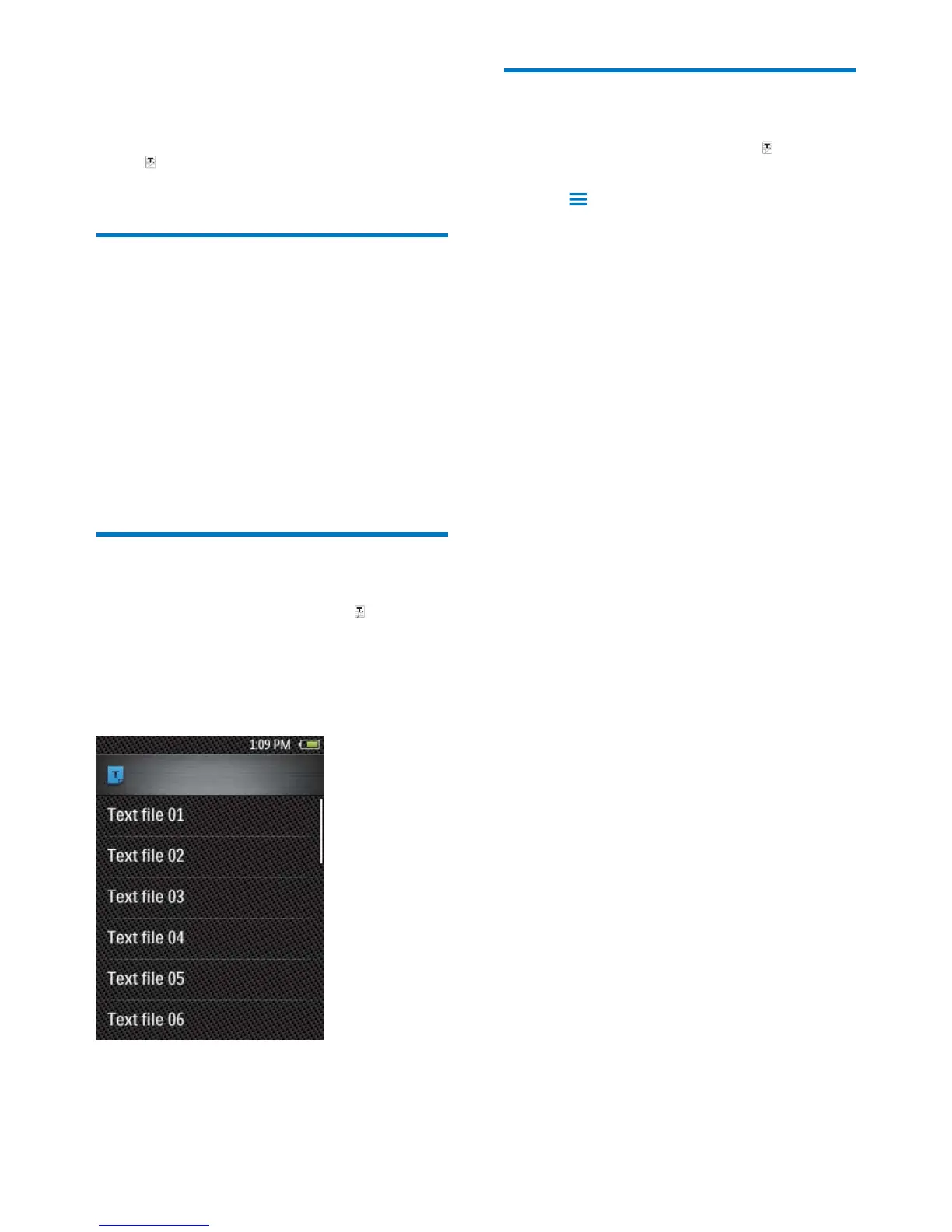
1
From the Home screen, go to .
»     
2       
through the list of options. Tap an option to
start play.
3        
pages.
  
1
From the Home screen, go to . Play a
 
2 Tap and select [Delete].
»    

Table of Contents

Other manuals for Philips GoGEAR

Related product manuals