19EN
To check the audio books that are transferred
to the player,
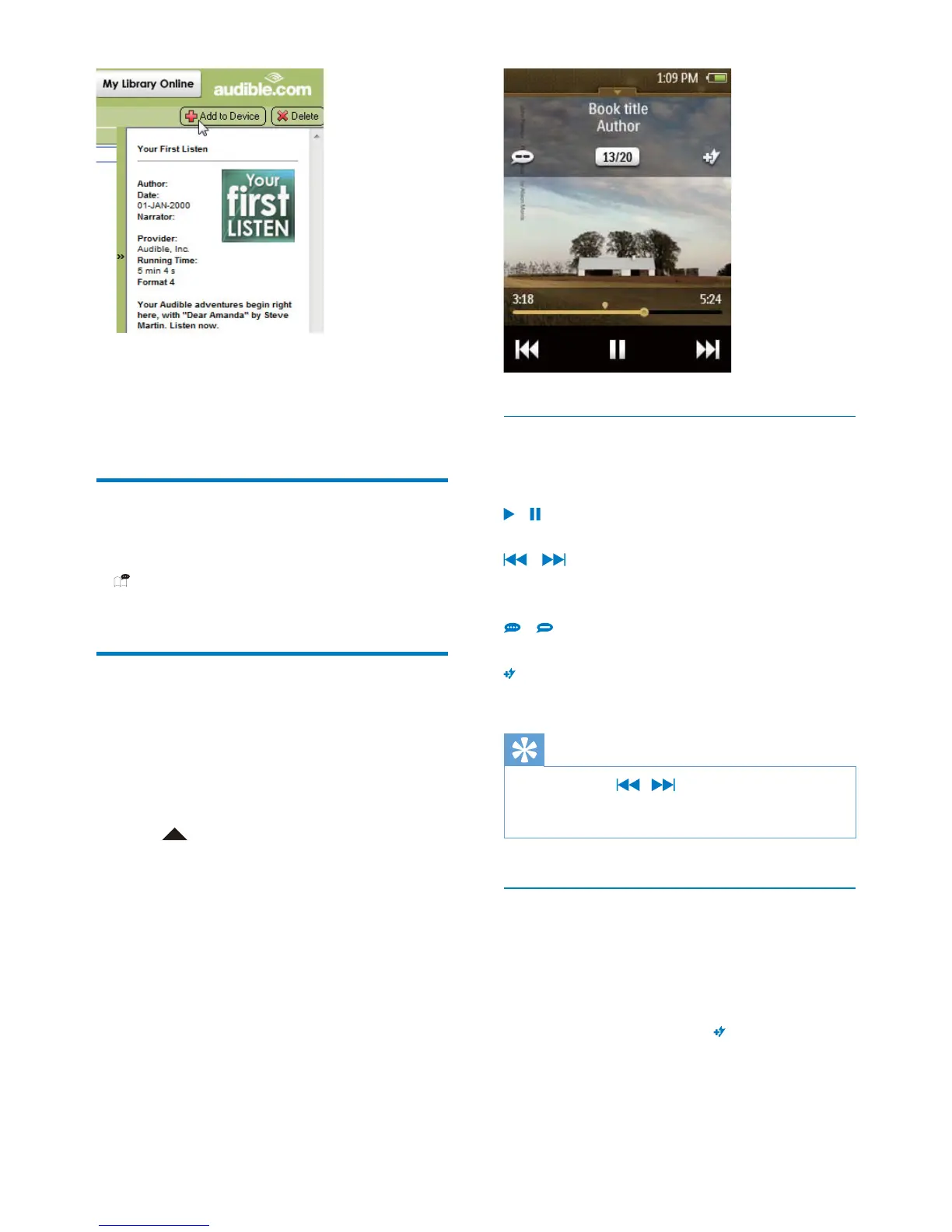
See the player pane on AudibleManager.
If necessary, click Refresh Device.
Find audiobooks on the
player
In , the audiobook library is sorted by book
title and author.
Play audiobooks
audiobook.
1 Tap the book.
» Current book starts to play.
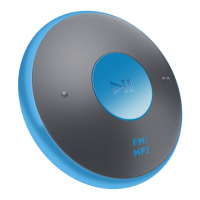
2 Tap to show the play screen.
Select play options
On the play screen, tap icons to select play
options:
/
Tap to pause/ resume play.
/
Tap to skip chapters.
Hold to search within current book.
/
Tap to select a play speed.
Add a bookmark to current play time.
Tip
When you tap / to skip to previous or next
chapters, play starts from where you stopped last time
in the chapter.
Use bookmarks
On an audiobook, you can add bookmarks to
the play time. Start play from the bookmarked
play time as needed.
To add a bookmark,
On the play screen, tap
.
» A bookmark is added to current play
time.
To play from a bookmarked play time,










 To Next Page