PHILIPS 4000 04 DIAGNOSTIC MODE
1/8
4.1. Test Mode.
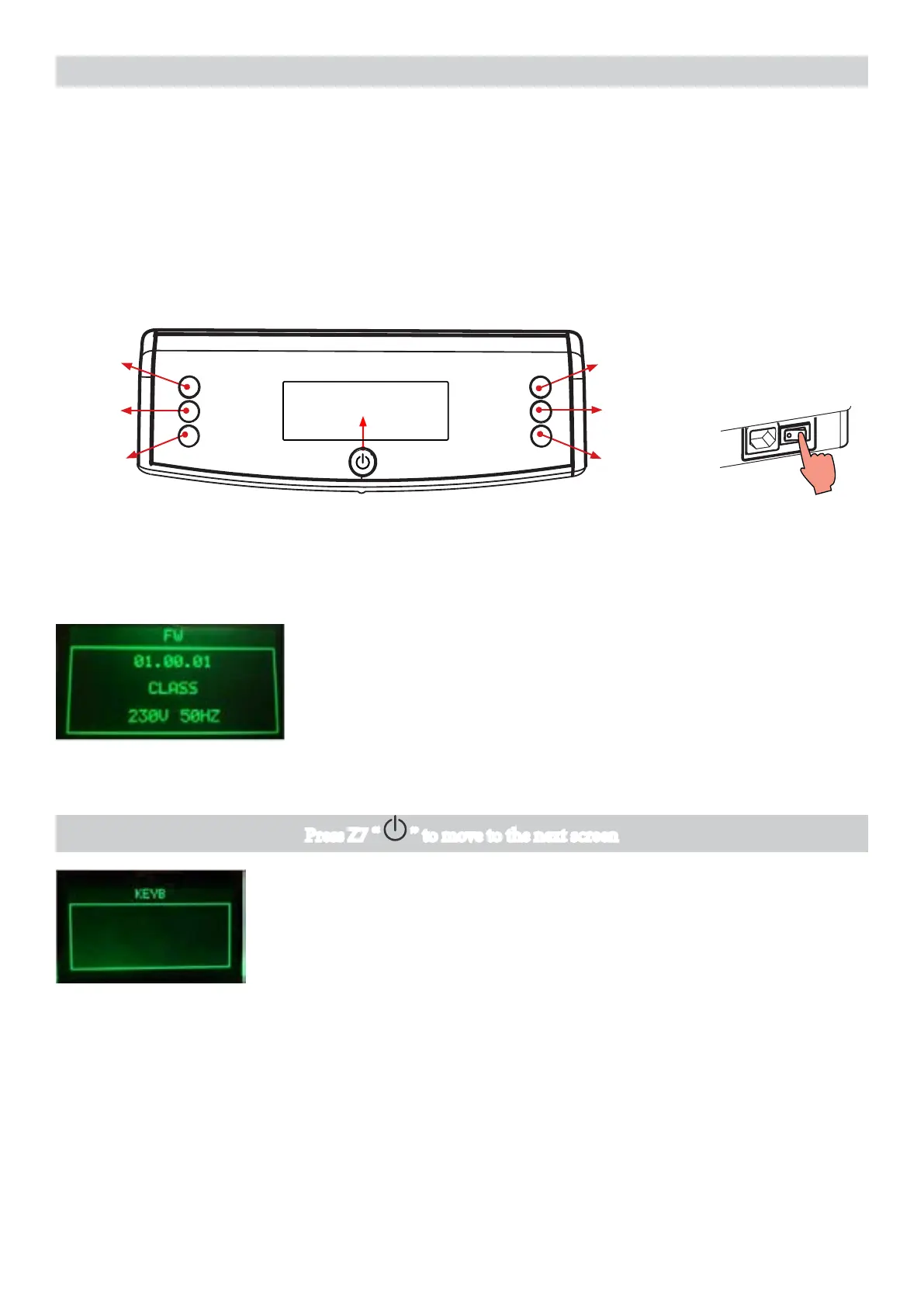
e Test Mode is organized into 6 dierent pages, the user can change the page by pressing the Z7 button.
For each page the coee machine can execute dierent tests.
Z4
Z6
Z1
Z2
Z3
Z5
Z7
Introduction
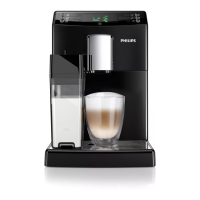
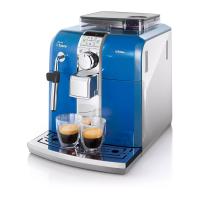
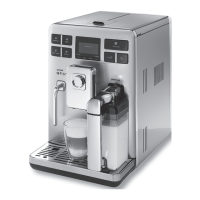
is document describes the Test Mode of the Philips 4000 (CMF,AMF & OTC) Coee Machine. is appli-
cation is used to read out usage parameters and perform diagnostics test to identify the rootcause of the issue.
To enter Test Mode
e machine enters in Test mode by holding pressed together Z1 and Z6 buttons while switching on the ma-
chine by the main switch on the backside of the coee appliance.
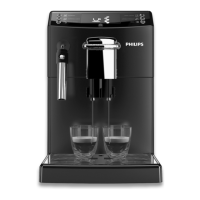
Once entered in Test Mode, the display shows the rmware version (Level 0).
Page 0 (FIRMWARE) to verify:
- Firmware version on the display.
- e machine model ( FOCUS/CMF, CLASS/AMF or TOP/OTC).
- e voltage of the main supply
- e frequency of the main supply
ERROR: If in machine model eld is written “Unknow” and backlight of display is Yellow, check the jumper in
interface (Only for HD models).
Important Note: In all test mode the screens are green for HD Models and white for EP Models.
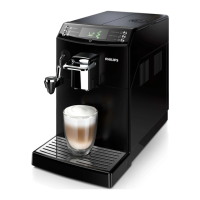
e machine passes to the Page 1 (KEYBOARD)
ERROR: e page does not change; Check the interface board
and the at cable (JP21 Electrical diagram)
Press Z7 “ ” to move to the next screen



 To Next Page