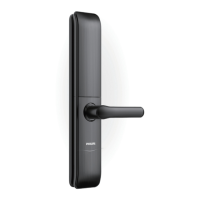
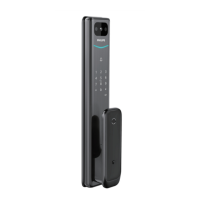
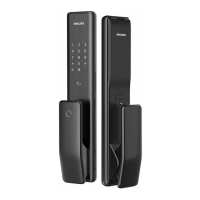
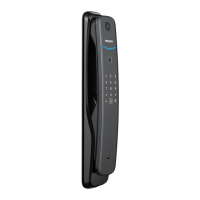
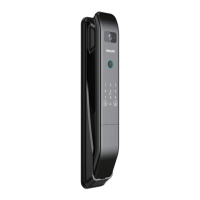
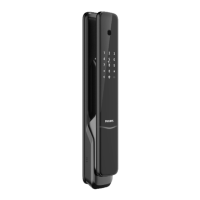
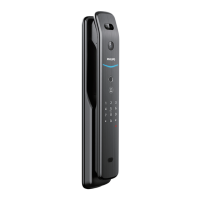
Limited lifetime for mechanical and 2 years for electronical warranty
This procedure erases all user and network settings
and unpairs the lock from the Z-Wave network.
Restoring the lock will also activate the lock-handing
process.
1. Remove one of the batteries.
2. Press and hold the Reset Button.
3. While pressing, insert the removed battery. When
you hear the voice prompt, the factory reset is
complete.
Function
Master PIN Code
Auto-Lock
Silent Mode
Shut Down Time
Away Mode
Default Setting
12345678
Disabled
Disabled
3 minutes
Disabled
Factory Reset & Default Settings
13

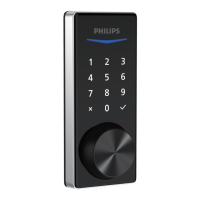

 To Next Page
 Loading...