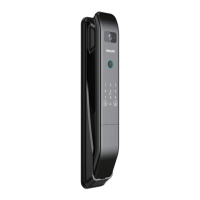
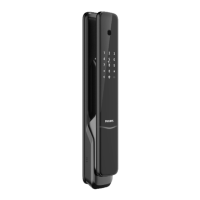
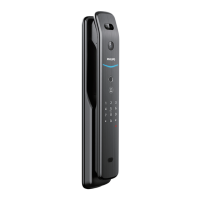
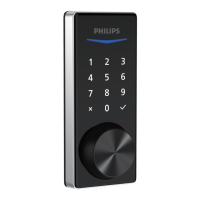
1. Press and hold any button on the touchscreen for at least 2 seconds to lock the door in Manual Mode.
2. In Auto-Lock mode, the Latch Bolt will automatically extend after it is unlocked and the door is shut.
3. Lock by smartphone.
4. Lock by Mechanical Key.
Locking the Door from Outside
1. Rotate the Thumb Turn to the locked position to lock the device in Manual Mode.
2. Press the Privacy Button to lock the device in Manual Mode.
3. In Auto-Lock Mode, the device is locked automatically.
4. Lock by smartphone.
Locking the Door from Inside
4
App Unlock
1 2 3
Auto
41 3
App Unlock
2
Auto
20


 To Next Page
 Loading...