
 To Next Page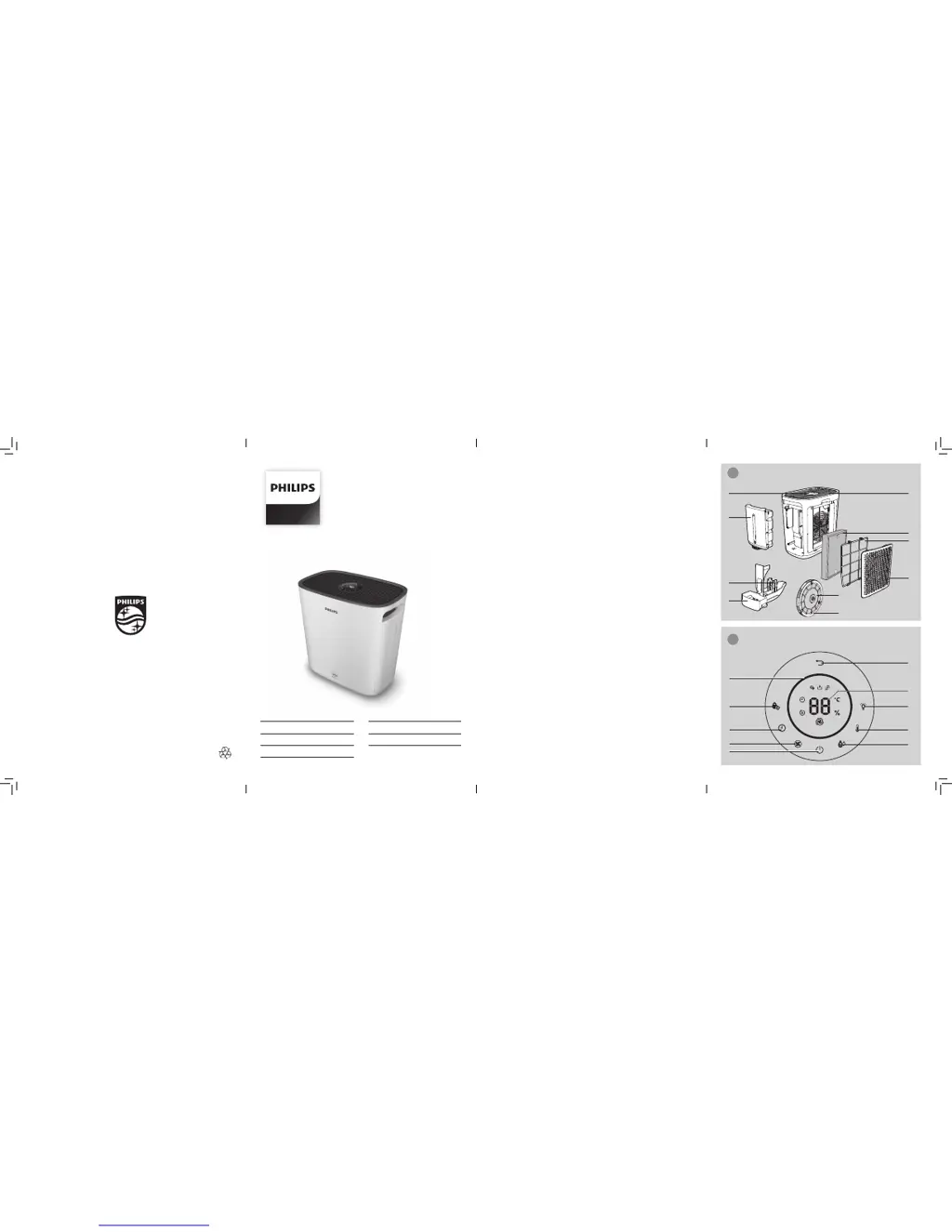
C
Christine ThompsonSep 2, 2025
Why does my Philips HU5930 Humidifier produce a strange smell?
- DDanielle JohnsSep 2, 2025
Your Philips Humidifier might be producing a strange smell because of a dirty filter. Try cleaning or replacing the filter.

Why does my Philips HU5930 Humidifier produce a strange smell?
Your Philips Humidifier might be producing a strange smell because of a dirty filter. Try cleaning or replacing the filter.
Why is the airflow weaker than before in my Philips HU5930?
If the airflow from your Philips Humidifier is weaker than usual, try these steps: First, clean the pre-filter. Also, make sure all packaging material has been removed from the NanoProtect filter.
What to do if my Philips Humidifier still indicates filter replacement after I replaced it?
If your Philips Humidifier indicates that you need to replace a filter even after replacement, ensure the appliance is plugged in and switched on. Then, press and hold the reset button for 3 seconds to correctly reset the filter counter.
Why are there white deposits on the NanoCloud rotary humidification wick of my Philips HU5930 Humidifier?
Scale on the NanoCloud rotary humidification wick affects the humidifying performance. Follow the cleaning instructions in the user manual.
What to do if my Philips HU5930 Humidifier doesn't work even though it is switched on?
Check if the child lock is on.
What to do if my Philips HU5930 Humidifier still indicates that I need to replace a filter, but I already did?
You may not have touched and held the reset button correctly. Plug in the appliance, touch to switch on the appliance, and touch and hold the reset button for 3 seconds.
What to do if my Philips HU5930 still indicates that I need to replace a filter after I already did?
You may not have correctly reset the filter replacement indicator on your Philips Humidifier. Plug in the appliance, switch it on, and then touch and hold the reset button for 3 seconds.
Details the product's components and features with an illustration.
Step-by-step guide for installing the primary air filter into the appliance.
How to adjust the appliance to achieve the desired humidity.
Guide on how to replace the main air purification filter.
Procedure for replacing the component that adds moisture to the air.
 General
| Brand | Philips |
|---|---|
| Model | HU5930 |
| Category | Humidifier |
| Language | English |