Need help?
Do you have a question about the Philips M470 and is the answer not in the manual?
Lists the items included in the telephone package.
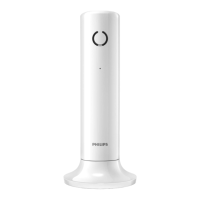
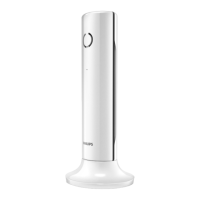
Describes the different parts and functions of the phone handset.
Instructions on how to connect the telephone base station to power and the line.
Step-by-step guide on how to install the batteries into the handset.
Details on setting the date and time on the phone system.
Instructions on how to initiate a normal or predial call.
Steps to answer an incoming call.
How to initiate a second call while on an existing call.
Guide on initiating an intercom call between handsets.
Instructions for establishing a 3-way conference call.
How to input characters and digits using the phone's keypad.
Step-by-step guide to save new contact information.
How to make a call directly from a contact in the phonebook.
How to access and view the details of past calls.
How to add a number from the call log to the phonebook.
How to redial a number from the redial list.
How to configure the phone to block specific types of calls.
How to add a specific number to the blacklist to block it.
How to initiate a page to locate a misplaced handset.
How to adjust ringtone volume and select ringtones.
How to configure the date and time displayed on the handset.
How to remove a registered handset from the base station.
How to change the default Personal Identification Number for security.
Instructions for pairing new handsets with the base station.
How to reset all phone settings to their original factory configuration.
How to activate or deactivate the answering machine function.
How to play back recorded voice messages left by callers.
How to access and control the answering machine from a remote location.
Instructions on accessing external voicemail services.
Lists key features, talk time, standby time, and range.
Specifies the type and capacity of the rechargeable batteries.
Guidelines for environmentally friendly disposal of the product and batteries.
Troubleshooting steps for a completely non-functional phone.
Steps to take when the handset is out of range of the base station.
Reasons and solutions for the handset not charging.
Reference table for character input on the keypad.
 General
| Display Type | LCD |
|---|---|
| Caller ID | Yes |
| Answering Machine | No |
| Number of handsets | 1 |
| Indoor Range | 50 meters |
| Outdoor Range | 300 m |
| Phonebook Capacity | 50 entries |
| Battery type | NiMH |
| Display | Yes |


 To Next Page