EN 34
15 Restore default
settings
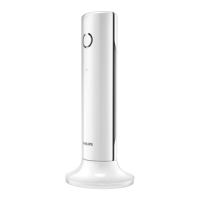
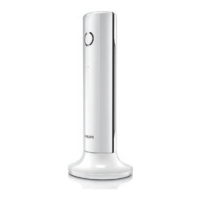
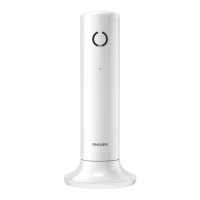
You can reset your phone settings to the
original factory settings.
1. Press
.
2. Select [DEFAULT], then press
to
[PIN? - - - -] displays; the “- - - -” cursor
0000.
To erase a character, press .
The PIN will be masked as ****.
3.
to
the handset.
4. Press
All settings (except the phonebook)
are reset.



 To Next Page