EN 24
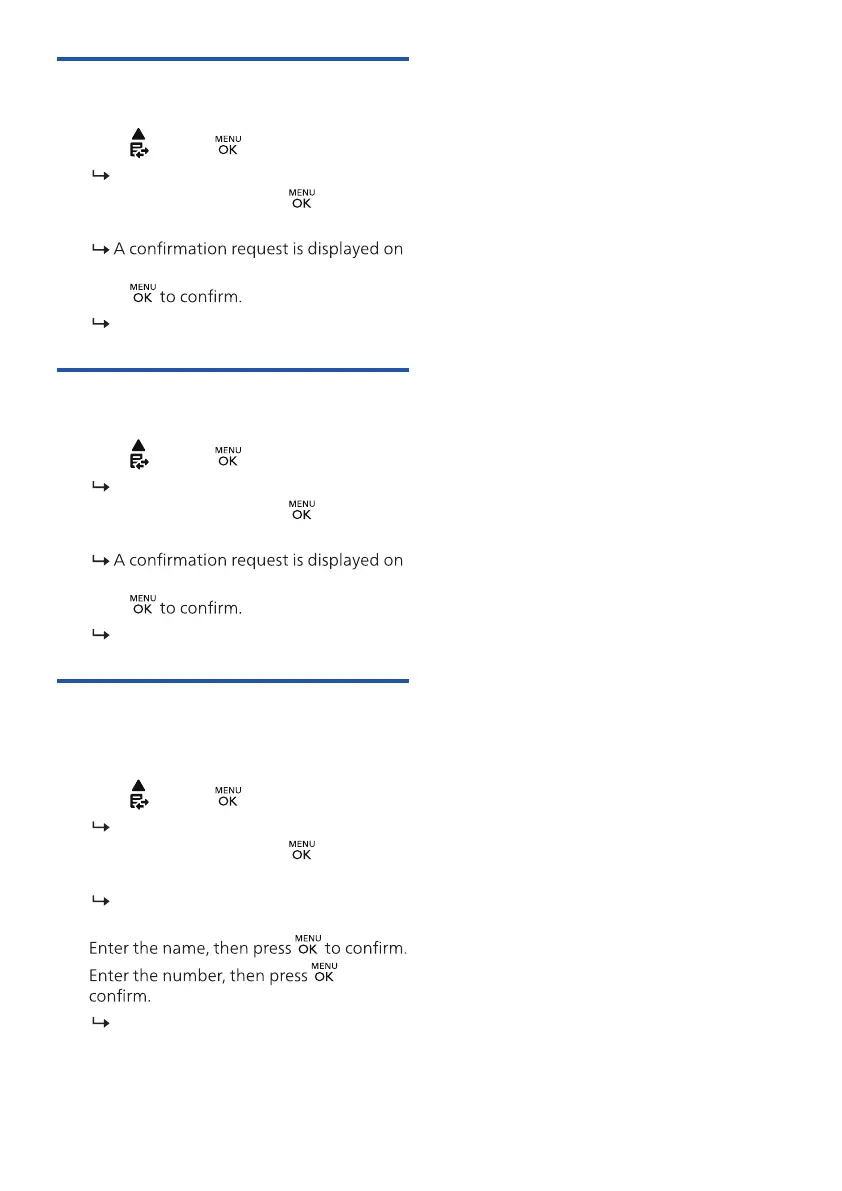
Delete a call record
1. Press
or press > [CALL LIST].
The incoming call log is displayed.
2. Select a record, then press
and select
[DELETE].
the handset.
3. Press
The record is deleted.
Delete all call records
1. Press
or press > [CALL LIST].
The incoming call log is displayed.
2. Select a record, then press
and select
[DELETE ALL].
the handset.
3. Press
All records are deleted.
Save a call record to the black
list
1. Press
or press > [CALL LIST].
The incoming call log is displayed.
2. Select a record, then press
and select
[ADD TO BLIST].
The screen displays the telephone
number.
3.
4. to
The record is saved.



 To Next Page