EN 44
• The service is not activated. Check with
your service provider.
• The caller’s information is withheld or
unavailable.
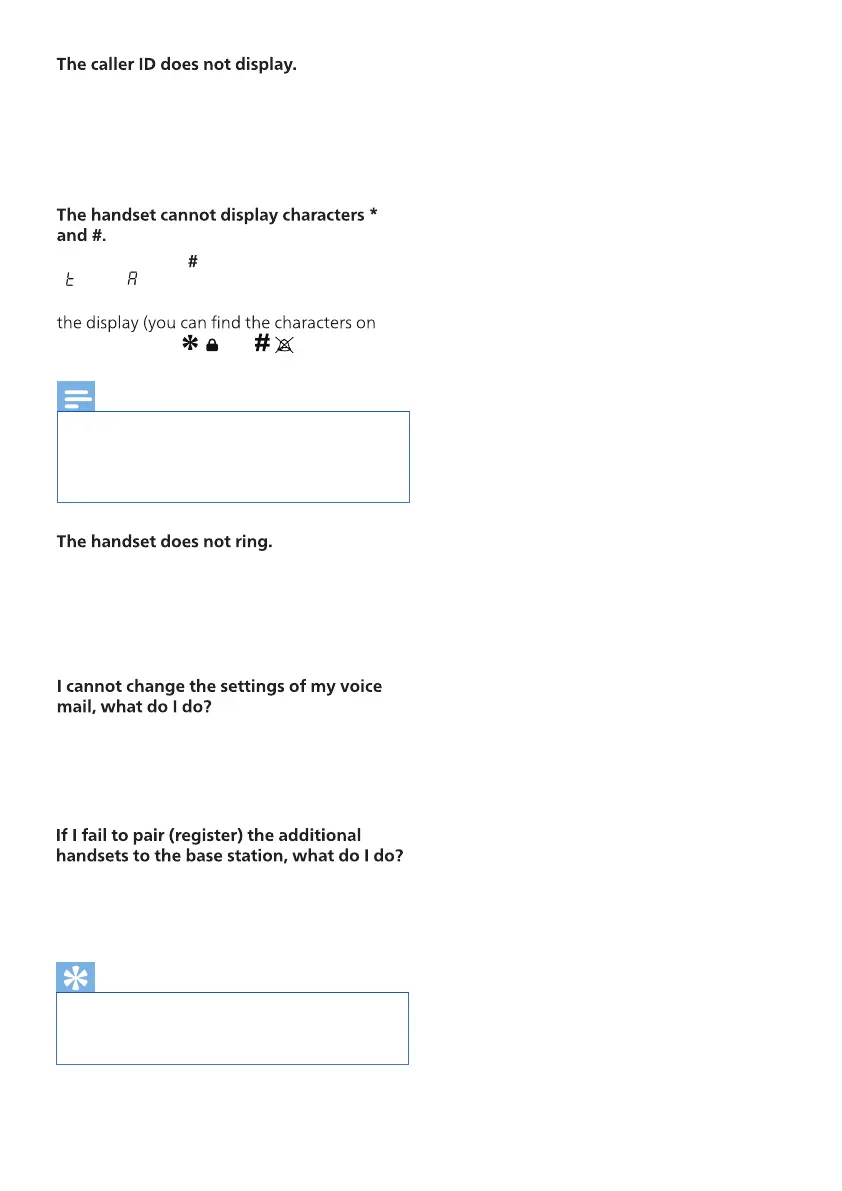
Characters * and respectively appear as
‘
’ and ‘ ’ in the LCD display. This is normal
because of the 7-segment in the 2nd row of
these 2 buttons: and ).
Note
• If the above solutions do not help,
disconnect the power supply from both
the handset and base station. Try again
after 1 minute.
• Make sure the handset ringtone is turned
on.
• Make sure the handset is registered to the
base station.
The voice mail service is managed by your
service provider but not the phone itself.
Contact your service provider to change the
settings.
Your base memory is full because each base
station accommodates up to 4 handsets.
Deregister the unused handsets and try again.
Tip
• For further information, see Chapter 13
‘Base Settings’, Section ‘Deregister the
handsets’.



 To Next Page