EasyManua.ls Logo

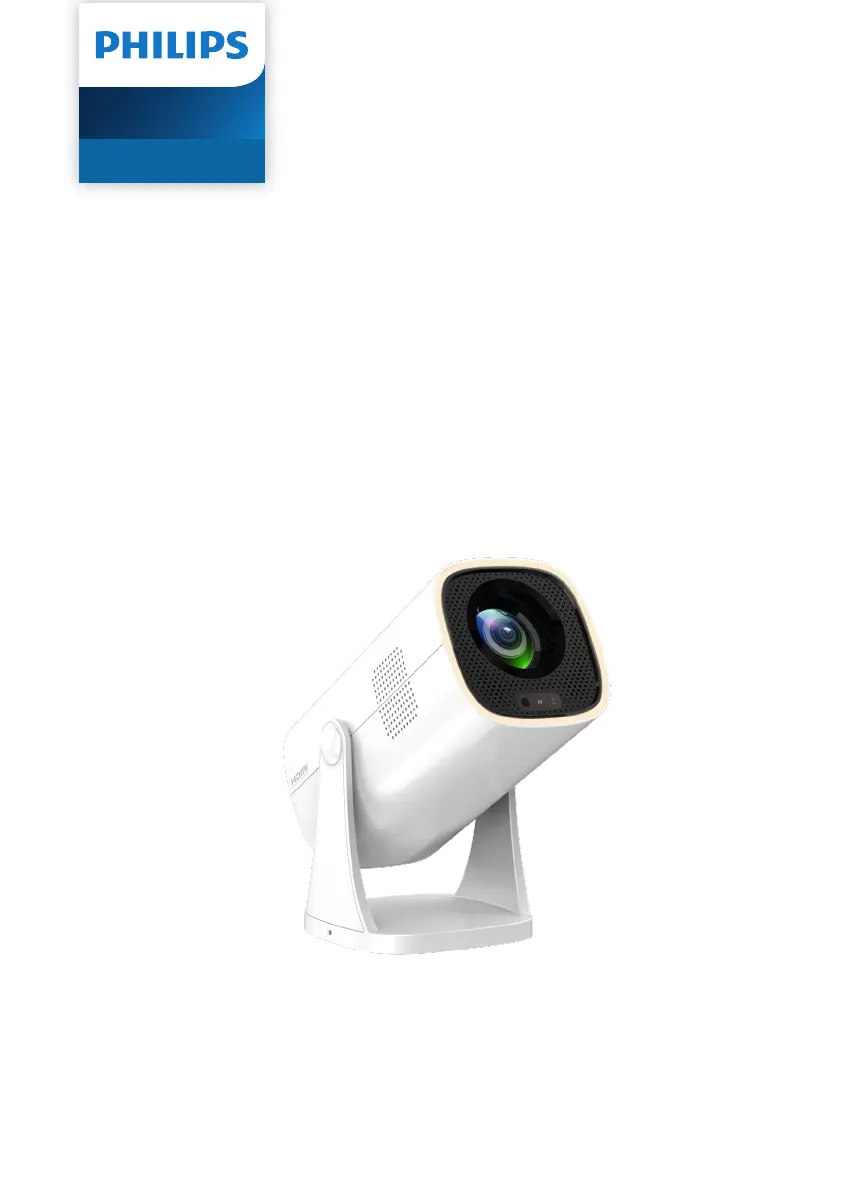
Philips NeoPix 230 Smart - User Manual

Philips NeoPix 230 Smart
33 pages
Print Icon
To Next Page IconTo Next Page
Loading...
User Manual
Register your product and get support at
www.philips.com/support
NeoPix 230 Smart
Home Projector

Other manuals for Philips NeoPix 230 Smart

Questions and Answers

  • J
    Jordan CunninghamAug 20, 2025
    What to do if Philips Projector only shows home menu when connected to computer?
    • P
      phamdavidAug 20, 2025
      If your Philips Projector only shows the home menu and not the image from the connected computer, check the following: * Ensure that the HDMI output of the computer is turned on. * Verify that the resolution of the computer is set to 1920*1080.
  • J
    James JacksonAug 22, 2025
    Why is there no sound from the external device connected to my Philips NeoPix 230 Smart Projector?
    • X
      xstevensAug 22, 2025
      If your Philips Projector isn't producing sound from the external connected device, try these steps: * Check the cables connected to the external device. * Ensure that the sound is activated on the external device. * Use only the original cables provided by the device manufacturer, as others may not function correctly.
  • M
    Ms. Victoria KennedyAug 25, 2025
    How to enable sound from computer connected to Philips NeoPix 230 Smart via HDMI?
    • C
      Charles LongAug 25, 2025
      If there is no sound from your Philips Projector when you connect your computer using an HDMI cable, make sure that the sound is activated on the computer.
  • A
    angel89Aug 26, 2025
    How to enable sound from external HDMI output device on Philips NeoPix 230 Smart Projector?
    • J
      Jennifer HolmesAug 26, 2025
      If there is no sound from the external HDMI output device connected to your Philips Projector, set the audio setting on the HDMI output device to Multichannel (Raw data) & Stereo (PCM).
  • J
    James ArmstrongAug 27, 2025
    What to do if there is no image from external HDMI device on Philips NeoPix 230 Smart?
    • K
      Kenneth WangAug 27, 2025
      If your Philips Projector is not displaying an image from the external HDMI device, try these steps: 1. Ensure that you have selected the correct input source (HDMI). 2. Disconnect the HDMI cable or switch off the HDMI device. 3. Wait for three seconds. 4. Reconnect the HDMI cable or switch on the HDMI device again.
  • S
    Shane GrantAug 30, 2025
    How to fix Philips Projector that cannot be turned on?
    • J
      jacob93Aug 30, 2025
      If your Philips Projector does not turn on, disconnect and reconnect the power cable, and then try turning the projector on again.
  • B
    bryantjoseAug 31, 2025
    Why does my Philips NeoPix 230 Smart Projector only show the home menu and not the image from the external device?
    • S
      Stephanie MorganSep 1, 2025
      If your Philips Projector only shows the home menu and not the image from the external device, check the following: * Ensure that the cables are connected to the correct sockets. * Verify that the external device is turned on. * Confirm that the video output of the external device is enabled.
  • W
    watsonericSep 3, 2025
    Why does my Philips NeoPix 230 Smart Projector keep turning itself off?
    • N
      nancymendezSep 3, 2025
      If your Philips Projector turns itself off, ensure that the power cable is connected correctly. This issue may happen if the projector is running for an extended period, causing the surface to become hot.
  • R
    ryan18Sep 5, 2025
    What to do if Philips NeoPix 230 Smart cannot be turned off?
    • C
      Carla JohnsonSep 5, 2025
      If your Philips Projector cannot be turned off, press and hold the power button for longer than ten seconds. If this does not work, disconnect the power cable.
  • W
    William RomeroSep 7, 2025
    How to fix Philips Projector that cannot read USB storage device?
    • S
      sarahibarraSep 7, 2025
      If your Philips Projector does not read the USB storage device, it may be due to the file system format. Format the USB storage device in FAT32 or NTFS format, and then try using it again.

Philips NeoPix 230 Smart Specifications

General IconGeneral
Contrast Ratio3000:1
Lamp Lifeup to 30, 000 hours
Light sourceLED
Aspect ratio16:9
Integrated Media PlayerYes
BluetoothYes
Throw Ratio1.4:1
ConnectivityHDMI, USB, Wi-Fi, Bluetooth
Audio3W
Native resolution854x480 (WVGA)
Keystone correctionManual
Wireless screen mirroringYes
Speakers3W

Related product manuals